Free church scheduling software for the halls, the rooms and the conversations in between

A church calendar is not one calendar. It is a hall three groups want on a Tuesday, a vestry used for counselling, a wedding meeting somebody has to arrange, and a toddler group that happens every week without being asked. Picktime holds all of it in one place, and lets people book the parts you want them to book.

  • Free forever plan
  • Your own booking page
  • No card required
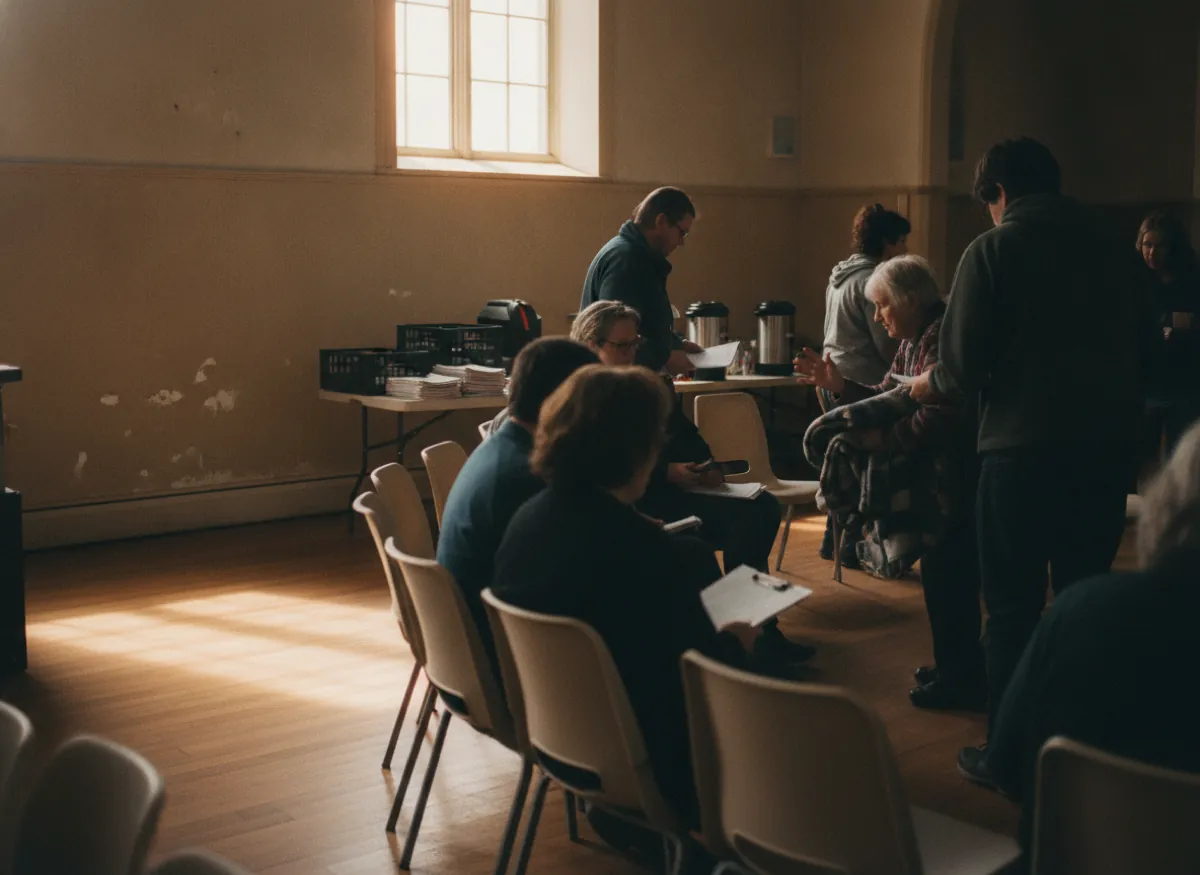
A group meeting in a church hall with the chairs set in a circle and volunteers pouring tea from urns on the trestle table

Blu ParishBook online

Main hall2h · Tue 18:00$30.00

Vestry1h · Quiet room$12.00

Wedding meeting60m · MinisterBook

Next free10:00 AM2:00 PM6:00 PM

Toddler group

Held to Jul

Booked once, for the term

Hall hire

$30.00

Taken online, not in cash

Outside hire

Pending

It waits for a person

How it works for you

Built for a building that is used by more people than the staff can track

Rooms, meetings and the things that happen every week, all on one calendar that the office is not the only keeper of.

Halls and rooms stop being double-booked

Every room in the building is a bookable thing with its own availability. A group that wants the hall is only offered the hours the hall is genuinely free, so nobody arrives to find a christening party in it.

The Blu Parish booking page for Tuesday, Nov 10: the main hall already held by a committee from 18:00, so a group is offered the hall from 20:00 or the vestry at 18:00, never the hours it is taken

Families book the meeting without ringing the office

A wedding or a baptism takes several conversations before the day. Put them on a page and the family takes a time from the hours the minister has actually got, rather than leaving a message on Monday.

The 60-minute wedding meeting offered only in the minister’s free hours on Thursday, Nov 12, with 18:00 taken by the family

Regular groups are booked once, for the term

The toddler group, the choir practice, the food bank, the Wednesday lunch. On the paid plans you set them to repeat with an end date and the whole term is held, with the room reserved alongside.

On the paid plans, the toddler group set to repeat every Wednesday at 10:00 until Wednesday, Jul 21, 2027, each week held with the hall and the kitchen reserved together

What books straight in, and what waits for a person

On the paid plans you turn on approval, and a request from outside the congregation waits for a person rather than landing in the calendar. Regular groups book straight in; a party enquiry gets looked at.

On the paid plans, booking requests with approval turned on: an outside hire of the hall on Saturday, Nov 14 waiting for a person to approve or decline it, a prayer room request approved, and the choir practice booked straight in
Pastoral appointments

A private conversation is booked quietly, not through the office

Somebody who wants half an hour with a minister should not have to explain why to whoever answers the phone. Give pastoral conversations a service of their own with the minister’s real hours behind it (on the paid plans, ask only what you actually need at booking), and the appointment is made without a third person in the middle. Every past conversation stays on the minister’s own calendar rather than in a shared diary the whole office reads.

A 30-minute pastoral conversation with the minister, offered only on the Tuesdays and Thursdays the minister works, two booked and two still free in the week of Nov 9 on the minister’s own calendar
More than one building

A parish with three buildings keeps three sets of hours

Churches are rarely one address. A parish or a group of congregations has a main church, a hall down the road and a centre that opens three days a week, each with different rooms and different people holding keys. Each site has its own opening hours, its own rooms and its own team on one account, so somebody booking a room picks the building as well as the hour and cannot book a hall on a day nobody can unlock it.

Two buildings on one account, the parish hall open Monday to Friday and the church centre Wednesday to Friday: the centre’s week shows Monday and Tuesday closed, and the booking page offers a room there only on the days it is open, with 12:00 on Wednesday, Nov 11 picked
Tuesday, 6:40pm

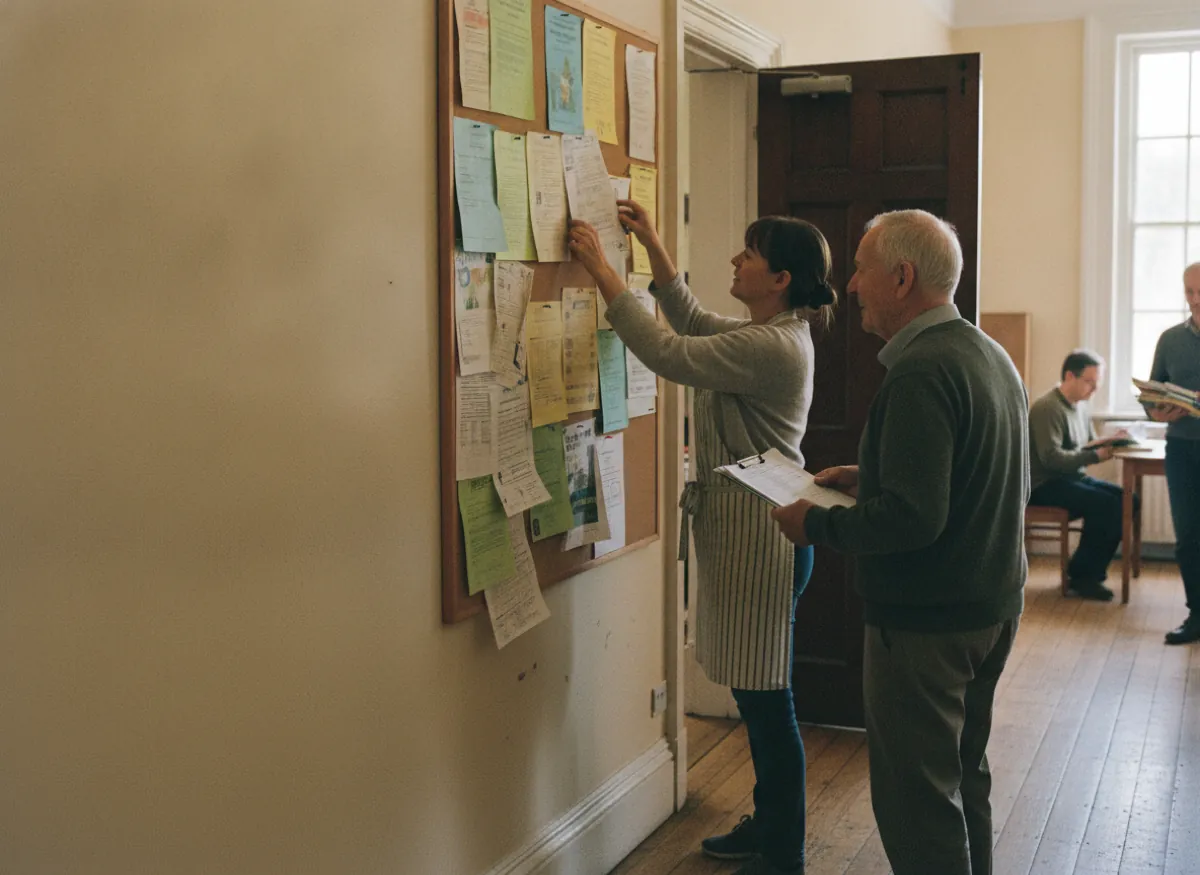
Two groups, one hall, and a wall planner nobody updated

Twenty to seven and there are eleven people setting out chairs in the hall for a committee meeting while a dozen more arrive expecting a rehearsal. Both were agreed (one by email to the parish administrator in March, one to a warden after a service in April) and both are on a wall planner in an office that has been locked since half past four.

Picktime makes the hall itself a booking. Only one thing can hold Tuesday at seven, and everybody with a login can see it from wherever they are.

Getting started

The building bookable before the next PCC meeting

The main hall and the vestry added as rooms with their own hours, and the kitchen set to be booked together with the hall
01

Add every room as something that can be booked

The main hall, the church, the vestry, the meeting room, the kitchen. Give each the hours it is genuinely available and say which of them can be booked together.

The minister, the administrator and a warden added, each with a login, their own hours and only the appointments they take
02

Add your staff and volunteers with their own hours

The minister, the administrator, the wardens who hold keys. Each one gets a login, their own working hours and only the appointments they take, so a pastoral hour is only offered when it exists.

The Blu Parish booking link copied into the newsletter, onto the noticeboard as a QR code and onto the website, and, on the paid plans, an outside hire request waiting for approval
03

Decide what books straight in and what waits

Regular groups book directly, and on the paid plans an outside hire request waits for approval. Then put the link in the newsletter, on the noticeboard as a QR code and on your website.

The calls a small office cannot take

Something answers the phone when the office is shut

Most church offices are open a few mornings a week and the phone rings all of the others. The Picktime AI receptionist answers on a number of its own, around the clock and on several calls at once, so somebody ringing about a funeral on a Sunday evening reaches something rather than an answering machine. It takes their name and number, guides them through what the church offers, books the meeting straight into the calendar and transfers to a person when the caller needs one. Every call is transcribed, so nothing said to an empty office on a Saturday is lost.

A Sunday evening call about a funeral answered by the AI receptionist on the church’s own number: name and number taken, a meeting with the minister booked for Tuesday at 11:00, the call transcribed, and a transfer to a person when one is needed
What it costs

Free forever. You pay when more people need a login, not when more happens.

The free plan has no end date and no card behind it, which matters when the budget is agreed once a year by a committee.

Free, and it stays free

What a single church gets without paying

  • Your own booking page for rooms and meetings
  • Rooms held so two groups cannot take one hall
  • People book, move and cancel their own bookings
  • Email notifications on every booking and cancellation

Start free

Works with what you use

It fits the calendar and the giving page you already use

Nothing gets written on a wall planner

A booking lands in the Google or Outlook calendar the office already keeps, and the paid plans sync it both ways, so a funeral put in on a Monday closes the hall for it. A committee meeting held over video gets its joining link generated with the booking, through Jitsi Meet on the free plan and Zoom on a paid one. A hire fee can be taken through PayPal without paying us anything, or through Stripe on a paid plan, rather than in cash on the night.

It runs from a phone

Picktime opens in a browser on a phone as well as a laptop, and there are iOS and Android apps, so a warden standing in the hall can see what is booked into it without unlocking the office.

Questions

Church scheduling: common questions

Is there free scheduling software for churches?

Yes. Picktime has a free forever plan with no card and no end date: your own booking page, rooms held so nothing is double-booked, people booking and cancelling themselves, and email notifications. Repeating bookings and approval sit on the paid plans, and you pay when more people need their own login.

What is the best scheduling app for churches?

It depends what keeps going wrong. If it is the building (two groups in one hall, a wall planner nobody can see, meetings arranged by email), Picktime is built for that, and the free plan costs nothing to find out.

Can groups book the church hall themselves?

Yes. Every room is a bookable resource with its own hours, so a group is only offered times the hall is genuinely free, and on the paid plans you can require approval for anything from outside the congregation.

Can families book a wedding or baptism meeting online?

Yes. Put those meetings on your page with the minister’s real hours behind them and a family takes a time themselves rather than leaving a message with the office.

Can we run several buildings from one account?

Yes. A parish with a church, a hall and a centre keeps three sets of opening hours, three sets of rooms and its own team on each, and whoever books picks the building as well as the hour.

Can weekly groups be booked for a whole term at once?

Yes, on the paid plans. Set the toddler group or the choir practice to repeat with an end date and the whole term goes into the calendar in one action, with the room held alongside it.

Can a pastoral appointment be private?

It is booked directly with the minister from their own link and sits on their own calendar, rather than going through whoever is on the office phone that morning.

What is the most used scheduling software?

Nobody outside the vendors knows, and the answer would not help a parish anyway, because the tools with the largest installed bases are sold to sales teams and to businesses with a rota to run. The question worth asking instead is narrower: can a hall, a minister and a toddler group all be booked on the same page without the office standing between them and the person booking. Try the free plan against that and you will know inside an afternoon.

What is the best free app for scheduling church volunteers?

Not Picktime, and the volunteer rota is the one church job it does not do. A rota tool decides who is on the door at ten, chases whoever has not replied and lets two people swap a week between them. Picktime works the other way round: the church publishes the times that are free and a person takes one. Where the two meet is a sign-up sheet, and that does work here. Give a slot a limit on its places, put the link in the newsletter, and people claim an hour in the prayer room without anybody keeping a list. That much is on the free plan. Anything that needs cover, swaps and a roster by role is a separate purchase, and a parish that needs one should make it.

What are the top 10 church management software?

Not a list we are going to rank, and Picktime is not on it. Church management software owns the membership roll, the giving and the volunteer rota, which is a different job from booking a hall or half an hour with the minister. Picktime does the second and does not build rotas at all, so a parish that already runs a ChMS keeps it and puts the building on this.

Get the building off the wall planner

Free forever for a single church. No card, no trial clock, and the hall can be bookable before the next committee meeting.