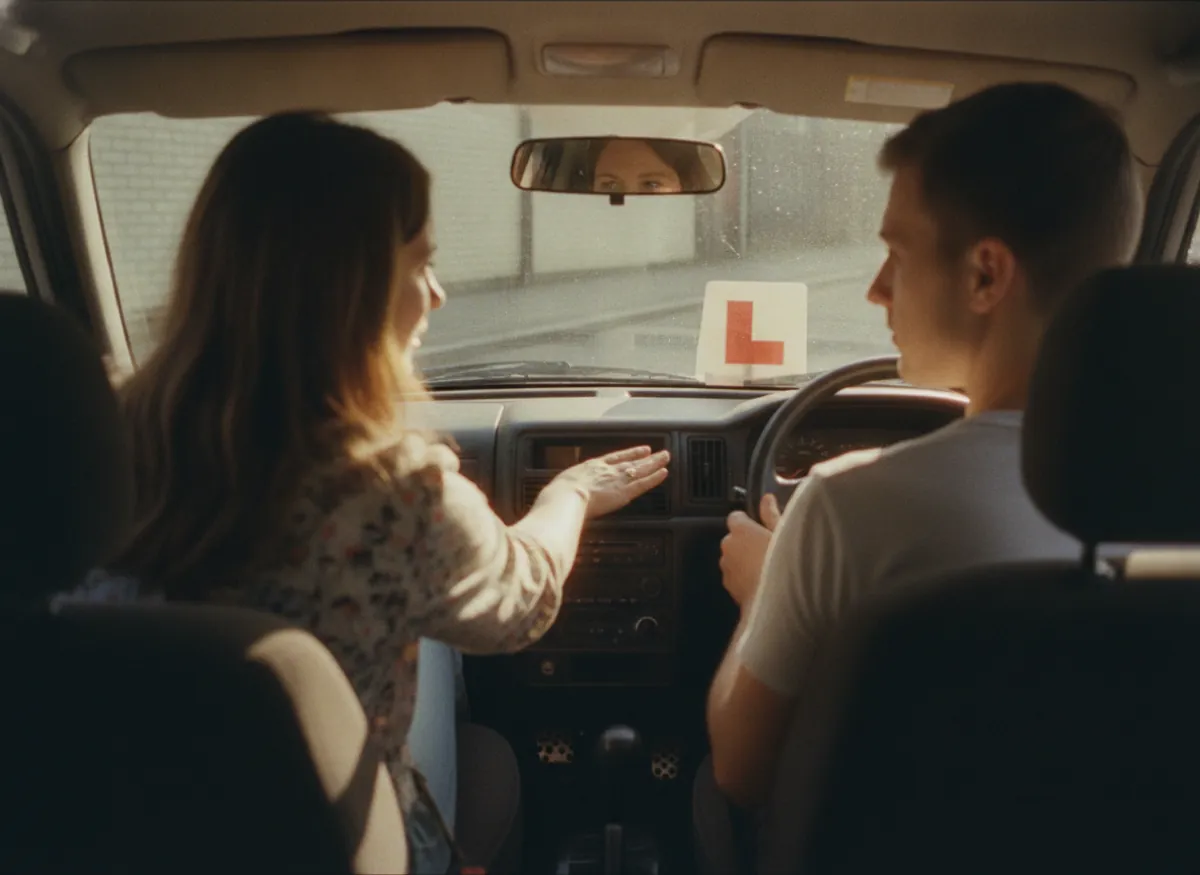
Let learners book available lesson times online
Set up your lesson services and availability, then share your booking page so learners can choose an available time and book directly into your Picktime calendar.
Give learners a simple way to book driving lessons online without calling while you are teaching. Picktime includes an online booking page where learners can choose an available lesson time and have the appointment added to your Picktime calendar.
Learners can book available lessons without calling while you are teaching, giving instructors practical scheduling software for driving schools without relying on phone calls for every new appointment.

Blu DrivingBook online
Standard lesson1h · D. Marsh$45.00
Two-hour lesson2h · D. MarshBook
Test-day package2h · Car 2Book
Next free10:00 AM2:00 PM4:00 PM
Booked online
9:30 PM
While you were teaching
Paid at booking
$45.00
PayPal, Stripe or Square
Picktime calendar
Added
No phone call needed
Driving instructors spend much of the working day teaching or travelling between lessons. Picktime lets learners handle common booking tasks themselves, so new lessons and changes do not depend on the instructor answering the phone.
Set up your lesson services and availability, then share your booking page so learners can choose an available time and book directly into your Picktime calendar.
Set the minimum booking notice, how far ahead lessons can be booked, and the booking window you want to offer. This helps instructors control when new lessons can enter the schedule instead of accepting bookings at times that are difficult to manage on the road.
For learners who take lessons at the same time each week, use Recurring Bookings instead of scheduling every lesson separately. Each appointment appears in the Online Calendar, helping instructors plan regular training sessions leading up to the learner’s driving test.
Use Intake forms to request information such as the learner’s pickup location or other details needed before the lesson. The information is collected during booking, reducing the need to chase it by message later.
Each instructor can have their own working hours, breaks, days off, services, and assigned locations, so learners only see appointment times based on the instructor’s availability. This is useful when instructors work different shifts, teach different lesson types, or are unavailable on particular days.
Driving schools can also manage cars through Picktime’s rooms & equipment booking features. This gives the school a clearer way to organize shared vehicles alongside its lesson schedule without relying on a separate paper diary or spreadsheet.
Learners can use the link in their booking email to cancel or reschedule a driving lesson within the notice period you set. If a work shift changes on Monday, they can move Tuesday’s lesson themselves instead of waiting for the instructor to finish teaching and return their call.
When an appointment is cancelled, the Picktime calendar updates and the released time can become available for another learner to book. Picktime also supports email and SMS reminders before upcoming lessons, giving learners another prompt to deal with changes before the instructor is already on the road.
Picktime can send a daily appointment summary email so instructors can review the lessons scheduled for the day before getting on the road. Customer booking notes and appointment details stay with the booking, giving instructors useful information to check between lessons without working through separate messages or paper notes.
Set up the lessons you offer, such as a standard hour, a two-hour lesson, motorway training, or test-day preparation, with the right duration and price. Add each instructor with their own working hours, breaks, days off, and services. Shared dual-control cars can be managed as resources in Picktime, giving the school a clearer way to organize vehicle bookings alongside the lesson schedule.
The practical driving test itself stays with the relevant licensing authority. Picktime manages the lessons and preparation around it.
Connect a supported payment provider if you want to take payment when a learner books, or leave online payment turned off. Set cancellation and rescheduling notice periods so learners know when they can make changes themselves.
Picktime supports PayPal, Stripe, and Square for online payments.
Give learners one place to book by sharing your Picktime booking page link on your website, social profiles, and printed materials. You can also use a booking QR code on cards, posters, or vehicle signage so someone can scan it and go straight to your booking page.
Driving instructors can spend most of the working day in the car, where answering a booking call is not practical. Picktime’s AI receptionist can answer calls 24/7, respond to common questions, check available lesson times, and book appointments directly into Picktime.
If a learner calls to arrange their first lesson while you are teaching, the AI receptionist can handle the booking without waiting for you to call them back. It can manage multiple calls at once, transfer calls when needed, and keep call summaries and transcripts in Picktime so you can review what happened later.
The free plan is a plan, not a trial. There is no date at which it stops, no card to add, and nothing that quietly turns off in a fortnight.
Connect Picktime with Google, Outlook, Apple/iCloud, Office 365, or Exchange calendars. Picktime supports calendar sync, including two-way sync, helping instructors account for driving lessons and other calendar commitments in the same scheduling workflow.
Connected calendars help reduce the need to compare separate schedules before deciding whether an instructor is available.
Picktime has iOS and Android apps for business owners, so instructors can check and manage their schedule from their phone between lessons. Appointments, customer information, and day-to-day scheduling stay accessible without needing to return to a laptop.
Picktime gives driving schools and independent instructors one place to manage lesson bookings, instructor availability, learners, shared vehicles, and day-to-day schedule changes.
Learners can book available driving lessons online instead of waiting for an instructor to answer the phone. Each instructor can have their own working hours, breaks, days off, and services, while shared dual-control cars can be managed through Picktime’s rooms and equipment features. Appointments and classes appear in the Picktime calendar, giving the school a clearer view of what is scheduled throughout the day.
When plans change, appointments can be moved to another time or date with drag-and-drop rescheduling. Learners can also cancel or reschedule their own bookings within the rules the school sets.
Email notifications help learners stay informed about their bookings, while email and SMS reminders can be configured for upcoming lessons. Instructors can spend less time sending routine appointment reminders and more time preparing learners for their driving tests.
Driving schools can personalize their booking page with their own logo, theme, and business information; manage staff roles and permissions; and keep learner details and appointment history in customer records. With Picktime available on the web and through iOS and Android business apps, instructors can manage their schedule from the office or between lessons on the road.
Yes. Picktime’s Free plan includes appointment scheduling, a booking page, and unlimited appointments, making it suitable for independent driving instructors getting started with online bookings. Additional scheduling features are available as your school grows. For the latest features and limits, see Picktime pricing.
Learners can use your Picktime Booking Page to view available lesson times and book online without calling an instructor. Available time slots reflect the instructor’s schedule, and confirmed bookings appear in your Picktime Online Calendar.
Yes. You can manage each driving-school car as a resource in Picktime and adjust its availability when it is being serviced, repaired, or otherwise unavailable. Resources can also be linked to relevant lesson services, helping you coordinate vehicle availability with instructor schedules.
You can use Picktime’s Intake Forms to collect details such as a learner’s pickup location or address during online booking. This information stays with the appointment, so instructors can check pickup details before each lesson.
Whether a learner can cancel online the night before depends on the cancellation notice period you set. Picktime lets you control how close to a scheduled lesson learners can cancel or reschedule, helping you manage last-minute changes.
Picktime supports padding time, which adds extra time around appointments. Driving instructors can use this buffer to allow travel time between one learner’s drop-off location and the next pickup point, helping prevent back-to-back bookings.
Yes. Picktime supports email and SMS appointment reminders to help learners remember upcoming driving lessons. You can configure reminder timing based on your scheduling needs. Reminder availability depends on your Picktime plan and settings.
Instrument lessons A teaching evening of half-hour slots, held for the term and paid up front.
See music lesson scheduling
Subjects and levels Weekly hours booked by a parent, sold as a term and paid for once.
See tutoring scheduling
Tests and renewals Services on their real durations, with the documents asked for at booking.
See driving licence schedulingFree forever for one instructor. No card, no trial clock, and your diary can be bookable before tomorrow’s first lesson.