Free home care scheduling software for every appointment your office keeps

A home care office runs a diary of its own: the family ringing on a Sunday to ask what care would look like, the care-plan review that comes round every twelve weeks, the carer you are trying to interview before somebody else does, and the induction group on Thursday. Picktime books all four, so the office diary stops living in one person’s head.

  • Free forever plan
  • Families book consultations
  • No card required
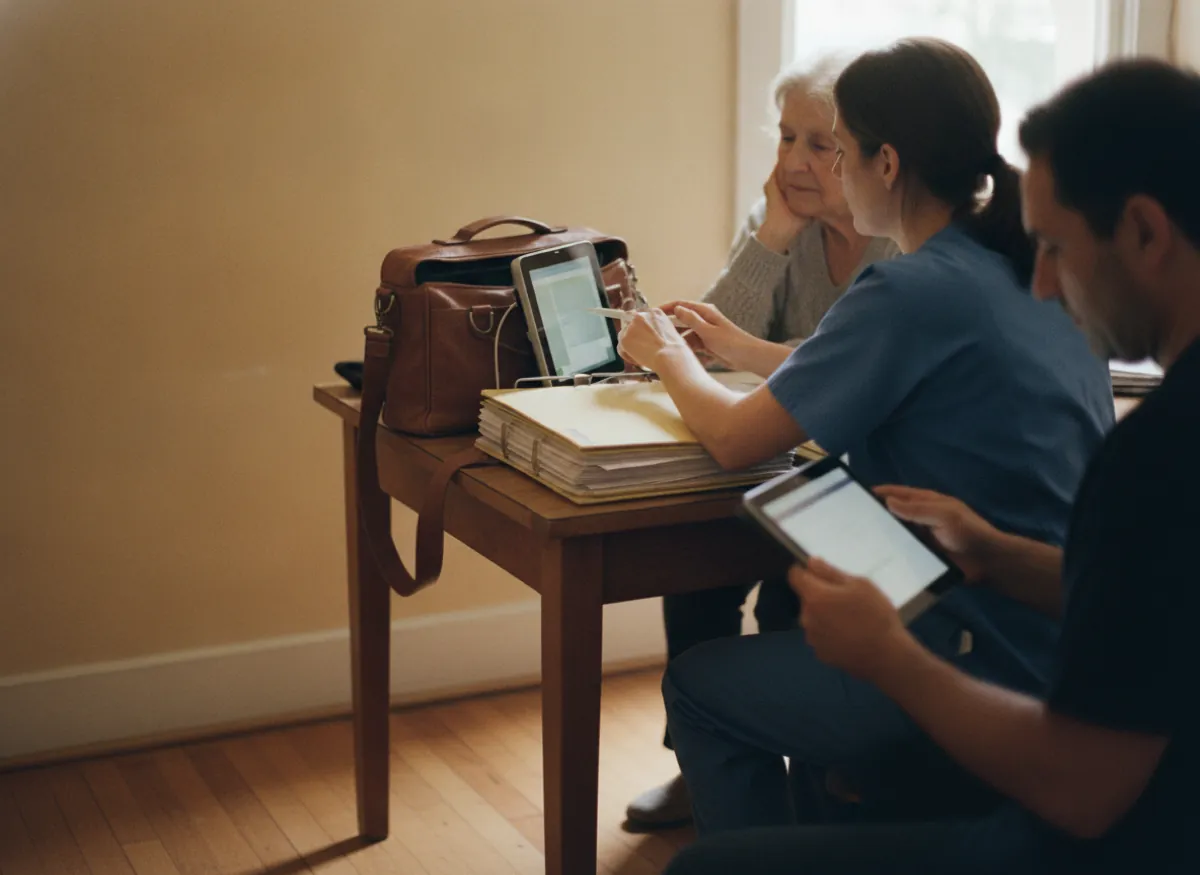
A care manager taking a call at the office desk while a colleague works at the wall planner behind her

Blu CareBook online

Care consultation45 min · care mgrTue, Thu

Home visit · assessment1 hr · North branchTue, Thu

Carer interview30 min · recruiting mgrBook

Next freeMon 10:00Tue 2:00Thu 11:30

Booked online

4:40 PM

On a Sunday, before Monday

Care-plan review

Every 12 weeks

Booked forward on its own

Who care is for

Asked at booking

There on Monday morning

What the office actually books

Four diaries an agency keeps, in one place

Home health care scheduling software normally means the carer rota, and none of these four are that. Every one of them is currently a phone call somebody has to be free to make, and every one is somebody deciding whether to choose you.

A family books the first conversation without ringing

Deciding about care for a parent happens at the weekend, at the kitchen table, with a sibling on speakerphone. Your page shows the times a care manager really has, and they take one there and then.

The Blu Care booking page as a family sees it on a Sunday: a care consultation and a home visit assessment, each bookable at the times a care manager really has

A carer picks an interview slot the day they apply

Good carers apply to four agencies in an evening and go to whichever books them first. Send one link with the interview slot on your recruiting manager’s real diary and the wait stops being three days of email.

A carer interview of 30 minutes on the recruiting manager’s own diary, with Monday at 10:00 picked from a phone on the evening she applied

Reviews that come round on their own

A care-plan review is a date somebody promised and nobody diarised. On a paid plan, set it to repeat and every one is generated forward with its own reminder to the family, so the review happens because the diary said so.

A care-plan review set to repeat every 12 weeks, three dates generated forward on Tuesdays, and a reminder sent to the family before the first one

Induction and training with a cap on the seats

Training runs as a session with a limit on seats, and carers book their own place. A full session takes a waiting list on the paid plans, where you also mark who arrived rather than reconstructing it from memory a month later.

Two training sessions capped at 12 seats: moving and handling with 9 of 12 taken, Thursday’s induction full with two carers on the waiting list, and the register marked
Care managers and branches

Each care manager keeps their own diary, and each branch its own hours

Consultations are not interchangeable. A care manager who covers one area, and only does assessments on Tuesdays and Thursdays, is bookable on Tuesdays and Thursdays and not otherwise. A family booking a consultation sees that person’s real availability rather than an office-hours grid nobody honours. If you run more than one branch, each one keeps its own opening hours, its own team and its own booking page, and everything still shows in a single calendar so head office can see all of it without ringing round.

One care manager at the North branch who does assessments on Tuesdays and Thursdays only, so a family booking a consultation sees Tuesday and Thursday times and nothing on the other days
The record behind the enquiry

What the family told you on Sunday is there on Monday

On the paid plans the booking form asks the handful of things you always end up asking anyway, who the care is for, where they live and what has changed, so the answers arrive with the appointment instead of being taken down on a pad. Every consultation, review and visit sits on one record for that family, with the notes anybody has added, so a care manager picking the enquiry up on Monday is not starting the conversation again. Records import from wherever you keep them now and export whenever you want them back.

A care consultation booked from a phone on Sunday at 16:40 with the booking-form answers (who the care is for, where they live, what has changed), and the family’s record on Monday with the booking, the answers and a note on it
Sunday, 4:40pm

The family decides on a Sunday afternoon and your office opens on Monday

Twenty to five on a Sunday. A daughter has spent the weekend at her father’s house and has finally said the thing out loud. She looks up three agencies. Two have a phone number and an answerphone. One has a page where she can put Tuesday morning in a diary.

By Monday the decision has hardened around whoever answered it. None of this reaches you as a lost enquiry, because it was never an enquiry, and the same shape repeats all week with carers who applied on Thursday and heard nothing until Tuesday. Picktime makes the office bookable at the hour people are actually deciding.

Getting started

An office diary families and carers can reach by tomorrow

The care consultation, home assessment, carer interview and induction session listed, each with its own length and the people who run it
01

List what your office actually books

Care consultation, home assessment, care-plan review, carer interview, induction session, each with the time it takes and the people who do it. Anything the office does not offer never appears.

Thursday’s induction capped at 12 seats with 9 taken, and a care consultation set to need 24 hours’ notice and to be movable up to 12 hours before
02

Set the caps on anything you run as a group

Induction and mandatory training take a number of seats, and a waiting list when they fill on the paid plans. Say how much notice you need for a consultation and how late somebody may move one.

The booking link added to the website, the Google Business profile, the vacancy advert and the email footer, and a care consultation booked from the website on a Sunday at 16:00
03

Put the link where families and carers already land

On the website, in your Google Business profile, in the vacancy advert and at the foot of every email. A daughter at four on a Sunday and a carer at seven on a Thursday meet the same working diary.

AI receptionist

The enquiry that arrives at twenty to five on a Sunday

Enquiries about care come at the worst hours by definition, because that is when families are together and the problem is in front of them. Picktime’s AI receptionist answers around the clock and takes as many calls at once as arrive, so a Sunday afternoon and a Monday nine o’clock rush are the same to it. It takes the caller through what they need, captures their details and turns the call into a confirmed consultation in your calendar, checked against the same care manager availability the booking page uses. When somebody needs to speak to a person it transfers them, and every call is transcribed into your dashboard, so the conversation you were not there for is still one you can read on Monday.

A daughter ringing about care for her father on Sunday at 16:40, taken through what she needs by the AI receptionist and booked into a care consultation on Tuesday at 10:00, with the call transcribed to the dashboard
What it costs

Start free. Pay when there are more of you in the office, not more enquiries.

The free plan is a plan, not a trial. There is no end date and no card, and the price follows how many people and branches you have.

Free, and it stays free

What a single-branch office gets without paying

  • Your own booking page for consultations and interviews
  • Appointment types with their own lengths
  • A record per family, with every contact against the name
  • Email notifications on every booking

Start free

Works with what you use

It fits the calendar the office already lives in

One office calendar

Consultations and interviews land in the Outlook or Google calendar your care managers already have open, and the paid plans sync them both ways, so they move there when they move here. Where a first conversation happens over video, the link is created with the booking through Zoom, Google Meet or Teams on the paid plans, and contacts sync so the enquiry is not retyped.

It works away from the desk

Picktime runs in a browser on a phone as well as at the office machine, and there are iOS and Android apps, so a care manager out at an assessment can see what is next and take a consultation booking without going back in.

Questions

Home care scheduling: common questions

What software do home care agencies use?

Most agencies run two things. Scheduling software for home health care usually means the first of them: carer visits, timesheets and electronic visit verification, sitting in a rostering system built for that job. The appointments the office itself keeps (consultations with families, assessments, care-plan reviews, carer interviews and training) sit in a booking diary. Picktime is the second one, and it is free to start.

Is there free home care scheduling software?

Picktime’s free plan gives a single-branch office its own booking page, appointment types with their own lengths and a record per family, with no card and no end date. Paid plans are about how many care managers and branches you have rather than how many appointments you take.

Can a family book a care consultation online?

Yes, and that is the point of it. They see the times a care manager genuinely has and pick one, and it arrives as a confirmed appointment. On the paid plans they also answer whatever your booking form asks (who the care is for, where, what has changed), and those answers come attached to it.

Can we book carer interviews and induction training in the same account?

Yes. An interview is an appointment type on the recruiting manager’s diary, and induction is a session with a limit on seats. Carers book their own place, and on the paid plans a full session takes a waiting list and you mark who arrived against the session afterwards.

Will it remind families about a care-plan review?

Yes, on the paid plans. Set the review to repeat and every date is generated forward with its own message before the day, so a review that was promised in March is a date in the diary rather than a note somebody finds in June.

Can we run more than one home care branch from one account?

Yes. Each branch keeps its own opening hours, its own care managers and its own booking page, and everything appears in one calendar so head office can see all of it without ringing round.

Where do the details a family gives when booking home care go?

Onto their record in your account, used to run the appointment, and on the paid plans you decide what the booking form asks for so nothing is collected that you do not need. Rules such as HIPAA turn on what is held, where it is held and what agreement covers it rather than on any one feature. If they apply to your agency, ask us what we hold before you set it up rather than assuming in either direction. Security and trust sets out how data is kept.

What is the best scheduling software for caregivers in home care?

Not Picktime, and it is worth being plain about that before you trial anything. Scheduling software for home care visits, with carer rotas, travel between calls and electronic visit verification, is a category of its own and we do not build one. Picktime keeps the office diary that sits beside it: the consultation a family books on a Sunday, the twelve-week review, the carer interview and Thursday’s induction.

What is the best scheduling software for healthcare staff?

Two different questions hide inside that one. If you mean who works which shift and how their hours are counted, that is workforce management, and Picktime is not it. If you mean the appointments those staff are booked into (a family’s consultation, a start-of-care assessment, an interview, Thursday’s induction), that is a booking diary, and this is one. Settle which half you are shopping for before you compare prices, because the two categories are not priced on the same thing.

Is there a free eMR system?

Picktime is not one and holds no clinical record. What it keeps is the contact behind an appointment and whatever your booking form asked for, which is a different kind of data with different rules attached to it. If you need notes, medication and care documentation, that is an EMR purchase, and the office diary sits alongside it rather than inside it.

Be bookable at the hour families actually decide

Free forever for a single-branch office. No card, no trial clock, and a consultation diary families can reach before the weekend.