Free occupational therapy scheduling software that books the room and the kit, not just the therapist

An occupational therapy session is a room and a set of equipment as much as it is a person. Picktime holds all three together, so a session that needs the sensory room only appears at hours when the sensory room is free. Families book and move their own appointments, and a cancelled session goes back on the page rather than into a callback list.

  • Free forever plan
  • Rooms and kit included
  • No card required
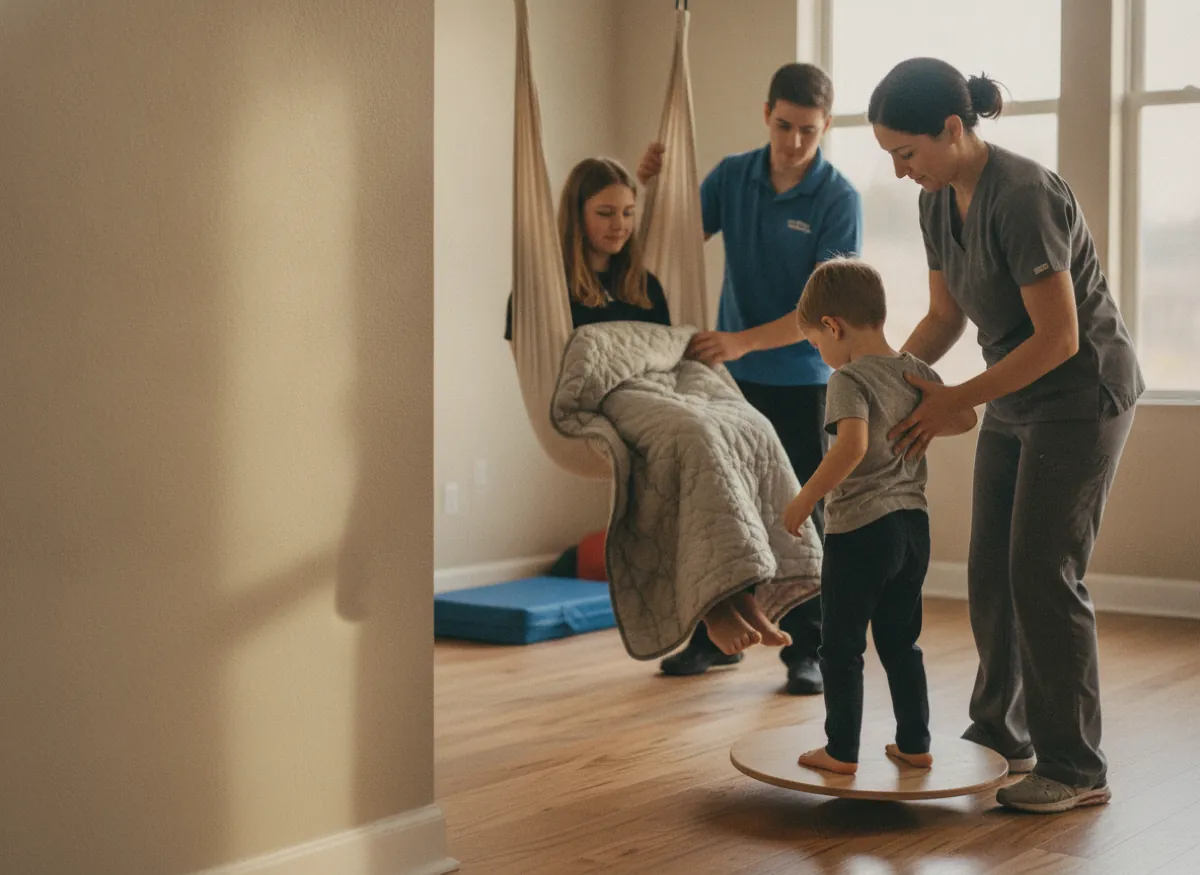
An occupational therapist steadying a child on the balance board in the sensory room, the therapy swing and a weighted blanket to one side

Blu TherapyBook online

Initial assessment1h 30m · Nadia$120.00

Sensory session45m · Sensory room$65.00

Handwriting group1hBook

Next free10:30 AM1:10 PM3:45 PM

Booked online

11:04 PM

While the clinic was closed

Deposit

$30.00

25% on the assessment

Room and swing

Both free

Or the slot is not offered

How it works for you

Built for how occupational therapy actually uses its rooms

Every one of these stops a session being offered at an hour when the thing it needs is already in use by somebody else.

The sensory room is booked with the session that needs it

Rooms and equipment are booked alongside the therapist, so a sensory integration session is only offered at times when the room, the swing and the person are all genuinely free.

A sensory session offered only at the hours when Nadia, the sensory room and the therapy swing are all free, with 14:00 picked

A goal review that is booked rather than remembered

On the paid plans a block of sessions and the review at the end of it book together, at the interval you work to. Nobody has to notice six weeks later that a review was due, because it has been in the diary since the block started.

A block of eight weekly sensory sessions booked as one series from Friday 15 January 2027, with the goal review at the end of it already in the diary for Friday 12 March

What the session is for arrives before the session does

On the paid plans the booking form asks about goals, the referral and what they already have at home. It sits on the appointment, so an assessment starts as an assessment rather than as twenty minutes of questions.

The booking form asking about goals, the referral and the equipment at home, answered by the family as they booked at 21:40 and kept on the appointment

A booking page a parent, a carer or a case manager can use

A ninety-minute assessment and a forty-five minute session are offered as different lengths at different prices, and whoever is arranging it can pick a real hour themselves, whether that is family, carer or case manager.

The Blu Therapy booking page as a parent, carer or case manager opens it: a 90-minute assessment at $120.00 and a 45-minute session at $65.00, each with its own Book button
More than one base

A therapist working out of two buildings has one diary

Occupational therapy is rarely all in one place: a clinic room on Mondays, a school base on Wednesdays, a community centre on Fridays. Each site in Picktime keeps its own rooms, its own equipment, its own opening hours and its own booking page, and they all show in one calendar, so a therapist covering three bases is looking at one screen rather than three diaries, and a family booking at the school base is only ever offered the hours that base is open.

Nadia’s week across the clinic and the school base in one calendar: Monday, Tuesday and Thursday at the clinic, Wednesday at the school base, each base on its own opening hours
When a session falls through

A cancelled forty-five minutes is offered before the afternoon starts

A child who is unwell in the morning takes an afternoon session with them, and in most practices that hour is simply gone. A cancellation made from the family’s own confirmation frees the room, the equipment and the therapist together, and the slot reappears on the booking page where somebody else can take it. For a group programme (a handwriting group, a parent session) there is a cap, so it stops taking bookings once the group is full and a place that comes free goes back on the page for the next family to take. A waiting list that is offered that place first sits on the paid plans.

A Tuesday 14:00 session cancelled from the link in the family’s confirmation, the room, kit and therapist shown free again in the diary and the hour open to book on the booking page, beside a handwriting group at 5 of its 6 places
Wednesday, 1:10pm

Two sessions were booked for one sensory room and only one can happen

Ten past one on a Wednesday. A family is in reception for a sensory integration session, and the room they need has had a handwriting group in it since half twelve. Both bookings are real, both are in the diary, and neither of them knew about the other.

A room is a resource and a diary that only holds people cannot see it. Whichever session gives way, somebody has taken half a day off work to be there, and the therapist spends the next twenty minutes apologising instead of working.

Picktime books the room and the equipment with the therapist, so the second booking was never offered in the first place. On the paid plans the review due at the end of this block is already in the diary rather than in somebody’s head.

Getting started

Your service bookable before the end of the week

The initial assessment and the sensory session listed with their lengths and prices, and the sensory room and therapy swing added as bookable resources
01

Add your sessions, therapists, rooms and equipment

List an assessment, a session and any group you run, with lengths and prices. Set each therapist’s hours and what they take. Then add the sensory room, the kitchen, the swing and the standing frame as bookable resources.

The school base open on Wednesdays from 09:00 to 15:00, families allowed to move their own session up to 24 hours before it, and one moved by a parent at 21:15
02

Decide how families book and how late they can move a session

Set which hours each base is open and how late a family may move their own session. On the paid plans, say how many sessions a block runs to and when the goal review falls so both book together, and write what the booking form asks before a first assessment.

The booking link added to the website, referral letters, the school pack and a case manager’s email, and an assessment booked from a referral letter at 21:40
03

Share the link with the people who refer

The booking page is a link, so it goes on your website behind a Book Now button, in a referral letter, in the pack a school SENCo hands to parents and in the email a case manager forwards.

AI receptionist

A referral rings while you are on the floor with somebody

Occupational therapy happens on the floor, in a kitchen, on a set of stairs, not next to a phone. Picktime’s AI receptionist answers around the clock, takes the caller through what they are asking for, captures their details and turns the call into a confirmed appointment, checked against the same availability the booking page uses, so it cannot offer an hour when the sensory room is already taken. It transfers to you when somebody needs a person, and every call is transcribed into your dashboard, so a referral that came in mid-session is still there to read at the end of the day.

A parent calling about a referral booked into an initial assessment by the AI receptionist at an hour when the sensory room is free, then put through to the therapist, with the call transcribed to the dashboard
What it costs

Start free. Pay when there are more therapists and more rooms.

The free plan is a plan, not a trial. There is no date at which it stops, no card to add, and nothing that quietly turns off in a fortnight.

Free, and it stays free

What an independent occupational therapist gets without paying

  • Your own booking page, with your real session lengths on it
  • Rooms and equipment booked alongside the therapist
  • Families booking, moving and cancelling their own sessions
  • Email notifications on every booking

Start free

Works with what you use

It fits the calendar and the video call a review sometimes needs

Nothing gets typed in twice

A session lands in the calendar your therapists already have open, and the paid plans sync it both ways, so it moves there when it moves here. A remote goal review with a family generates its own joining link on the booking rather than in a separate email.

It runs from a phone

Picktime runs in a browser on a phone as well as a laptop, and there are iOS and Android apps, which matters when the person who needs to see the diary is at a school base rather than at the clinic.

Questions

Occupational therapy scheduling: common questions

What is the best scheduling software for occupational therapists?

It depends on whether the room is part of the problem. Most therapy scheduling tools book a person and nothing else. Picktime books the sensory room, the kitchen and the equipment alongside the therapist, so a session is only offered when everything it needs is free. It is also free for an independent therapist.

What is the best software for scheduling occupational therapy patients?

For an occupational therapy service the useful test is whether it can hold more than one thing per appointment. Picktime holds the therapist, the room and the equipment together, runs several bases on one account, and lets families book and move their own appointments. A block of sessions booked with its review sits on the paid plans.

Is there free occupational therapy scheduling software?

Picktime’s free plan includes your own booking page with real session lengths, rooms and equipment booked alongside the therapist, families booking and moving their own appointments, and email notifications on every booking. Your own booking-form questions and reminders sit on the paid plans. No card, and no date at which it stops.

Can I book the sensory room as well as the therapist?

Yes, and that is the point of this page. Rooms and equipment are resources in their own right, so a sensory integration session only appears at hours when the room, the swing and the therapist are all genuinely free. Two sessions can never be sold one room.

Can a goal review be booked at a set interval?

Yes. A block of sessions books as a series, and the review at the end of it books with them, so it is in the diary from the day the block starts rather than being remembered six weeks later. Recurring bookings are on the paid plans. Where the whole week is the unit rather than the session, an ABA programme with supervision and parent training on top of it is the closer page.

Can I run a clinic base and a school base on one account?

Yes. Each site keeps its own rooms, its own equipment and its own opening hours, with its own booking page, and they all show in one calendar. A family booking at the school base is only offered the hours that base is open.

Can you do OT virtually?

Some of it, and the diary should not care which. An occupational therapy session booked as remote carries its own joining link on the confirmation, and room-based sessions sit in the same calendar with their room held. Running the call through Zoom, Google Meet, Microsoft Teams or GoToMeeting instead is on the paid plans.

What are some good occupational therapy apps?

Two different lists hide behind that question. The clinical ones, used inside a session for handwriting, sensory work or fine motor practice, are picked by the therapist and by the child they are for, and a booking company has no business ranking them. The app this page is about sits on the practice side of the door: a page a family can open at ten at night to move Thursday, holding the room and the equipment as well as the therapist.

Stop selling one room to two sessions

Free forever for an independent therapist. No card, no trial clock, and your rooms can be bookable this afternoon.