Free squash court booking software that replaces the book on the clubhouse wall

Members book their own court from a phone instead of writing on a sheet that only exists in the clubhouse. The rules about who may book what and how far ahead are enforced by the page rather than argued about in the bar, a court handed back is on the page again inside a second, and the club stops finding out at eight that court three has been dark since seven.

  • Free forever plan
  • Members book their own court
  • No card required
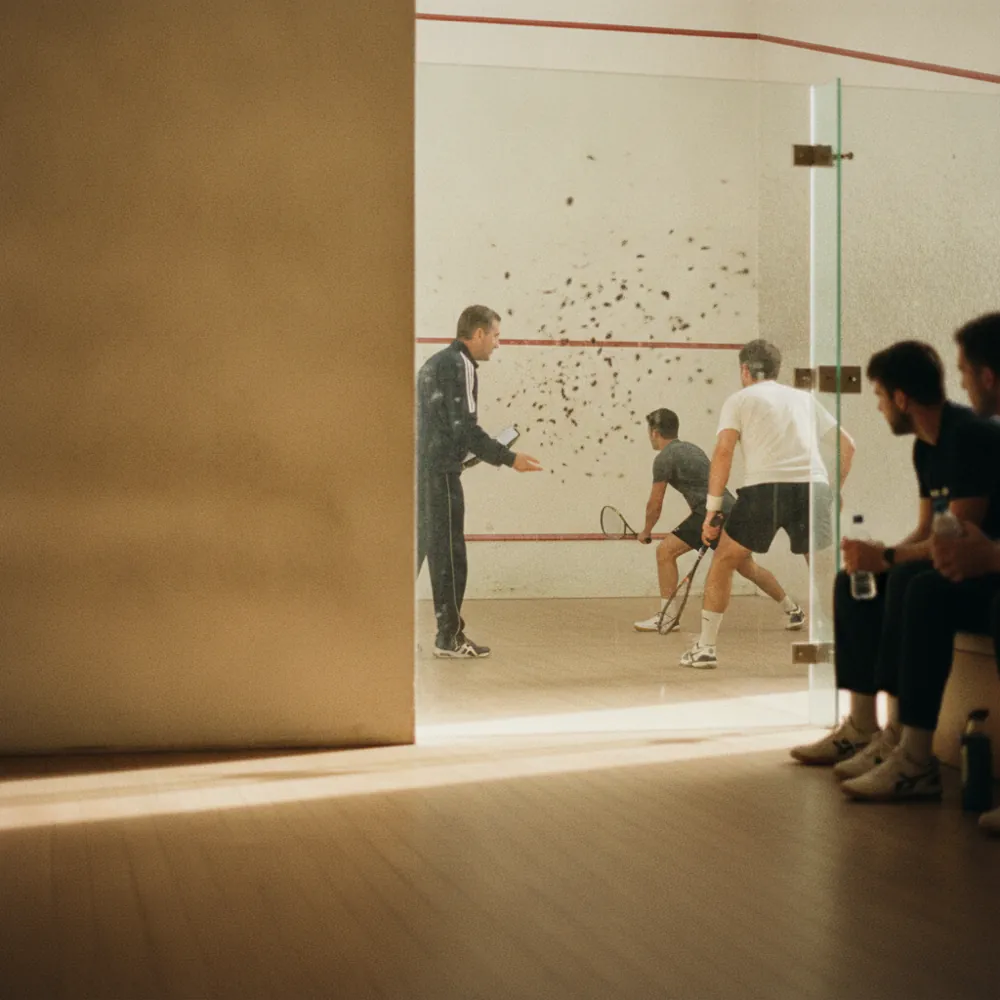
Two members playing a match seen through the glass back wall of the court, ball marks on the front wall

Blu SquashBook online

Member court45m · Court 3$6.00

Guest court45m · Court 1$12.00

Box league match45m · SeriesBook

Next free6:45 PM7:30 PM8:15 PM

Booked online

10:22 PM

Nobody behind the bar

Guest fee

$12.00

Taken as the court is booked

Court 3 handed back

On the page

Inside a second

How it works for you

Built for four courts, a box league and a book on the wall

A squash club’s scheduling problem is not volume. It is that the only real record of the week is a sheet of paper in a building most members are not in.

The whole week’s courts, readable from anywhere

Every court and every hour on one page, showing what is genuinely free. A member deciding on the way home can see Thursday at seven without driving to the club to look at a sheet.

The Blu Squash booking page on Thursday at 7:00 PM, court one already booked, courts two and three free, and a member on the way home taking court three

A box league match is a court and two players

A league match books the court with both names on it, so the ladder secretary is reading the same calendar as everybody else instead of collecting results from a WhatsApp group.

A box two league match booked on court one at 8:00 PM on Thursday 12 November with both players’ names on it, Hale and Ndiaye, in the same calendar the ladder secretary reads

A court given back does not stay dark

The confirmation carries a link to cancel, so a member who cannot make seven o’clock hands the court back themselves. It is on the page again immediately, and you set how late that is allowed to happen.

A member pressing cancel on the link in their confirmation for court three at 7:00 PM, the court handed back at 4:30 PM and on the page again straight away

Standing weekly slots that actually stop

On the paid plans the Monday pair books as a block with a last date on it rather than a permanent claim on court two. When the block ends the hour goes back into the week without anybody having to be told.

The Monday pair’s 6:00 PM on court two typed in as a block of twelve weeks from Monday 16 November with a last date of Monday 1 February, after which the hour goes back into the week
Members, guests and coaching

Different rules on different courts, without a person policing it

Set how far ahead a court opens, how long a booking may be and how many a member may hold at once. That is the whole of what the club committee argues about, and it is a setting rather than a person on the desk saying no.

Coaching needs a coach and a court together, so a lesson is only offered when both are free; a junior session that takes two courts takes two.

Each court keeps its own hours, so the one you let to a local school between four and six on a Wednesday is not offered to members between four and six on a Wednesday.

The member rules set as settings: a court opening seven days ahead, a 45-minute booking and two held at once, with a Thursday lesson offered only while the coach and court two are both free and court three, let to the school on Wednesday afternoons, not offered
The whole club in one week

Every court, every night, on one screen

Open the calendar and the week is four columns of hours rather than four sheets in four places.

You can see which nights fill and which never do, drag a match to move it and watch the court move with it, and hand somebody the same view on their phone so the person locking up is not the only person who knows what tomorrow looks like.

If the club runs a second site, both sets of courts show in the same week with their own hours, so a club secretary covering two buildings is reading one screen.

Thursday 12 November from 18:00 in the club calendar, court one busy all evening and court three nearly empty, a league match at 8:15 PM dragged from court one to court three with the court moving with it, and the same evening on a phone
Thursday, 7:40pm

Court three has been dark for forty minutes

Twenty to eight on a Thursday. Court three is empty and the light is off. The book on the wall says it was taken at seven by a name written in biro, and that person decided at half four that they were not coming.

Two members left at ten past seven because the sheet said the club was full. Nobody who could have used the hour ever knew it existed, and nothing that happened will be visible tomorrow.

Picktime puts the courts on a page members book from themselves, lets somebody hand an hour back with one tap, and offers it again the moment they do.

40 minOf court three dark, with the light off

2Members who left because the sheet said full

Getting started

The book off the wall by the weekend

Courts added with their own hours and 45-minute bookings, and court three’s Wednesday afternoon, let to a school, kept off the members’ page
01

Add your courts and the hours they open

Each court with its own hours and the booking lengths you take. A court let to a school on Wednesday afternoons keeps those hours out of the members’ page without anybody having to remember.

The four member settings switched on: seven days ahead, 45 minutes long, two at once and cancellations up to two hours before
02

Set what a member is allowed to do

How far ahead they can book, how long for, how many at once and how late a cancellation is allowed. Those four settings are what the sheet on the wall was never able to enforce.

The booking link sent in the newsletter, put on the website and on a QR code where the book hung, and a member court booked from it at 10:22 PM
03

Send the link to the membership

The booking page is a link, so it goes in the club newsletter, on the website and on a QR code where the book used to hang. Members book from a phone the first evening it is up.

AI receptionist

The clubhouse phone rings when there is nobody behind the bar

Most squash clubs have a phone and nobody paid to sit next to it.

  • Picktime’s AI receptionist answers around the clock, takes the caller through which court and hour they want, captures their details and turns it into a confirmed booking, against the same availability members are looking at, so it cannot double-book court one.
  • It transfers to a person when somebody has a question about membership rather than a court, and every call is transcribed into your dashboard, so a visitor asking about guest fees on a Sunday is something the committee can actually read.
A visitor ringing the clubhouse on a Sunday about a guest court, and the AI receptionist booking a 45-minute guest court on Thursday at 7:30 PM for $12.00, with the call transcribed into the dashboard
What it costs

Start free. Pay when there are more courts and more of you running them.

The free plan is a plan, not a trial. There is no date at which it stops, no card to add, and nothing that quietly turns off in a fortnight.

Free, and it stays free

What a small club gets without paying

  • Your own court booking page
  • Rules on who may book what, and how far ahead
  • A court handed back, straight back on the page
  • Email notifications on every booking

Start free

Works with what you use

It fits the club website and the calendars members already keep

Nothing gets typed in twice

A court booking lands in the member’s own calendar and in the club’s, and the paid plans keep the two in step, so when it moves in one it moves in the other. Put a Book Now button on the club site so the fixtures page and the booking page are one click apart.

It runs from the clubhouse

Picktime runs in a browser on a phone as well as a laptop, and there are iOS and Android apps, so whoever is locking up on a Thursday can see Friday from the door.

Questions

Squash court booking: common questions

What court booking software do squash clubs use?

Clubs usually move off paper for one of two reasons: courts sitting empty because nobody could hand a booking back, or arguments about who may book how far ahead. Both are settings rather than software features, so the thing to test is whether the rules you already have can be written down. Picktime’s free plan covers a small club.

Is there free squash court booking software?

Yes. Picktime’s free plan gives you a booking page for your courts, rules on who may book what and a handed-back court straight back on the page, with no card and no end date. Weekly blocks and reminders are on the paid plans. There are iOS and Android apps as well as the browser version.

Can members book a court themselves?

Yes, and that is the point of it. Members book from a phone against the same availability the club sees, so nobody has to be in the clubhouse to find out whether Thursday at seven is free. A padel court is claimed by four players rather than two, and letting one of them pay for the group is what that page deals with.

Can I stop one member booking every peak slot?

Yes. Set how far ahead courts open, how long a booking may be and how many a member may hold at once. That is the rule the book on the wall could never enforce, and it is what keeps six o’clock reachable for the rest of the membership.

Can I run box league matches through it?

Yes. A match books the court with both players on it, so the league and the court diary are the same record instead of two lists that disagree at eight o’clock on a Thursday.

What happens when somebody cancels?

The hour goes straight back on the page and anybody can take it. Every confirmation carries a link to cancel and you decide how late it may be used, so a court handed back at half four is playable at seven.

Can we charge guests but not squash club members?

Yes. A guest court and a member court can be two things you offer at two prices, and you can take the guest fee at the moment of booking through a payment provider you connect.

Take the book off the wall

Free forever for a small club. No card, no trial clock, and members can be booking from their phones this week.