Free urgent care scheduling software that spreads the day instead of filling the waiting room

Urgent care fails in the waiting room, not in the consulting room. Picktime releases same-day slots through the day rather than all at nine, holds the consulting room alongside the clinician so a slot is only offered when both are genuinely free, and shows which of your sites has room this afternoon.

  • Free forever plan
  • Same-day slots
  • No card required
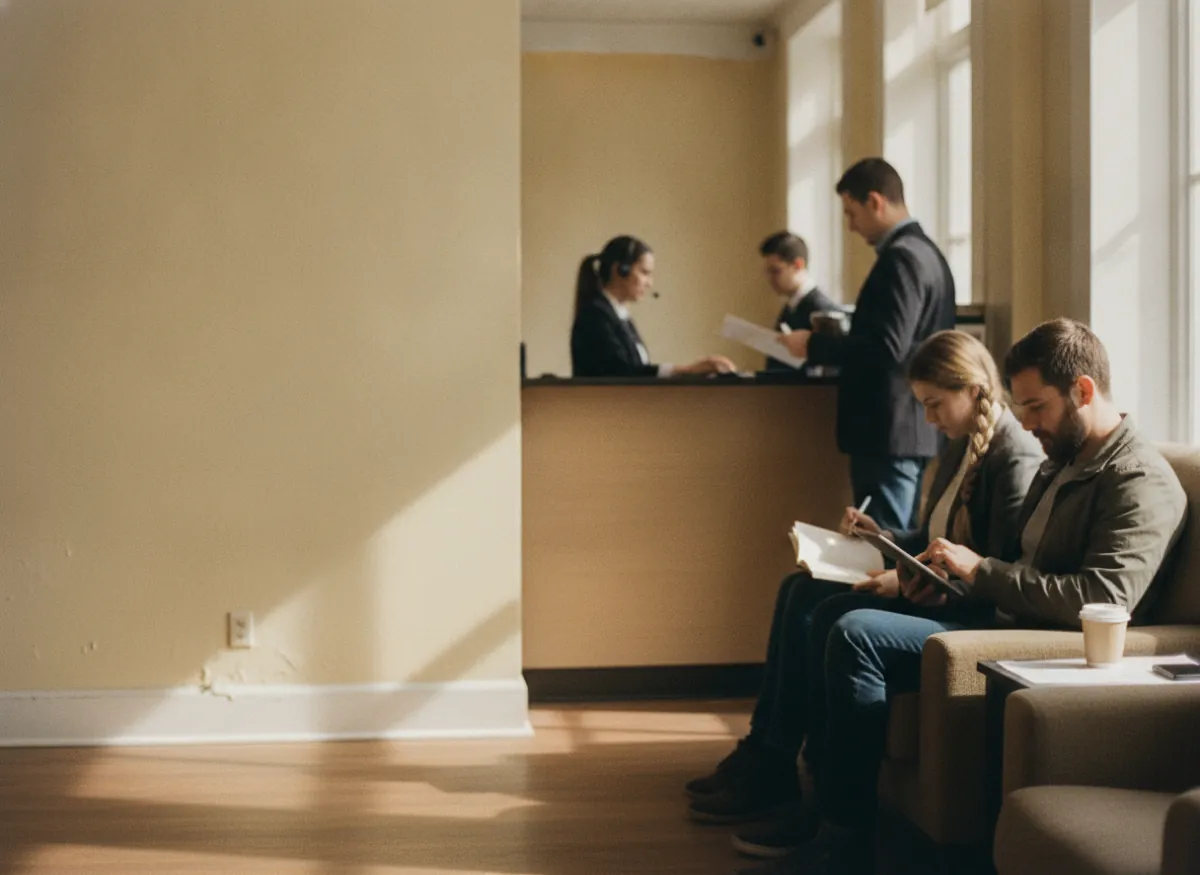
Patients checking in at the screen in an urgent care waiting area while a receptionist helps at the desk

Blu CareBook online

Same-day slot20m · North$75.00

Minor injuries30m · Treatment room$120.00

Evening clinic14 of 14Book

Next free1:20 PM2:00 PM3:40 PM

Details

Answered

On the booking, not at the desk

Confirmation

Sent

Email, with the site on it

Clinician and room

Both free

Or the slot is not offered

How it works for you

Built for a day whose volume nobody can plan in advance

Every one of these moves work out of the waiting room and into the ten minutes before somebody sets off.

Same-day slots released in blocks through the day

Open a block of today’s slots in the morning, another at midday and another mid-afternoon. People take an hour that suits them instead of all arriving at opening time and waiting.

The Blu Care booking page for Friday: the morning block released at nine and full, the midday block released at twelve with two slots left, and the afternoon block opening at three

Eight minutes of clipboard, taken off the arrival

On the paid plans the booking form asks for the name, date of birth, reason for the visit, medication and allergies when the slot is taken. The arrival is then an arrival rather than eight minutes of clipboard in a room full of people.

The booking form for a same-day slot, answered as the slot was taken: name, date of birth, reason for the visit, and medication and allergies

Which of your sites actually has room this afternoon

Each centre keeps its own hours and its own slots on one booking page, so somebody picks the site that has room rather than driving to the busiest one and joining the back of it.

Two sites on one booking page this afternoon: North with three slots left and 14:00 picked, Riverside full

A confirmation carrying the time, the site and a way out

Every booking sends a confirmation with the time, the site and a link to cancel, so a slot somebody no longer needs goes back rather than being counted as a no-show. On the paid plans a reminder before the slot carries the same link.

The confirmation sent on booking with the time and the site on it and a link to cancel, a reminder an hour before carrying the same link, and the cancelled slot back on the page
Clinicians and rooms

A slot exists only when a clinician and a room are both free

An urgent care centre is limited by rooms as often as by clinicians, and by which clinician can do what: a nurse practitioner takes some of the list and not the rest, and a procedure needs the treatment room. Picktime books rooms and equipment as resources alongside the person and gives each clinician their own hours and their own list, so a slot that needs the treatment room only appears when the treatment room is free, and nobody is booked for something they do not take.

Minor injuries with the nurse practitioner on Friday, November 20, needing the treatment room: each half-hour offered only when the nurse practitioner and the treatment room are both free, and held back when either is taken
Sessions with a limit

A capped session is honest about being full

The most useful thing an urgent care booking page can do is tell somebody there is no room before they get in the car. Where you run a session with a hard limit (a minor injuries list, an evening clinic, a weekend session), the cap is on the session, so it stops being offered the moment it is reached rather than letting somebody drive over for nothing. A slot that comes free through a cancellation goes straight back on the page; on the paid plans a waiting list is offered it first, which is how an evening with three no-shows becomes three people seen.

The Friday evening clinic capped at 14, full until an 18:40 slot is cancelled from the link in the patient’s confirmation, then shown as available again in the diary and open to book on the booking page
Friday, 5:10pm

A man who arrived at four puts his coat on and leaves

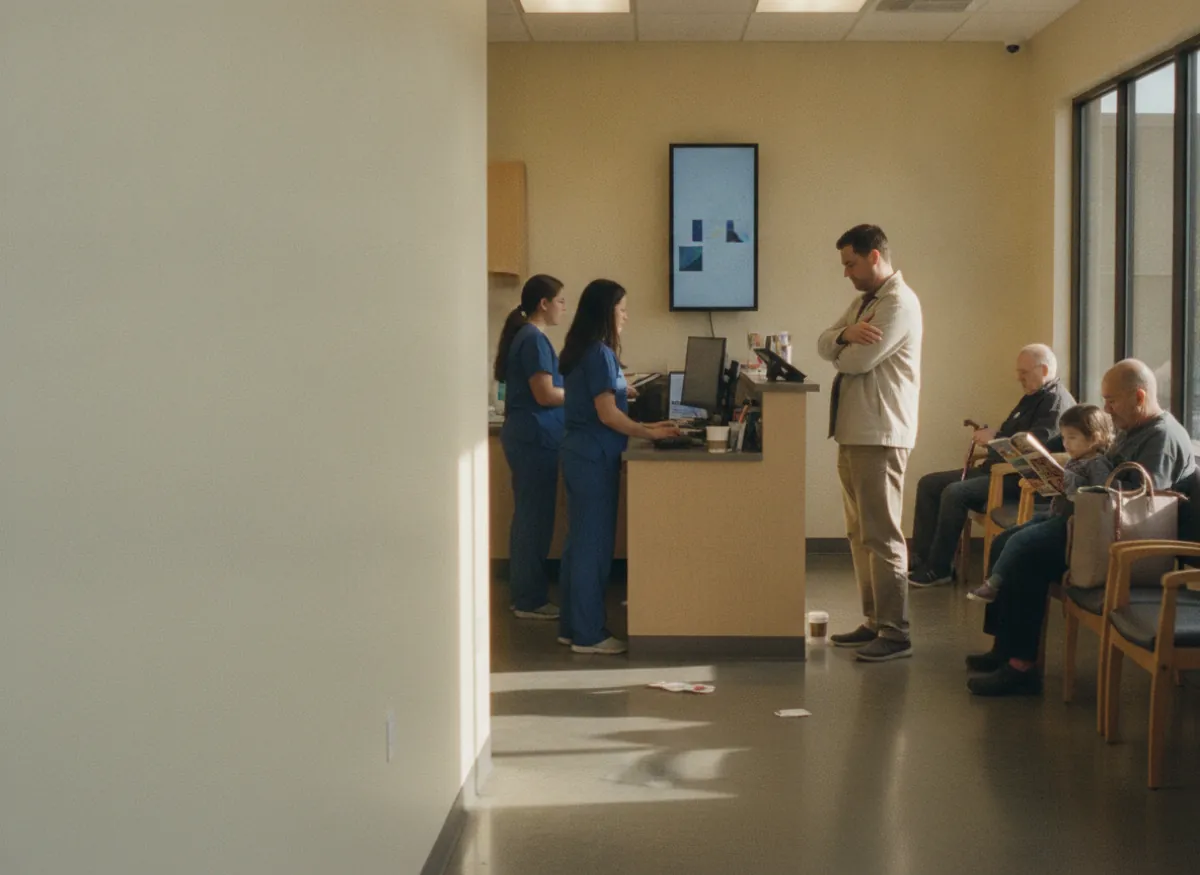
Ten past five on a Friday. A man who walked in at five to four stands up, puts his coat on and goes, without saying anything to anybody. He is the third since three o’clock. At two the same afternoon there were four empty rooms and nobody in the waiting area at all.

Nothing in the day was mismanaged. The volume simply arrived when it arrived, everybody came at the same hours, and there was no way for any of them to know that two o’clock was empty and half past four was not.

Picktime releases the day’s slots in blocks so people take an hour rather than a place in a queue, takes their details at the point of booking, and shows which of your sites genuinely has room, which is the only version of this problem that can be solved before somebody is already sitting in a chair.

Getting started

Same-day slots bookable before tomorrow morning

A same-day slot and minor injuries listed with their real lengths, minor injuries set up for the nurse practitioner, and the treatment room added as a bookable resource
01

Add your appointment types, clinicians and rooms

List the visits you take with the real length of each, set which clinician or nurse practitioner takes what and the hours they work, and add the consulting and treatment rooms as bookable resources.

Today’s slots set to open in three blocks, at 09:00, 12:00 and 15:00, and the evening clinic capped at 14
02

Decide when the day’s slots open

Release a block of today’s slots in the morning, at midday and mid-afternoon, so the day spreads. Cap any session that has a hard limit, and on a paid plan write the intake questions the booking form has to ask.

The booking link added to the website, the Google Business profile and a QR code on the door, and a same-day slot booked from Google at 13:12
03

Put the link where people look when something has happened

The booking page is a link, so it goes on your website behind a Book Now button, in your Google Business profile where a local search lands, and as a QR code on the door of every site.

AI receptionist

Every one of those calls is somebody asking how long the wait is

An urgent care phone rings hardest at the hours the waiting room is fullest, and the person who would answer it is checking somebody in. Picktime’s AI receptionist answers around the clock and handles several calls at the same time, guides the caller, captures their details and turns the call into a booked slot at whichever of your sites has room, against the same availability the booking page uses, so a full session is never offered twice. It transfers to the centre when somebody needs a person, and every call is transcribed into your dashboard.

A caller asking how long the wait is, booked by the AI receptionist into a same-day slot at North, the site with room, with the call transcribed to the dashboard
What it costs

Start free. Pay when there are more clinicians and more sites.

The free plan is a plan, not a trial. There is no date at which it stops, no card to add, and nothing that quietly turns off in a fortnight.

Free, and it stays free

What a single centre gets without paying

  • Your own booking page, with today’s slots on it
  • Patients book, move and cancel their own slots
  • Consulting and treatment rooms booked alongside the clinician
  • Email notifications on every booking

Start free

Works with what you use

It fits the calendar and the places people search in a hurry

Nothing gets typed in twice

A booking lands in the calendar your clinicians already have open, and the paid plans sync it both ways, so when it moves there it moves here. The booking page goes into the Google Business profile a local search lands on, and behind a Book Now button on the site you already run.

It runs from a phone

Picktime runs in a browser on a phone as well as a laptop, and there are iOS and Android apps, which is where somebody deciding whether to come in this afternoon is actually looking.

Questions

Urgent care scheduling: common questions

What type of scheduling system is an urgent care system?

Not a fixed diary and not a pure walk-in queue, but something in between: slots released through the day so arrivals spread out, a room held with the clinician, and an honest answer about which site has room. Picktime does that part, free for a single centre, with the intake form and reminders on the paid plans.

Is there free urgent care scheduling software?

Picktime’s free plan includes your own booking page with today’s slots on it, patients who book and cancel their own, rooms booked alongside the clinician and email notifications on every booking. No card, and no date at which it stops. The intake form, reminders and a waiting list are on the paid plans.

Can I release same-day appointments in blocks?

Yes. Open some of today’s slots in the morning, more at midday and more mid-afternoon, so people take an hour that suits them rather than all arriving at opening time. A slot that fills stops being offered.

Can patients fill in their details before they arrive?

Yes, on the paid plans. The booking form asks for the name, date of birth, reason for the visit, medication and allergies when the slot is taken, and the answers sit on the appointment, so arriving is arriving rather than eight minutes with a clipboard.

Can I show which of my centres has room?

Yes. Each centre keeps its own hours and its own slots on one booking page, so somebody picks the site that actually has space this afternoon instead of driving to the busiest one. Multiple locations are on the paid plans.

Can I cap an evening or weekend session?

Yes. A session takes a hard limit and stops being offered when it is reached, which is the most useful thing you can tell somebody before they get in the car. A waiting list carries the next person, and is on the paid plans.

Does it replace walk-ins?

No, and it should not. It takes the part of the day that can be planned out of the waiting room, so the walk-ins who genuinely cannot plan arrive into a room with space in it rather than into a seventy-minute queue.

What is the best EMR for urgent care?

We are not going to rank electronic medical records, because the choice turns on things a booking page never touches: how fast a visit can be discharged, whether you also bill employers for occupational health, and what your payers and your state require you to report. What is worth deciding separately is whether that same product has to be the thing patients book from. For most centres it does not, and the public-facing half is far cheaper to change than the clinical record underneath it.

What EMR system does urgent care use?

There is no single one, and a page that names one is guessing. Centres mostly run a general ambulatory record, sometimes with an urgent care module on top, and the choice is more often inherited from a parent health system than made on the site. What nearly all of them have in common is that they put nothing bookable in front of the public, which is why a separate booking layer keeps appearing alongside them.

What is the best scheduling software for healthcare?

Healthcare is not one scheduling problem, so the answer splits before it starts. A clinic booking planned appointments, a department running theatre lists and an urgent care centre spreading same-day arrivals want three different things, and only the first is really a diary. For the third what matters is releasing slots through the day, holding the room with the clinician, and being usable by somebody on a phone who has never seen your site before. That is the end Picktime is built for, and it is free for a single centre.

Give the afternoon back the people who left at five

Free forever for a single centre. No card, no trial clock, and today’s slots can be bookable this afternoon.