The building is the constraint
Your hall may be needed by five groups on the same evening. But you still have only one hall.
Rooms · Fewer than groups · Booked
Picktime's church volunteer scheduling software helps you manage room bookings, group sessions, and team-member availability. Share a Booking Page so church members can reserve available times online.
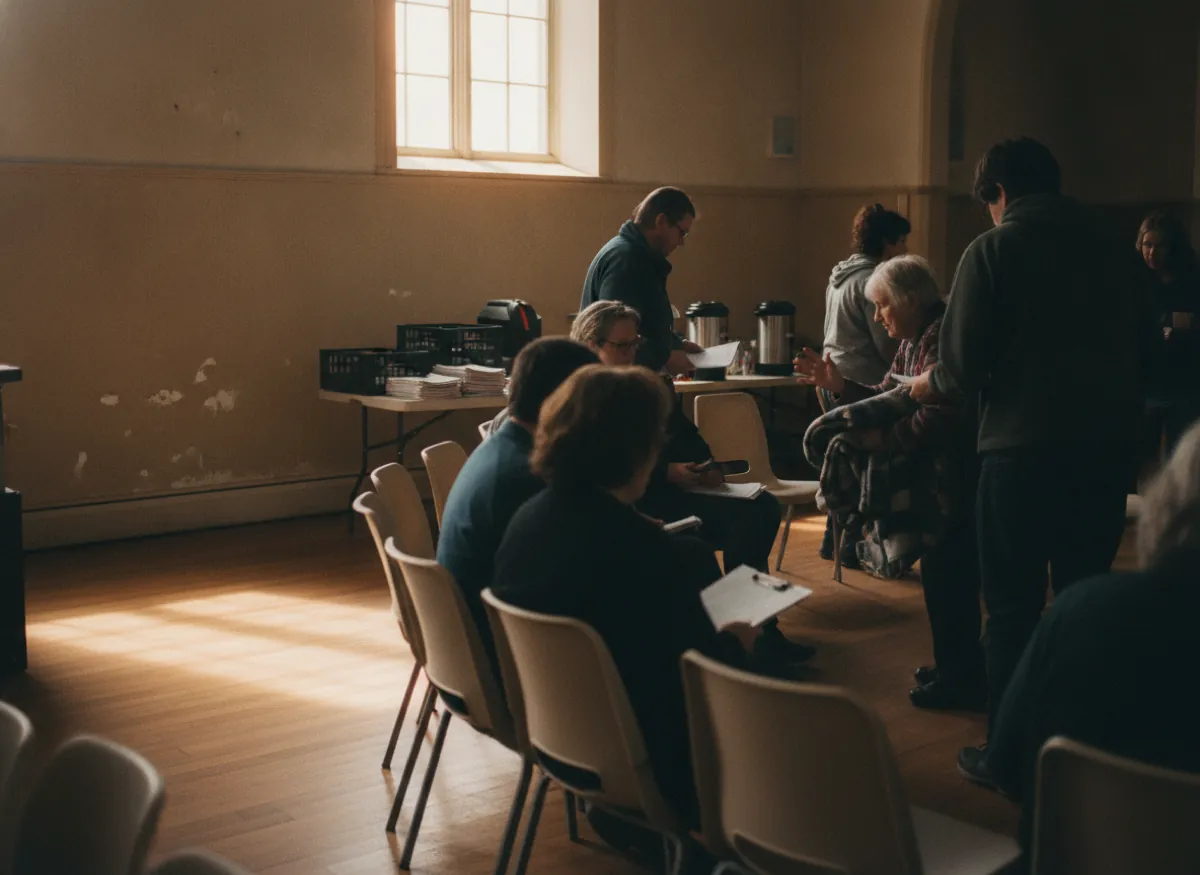
The hall
On its own hours
Each room set separately
Signing up
No account
Not for volunteers, not for visitors
Places
Counted
A course fills and stops offering
For churches, chapels, and faith groups managing rooms, meetings, and community activities. If your organization also runs wider nonprofit programs, explore the related solutions below.
Your hall may be needed by five groups on the same evening. But you still have only one hall.
Rooms · Fewer than groups · BookedVolunteers have work, family, and other commitments. Coordinators need to know who is available before planning an activity.
Helps · When they can · Signed upWhen one person knows every booking, everyone depends on them for answers.
Diary · In one head · At riskCourses, study groups, and other sessions can have a fixed number of places. Bookings should count them as they happen.
Groups · With a limit · Paid planMost churches rely on one person to know what is happening. They know which group has the hall, who is helping on Sunday, and what is booked. It works until that person is away. Picktime keeps room bookings, group sessions, and team-member schedules in one place, so coordinators have a clearer view of what is planned.
Without a shared schedule, two groups can request the same room, and coordinators may not spot the conflict in time. Picktime's Booking Page shows available room and session times, while coordinators can review confirmed bookings in the Online Calendar.
Set available hours for each church hall and let people choose open times through your Booking Page. Coordinators can review confirmed reservations and manage team-member availability in Picktime.
Two groups promised the same eveningSaid yes by two different people.
One of them has to be turned away.
Four helpers on one Sunday, none the nextNobody could see who had offered.
Goodwill spent, and a gap anyway.
A simple question about ThursdayThe only person who knows is away.
It waits a week, or somebody guesses.
Toddler group · Tue am
Rehearsal · Thu pm
Free · Wed evening
The problem isn't disorganization. Routine room and group bookings shouldn't depend on one person's memory.
These are the things that come up every week, and none of them should depend on one person.
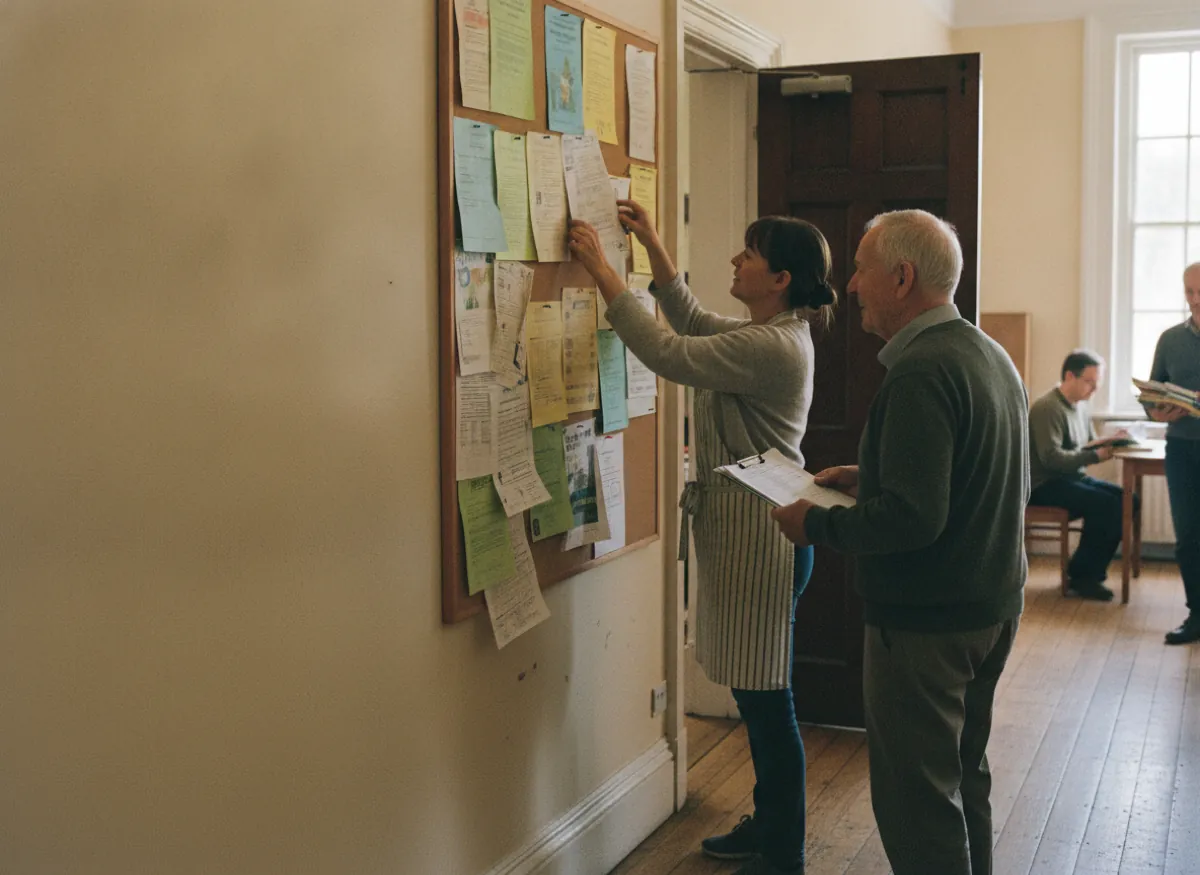
Put the booking page where people can find it. They can see available times and book without calling the office. Choose which services, classes, and rooms people can book through your Picktime Booking Page.
Use Rooms & Equipment to set available hours for each church hall, then let your Booking Page show people when they can book. Once a slot is booked, it is no longer offered to someone else. Set regular weekly availability for each room, and adjust specific dates when your church needs a different schedule.
For activities set up as Class Bookings, volunteers can reserve available places through your Booking Page. Coordinators can check the attendees for each session.
Set the capacity for a class or group session. Each booking uses a place, and the session closes when capacity is reached.
The church does not need every volunteer to become an administrator. Someone in the office sets up the rooms, availability, services, and classes. Church members and volunteers can reserve available rooms or places in configured activities through the Booking Page. Picktime booking pages can be shared directly with staff and customers, while account access stays with the people who actually manage the schedule.
For people who do have accounts, roles can control what they can access and change. That means a churchwarden or another trusted person can help manage bookings without giving everyone control over the whole setup. That keeps the system shared without making the administration shared with everyone.
Picktime lets you manage unlimited appointments. Choose a setup that fits the number of team members, rooms, locations, and classes your church needs.
Start with the rooms your church books most often. As more spaces need their own schedules, check how many resources your account supports.
Add trusted coordinators and team members who need their own Picktime access to manage bookings or availability.
Create classes for study groups, courses, and other activities with limited places. As your church adds more classes, check how many your account supports.
The free plan has no end date and needs no card, which is what makes this a free church volunteer scheduling app rather than a trial. What the plans count is rooms, people and limited-place sessions. Most churches never reach the top of what is free.
Free
Paid plans
The free booking page gives people somewhere to book without turning the church website into a scheduling system. Share the free booking page from your website, email, or anywhere else people already find information about the church. Picktime’s free scheduler app also supports calendar integrations, so the people managing the schedule can keep their calendars connected.
Someone is waiting in the hall and wants to know whether Thursday is free. They should not have to find the person who keeps the diary. Picktime’s free church volunteer scheduling app works from a phone browser and has iOS and Android apps, so the schedule stays within reach when the building is busy.
No. Picktime focuses on scheduling and bookings rather than complete church management. Churches can use it to manage room reservations, group sessions, team availability, and online bookings. Its Booking Page, Class Bookings, and Online Calendar help coordinators organize activities, while membership, donations, and volunteer shift management may require separate tools.
Look for software that helps volunteers sign up for activities while keeping room bookings and coordinator schedules organized. Picktime's free plan includes a booking page, three team members, three resources, and two classes. Recurring bookings are available on Starter and Pro. For the latest plan features and limits, see Picktime pricing.
Set up your church hall as a resource in Picktime's Rooms & Equipment and define its available hours. When one group reserves the hall, Picktime blocks that time for the same resource. Other groups can only choose available slots through your booking page, helping prevent double bookings.
Yes. Volunteers can reserve places in church activities through your Picktime Booking Page without being added as team members. They can choose an available session and complete their booking online without a Picktime login, unless your church enables the customer login requirement. Coordinators can review registrations for each session.
Picktime's Class Bookings let you set a maximum number of participants for Bible studies, youth groups, training sessions, and other church activities. Each booking fills an available place, and the session stops accepting new bookings once it reaches capacity. This helps coordinators manage attendance without manually counting registrations.
Yes. Picktime supports recurring class sessions for weekly Bible studies, Sunday school programs, and other regular church activities. When creating a class session, you can choose how frequently it repeats and set an end date or number of occurrences. This saves coordinators from creating each session individually.
Yes. Picktime lets church coordinators use separate team-member logins instead of sharing one administrator account. Built-in roles control basic access, while custom roles on Starter and Pro allow more specific permissions. You can give trusted coordinators access to relevant scheduling functions without giving everyone full control over the account.
No. Picktime provides a booking page that your church can share directly with members, volunteers, and community groups. You can include the booking link in emails, newsletters, or group messages. People can view available rooms, appointments, and sessions and make reservations online without visiting a separate church website.
Church coordinators can add halls, classrooms, and meeting rooms as resources in Picktime and set their available hours. Ministry leaders can then open the church's Booking Page, select a room, choose an available date and time, and complete the reservation. The booking appears in the Online Calendar, helping coordinators keep track of upcoming church activities.
Book rooms as resources and let team members choose their availability. Free forever, no card required.
 Google Calendar
 Outlook
 WordPress
 Wix
 Mailchimp