Free Event Registration Software for Classes, Workshops, and Community Events for an organisation that runs events as part of what it does

Picktime helps organizations manage registrations for workshops, classes, and community events. Share a Booking Page, set session capacity, and keep attendee bookings organized in one place.

  • Free forever plan
  • No card required
  • No account to sign up
Caterers dressing long tables under a marquee at golden hour, a photographer setting up behind them
This season, by session
TalkThu evening · 40 places12 left
CourseSix weeks · 15 placesFull
OpenSaturday · 80 placesOpen

Places

Counted

As people sign up, until it is full

Signing up

No account

Nobody needs one to take a place

The venue

Held with it

Booked alongside the session

Is this you

Manage Events Alongside Your Everyday Work

Your organization runs events, but events are only one part of the work. A few people share the planning, the venue has other uses, and every session has limited places. Event registration software keeps registration and scheduling in one place, so your team can manage events alongside everything else.

More Than One Person Can Help Run Events

The staff member who sets up the event may not be the one handling registrations, the venue, or the session. Team members can have different access, so everyone can manage what they need.

Team · Shared out · Own views

Keep the Venue on the Same Schedule

The hall may host your event on Saturday and another activity on Monday. Add the space as a resource and manage its availability alongside the event. Picktime’s Rooms & Equipment feature helps you manage rooms, venues, and other shared spaces with their own availability.

Venue · Also used · Held

Set a Capacity and Let Registrations Fill It

Set a limit for your workshop without assigning seat numbers. People register online until the session is full. Picktime’s Class Bookings feature lets you set session capacity and accept registrations through your Booking Page.

Places · Counted · Closes

Add a Waitlist or Discount When You Need It

Some sessions fill quickly. Others need a promotion to bring registrations in. Use Picktime’s Waitlist to manage interest in full sessions and Discount Coupons to promote upcoming events.

Waiting · Freed places · Top plan
The structural cost

The Event Is One Day. The Registration Work Starts Weeks Before

The event may happen in one day, but most of the work happens weeks before it. You need to know who is coming, how many spots are left, and who has dropped out. Event registration software keeps those details in one place.

Without it, registrations can come from emails, forms, conversations, and spreadsheets. Someone has to keep updating the list, and it is easy to count the same person twice or miss a cancellation. A Picktime Booking Page lets people register online, while your team can see bookings and available places in one place.

With Picktime’s Booking Page, people can register for available classes and sessions online. Set the capacity for each session, and once it fills up, additional registrations cannot exceed that limit. Your team can check bookings and available places in Picktime’s Online Calendar. Everything works online, so there is no software to install.

Count

Sign-ups arriving four different waysInbox, form, reply, and in person.

Nobody is sure what the real number is.

Full

Closed while places were freeThe list said full and it was wrong.

People turned away from a half-empty room.

Drop

Two people cancel the week beforeNobody has an evening to fill it.

Two places, paid for by nobody.

Talk

Thu evening · 40 places

12 left
Course

Six weeks · 15 places

Full
Open

Saturday · 80 places

Open

The event becomes easier to manage because registration happens in one place.

What an organisation needs

Four Features to Look for in the Best Event Registration Software

Each of these is something a person currently maintains by hand, and each stops needing to be maintained at all once people sign themselves up.

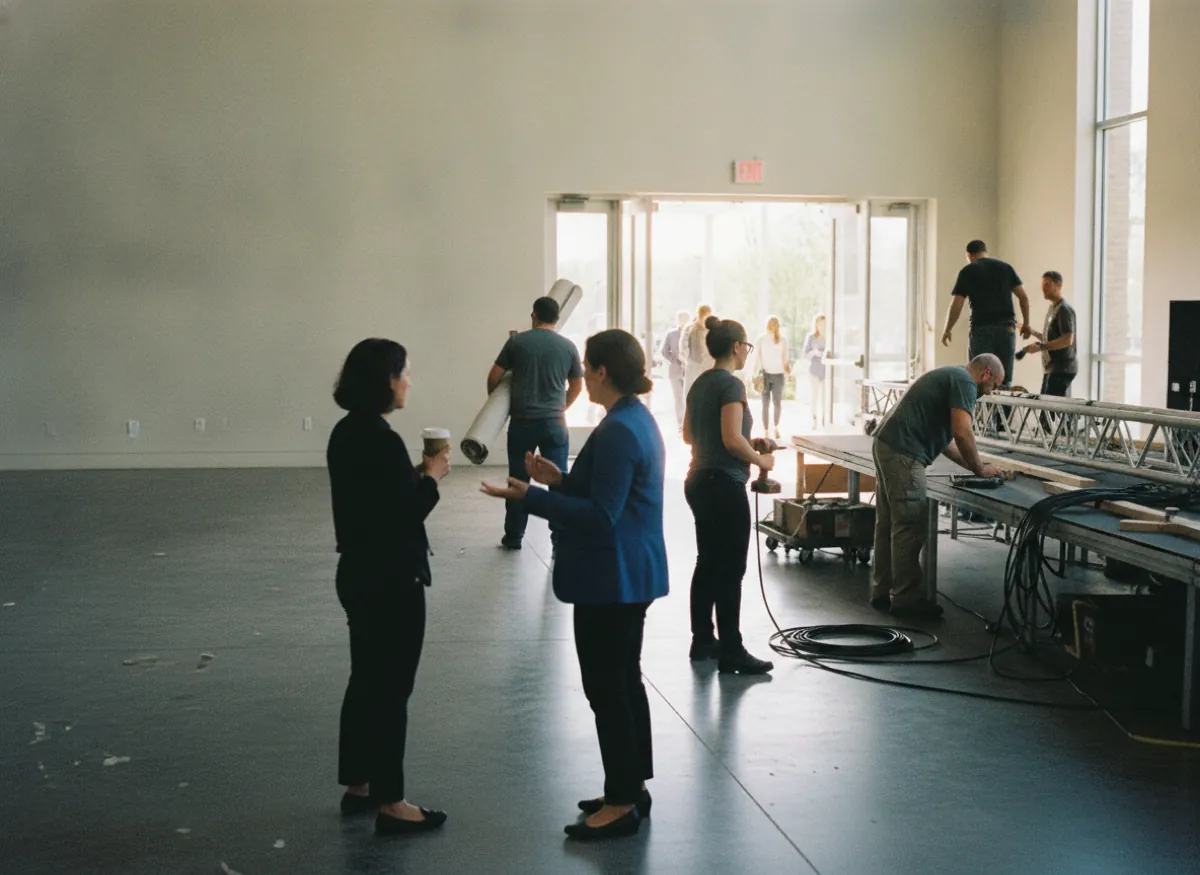
A crew working a changeover in a large event space, staging half struck and the doors open onto the foyer
HallHeld for itTogether

Keep the Venue With the Event

Treat the hall, room, or studio as a resource with its own availability. That gives the organising team one place to see whether the space is available when the event is scheduled. Picktime’s lets you manage room and equipment availability alongside your event schedule.

Capacity Stays With the Session

Set the maximum number of participants for each class or session. Registrations fill those available places instead of leaving someone to maintain a separate count.

Let People Register From a Link

Share your Picktime Booking Page through your website, email, or social channels. Attendees can register online without needing access to your organization's Picktime account.

Set Up Recurring Sessions Without Rebuilding Them

A course or repeating programme does not have to be created from scratch every time. Picktime’s open-source event registration software supports recurring class sessions, where you can choose how often the session repeats and how many times it should run or when it should end.

Who runs it

Share the Work Without Sharing Every Permission

Events are often managed by team members who have other responsibilities. With Picktime’s Team Management, you can assign roles and permissions based on what each person needs to access. Staff can manage their assigned schedules and bookings without everyone having full administrative access.

Team members with the appropriate permissions can check class bookings and attendee lists in Picktime. Instead of forwarding registration emails or updating separate spreadsheets, your team can work from the same booking records.

As the programme grows

Choose an Event Registration Plan That Fits Your Setup

Picktime plans vary by the number of team members, classes, resources, and locations you need, along with the scheduling features available. As your program grows, you can compare these limits and choose the setup that works for your organization.

  1. Set up each session with its own capacity and make it available for online booking. People choose the session and register online while your team sees the bookings in Picktime’s free online booking.

  2. With Picktime’s Waitlist enabled, people can join when a class session is full. If someone cancels, Picktime can automatically add the next person in line to the session.

  3. Some events are free. Others charge for a place. Picktime’s event registration software supports online payments and deposits through supported payment processors, so you can take payment as part of the booking flow when your plan and payment setup support it.

What it costs

Free forever, and it never counts the people who come

Nothing in the pricing scales with attendance. It counts sessions with limited places, the people who administer them and the venues you run them in.

Free, and it stays free

Free

What one programme gets without paying

  • Sessions with a number of places, counted as people sign up
  • A sign-up page needing no account from anybody
  • The venue held alongside the event
  • Email notifications on every sign-up
  • A waiting list when a session is full

Start free

As the programme grows

Paid plans

What the paid plans add

  • More limited-place sessions, and more organisers
  • A waiting list, so a freed place goes to the next person
  • Runs of sessions set up as one thing, and reminders before each
  • Card payments as well as PayPal, and discount codes

See what each plan includes

Works with what you already run

It fits the website, the calendar and the mailing list you already have

Put Registration Where Your Audience Already Finds You

Share your Picktime Booking Page on your website, in emails, or on social media. You can also add a Booking Widget to supported websites, including WordPress, and use Calendar Sync with Google Calendar, Outlook, iCloud Calendar, and Exchange. Supported marketing integrations can export new customer contacts to mailing lists, rather than automatically syncing every event registration.

Manage Registrations With a Free Event Registration App

The person running the session does not need to sit behind a desk. Picktime’s free event booking system works in a browser and has iOS and Android apps, so organisers can check the day's bookings and manage the schedule from wherever the event is happening.

Questions

Event registration: common questions

What is the best app to register for events?

It depends on what you are running. Conference platforms handle ticketing, badges and large audiences, and are priced for that. If what you have is sessions with a number of places (talks, courses, workshops, open days), a free event registration app is what that amounts to: a booking system doing the job with far less around it, and Picktime is free to start.

Can you use a form for event registration?

You can, and it is what most organisations start with. There is no event registration software free download here, because there is nothing to download; and what a form does not do is count. It will happily take a fortieth sign-up for a room that holds thirty, and it does not know when somebody drops out. A session with a number of places on it counts as people sign up and closes itself.

Do people need an account to sign up?

No. They use a link, give whatever you ask for on the form, and get a confirmation with a way to cancel. Accounts are only for the people administering the programme.

Can we run a course over several weeks?

Yes. A run of sessions is set up once rather than created one at a time, and somebody signing up takes their place across the whole run. Recurring bookings are on the paid plans.

Can we take payment when somebody signs up?

Yes, through a payment provider you connect. It is set per session. Event registration platforms for nonprofits usually have to cover both in one season: a free talk takes nothing where a paid course takes the full amount or a part payment. PayPal is on the free plan and card providers are on the paid plans.

How much does event registration software cost?

Best free event registration platforms differ on what they count rather than what they cost, so ask what the price is counted on before you ask what it is: per attendee, per ticket, per event and per organiser are four different bills for the same season. Picktime never counts the people who come, so a talk that fills costs the same as one that does not; what it counts is how many limited-place sessions you run, how many organisers you have and how many venues. The free plan has no end date and no card, and the paid plans are set out on the pricing page.

Does Microsoft have an event registration tool?

Microsoft has several things that overlap with one, and what your organisation actually has depends on the licence it holds, so that is a question for your own administrator rather than for us. The thing worth checking before you buy anything is whether what you already own can close a session when it reaches the number of places the room holds. That is usually where a committee finds the gap, and it is the whole reason this page exists. Picktime is not open source event registration software; it is a hosted page, which is why there is nothing to install and nothing to maintain.

Can you use Google Forms for event registration?

Yes, and a great many committees do until the day it bites. A form gathers answers without holding a number: nothing stops the thirty-first person signing up for thirty seats, and nothing notices when somebody withdraws in week three. If you already run one, the questions you wrote are not wasted, because on the paid plans you write your own booking questions here and the counting and the closing are done for you.


Let People Register While Your Team Prepares for the Event

Put your sessions online, set the capacity, and let people register themselves. Your team can focus on running the event instead of maintaining another attendee list.