Your Team Makes the Bookings
Employees can open your Picktime Booking Page, choose an available desk or room, and reserve it without asking an office admin to make the booking.
Books · Your own staff · Internal
Your employees need to know which desk or room is free before they walk across the office. Hot desking software lets staff book desks, meeting rooms, and shared resources from one system. Then use Picktime Rooms to show what is happening at the door, so people can see whether a room is available without opening a calendar.

Desk 15
Free from 13:00
Bookable by whoever needs it
Booked once
Not twice
The desk leaves the list
A room
Held with you
Booked alongside the person
For offices sharing desks, meeting rooms, parking spaces, and equipment, Picktime’s hot desking booking system helps employees reserve available resources. You can set availability for each resource and manage bookings in one place. Picktime focuses on resource scheduling rather than interactive workplace floor plans.
Employees can open your Picktime Booking Page, choose an available desk or room, and reserve it without asking an office admin to make the booking.
Books · Your own staff · InternalThe scarce resource is often not another employee. It is the room, desk, parking bay, vehicle, or equipment everyone needs at the same time. Treat each one as a bookable resource with its own availability.
Things · Each its own · BookableA room blocked on the calendar cannot be offered to someone else, even when nobody is using it. Picktime Rooms help make the room's current status visible at the door.
Held · Nobody came · ReleasedUse Picktime's office desk booking system to choose which desks, rooms, and equipment employees can reserve through your Booking Page. You can also keep certain resources available for internal bookings by admins or scheduling staff.
Count · More things · Paid planMost offices start by booking rooms in a shared calendar. It works until people forget to update bookings, follow different naming rules, or release rooms they no longer need. Then the usual problems start.
Someone forgets to remove an old booking. Someone else books the same room another way. A recurring reservation keeps blocking a room nobody needs. Employees see a room marked busy and move on, even though it has been empty for an hour. That is where dedicated resource booking helps. A hot desking booking app keeps bookings clear and makes it easier to see what is actually available.
Set up desks, meeting rooms, parking bays, and equipment as resources with their own availability. Employees can reserve open slots through your Booking Page instead of relying on shared-calendar rules. For meeting rooms, Picktime Rooms shows the current status at the door and lets employees book an available space on the spot.
A recurring room booking nobody removedMade in March, never cancelled.
The best room, unavailable, every Tuesday.
Two bookings for the same spaceBoth booked, in different places.
One of them stands in the corridor.
The room was booked, but nobody arrivedNothing asks and nothing releases.
Everybody else was told there was nothing free.
Taken · all day
Free from 13:00
Nobody checked in
The problem is not that people ignore the rules. The problem is that the rules live in people's heads.
Desks, meeting rooms, parking spaces, and equipment can all be set up as bookable resources in Picktime. Use Rooms & Equipment to manage their availability, then let employees reserve open slots through your Booking Page.
For meetings that need both a host and a room, set up the meeting service to require a team member and an available room resource. Picktime checks their availability before offering a booking time.
Office desk booking software gives employees a way to reserve shared desks before they come into the office.Set the availability and let employees book an open desk instead of arriving and hoping one is free.
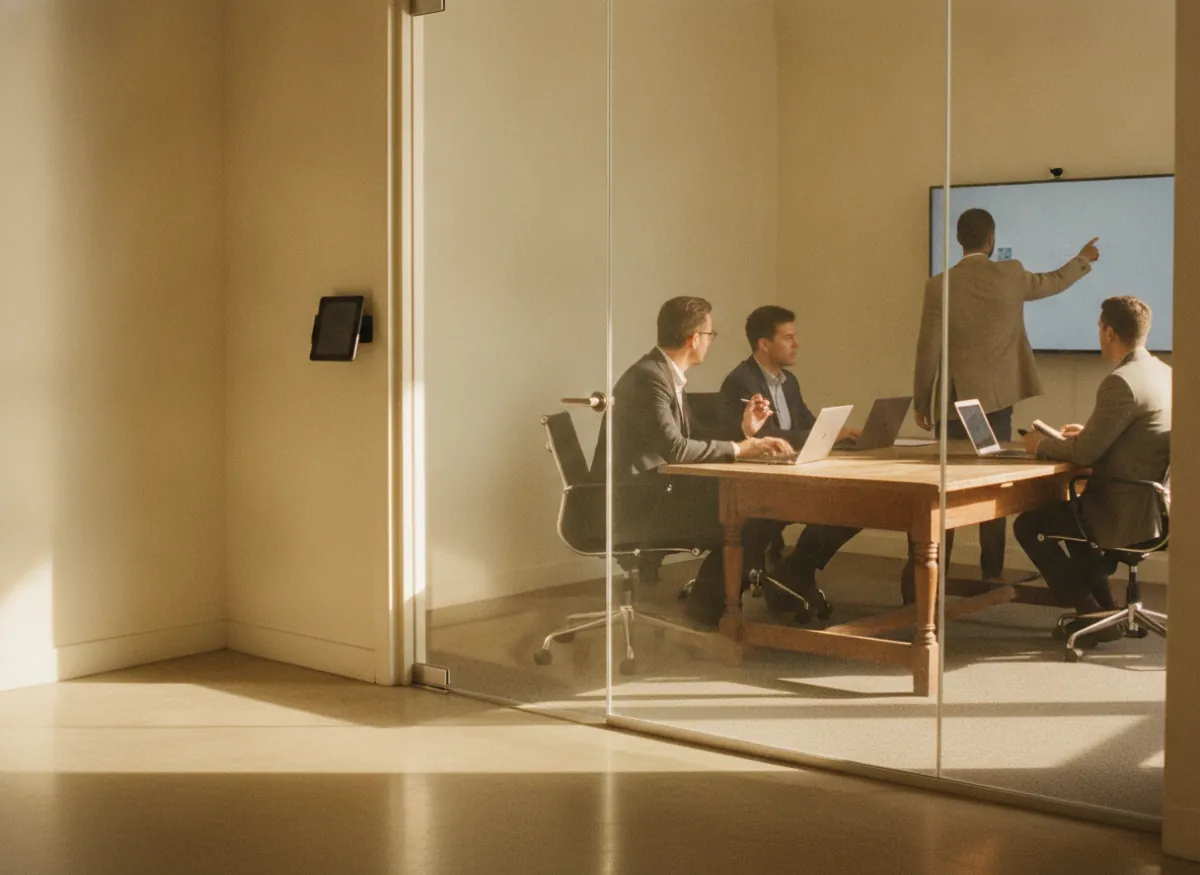
Give each room its own availability and let employees reserve it for meetings. A display at the door shows the room’s current status, so employees can see if it is free without checking a calendar.
The same hot desk booking software works for other shared resources that cannot be used by two people at once. Use resources for equipment, parking spaces, vehicles, or other shared items that need their own schedule.
Picktime Rooms is a tablet app that shows meeting-room availability outside the door. Employees can see whether a room is available, reserved for an upcoming meeting, or busy. They can also book an open room directly from the display.
Picktime Rooms also supports check-in codes. If nobody checks in within the allowed window, the unclaimed room can be released for someone else to book. This helps prevent unused reservations from blocking meeting spaces longer than necessary.
Start with the desks and meeting rooms your employees use most. As your office grows, you can organize additional equipment, parking spaces, and locations through Picktime's hot desking software.
Give each meeting room its own availability and let employees book the space instead of adding another manual calendar entry.
Use Picktime Rooms on a tablet outside a meeting room. Employees can check whether the room is available, reserved for an upcoming meeting, or busy, then book an open room from the display.
Once your meeting rooms are set up, you can add desks, equipment, parking spaces, and other shared resources to the same hot desk management software. Picktime also supports Multiple Locations, so you can manage bookings across different office sites.
Nothing in the pricing counts bookings, so the busiest office pays the same as the quietest one of the same size. Things, people and sites are the axis.
Free
Paid plans
Keep using the calendars your team already knows. With Calendar Sync, Picktime appointments can appear alongside other events in a team member’s connected calendar. Hot desk scheduling software lets employees book shared desks, rooms, and equipment through your Booking Page, while office admins manage reservations in the Online Calendar. For hybrid meetings, you can also configure supported Virtual Meetings integrations.
Employees can use Picktime's hot desking software on their phone to reserve a desk or meeting room through your Booking Page.Office admins and scheduling staff can also manage bookings through Picktime’s iOS and Android apps.
A useful hot desk booking system should show which workspaces are available, let people reserve them, and prevent the same space from being booked twice. In Picktime, desks, meeting rooms, and other shared spaces can be set up as resources with their own availability, then booked through an online booking page. Once a resource is booked, that time is blocked from further bookings.
Yes. Picktime’s Free plan includes an online booking page and up to three resources, so a small office can use resources for bookable desks or rooms. Starter adds features such as email reminders, specific booking links, and two-way calendar sync, while Pro supports up to 10 resources and adds features such as booking approvals; businesses needing more resources can contact Picktime support.
Picktime Rooms supports room check-ins, so an unclaimed meeting room can be released after the check-in window and made available again. Reminders can also help reduce forgotten bookings, while employees should cancel reservations they no longer need.
Picktime lets you link a resource, such as a meeting room, to a service and assign team members to the services they provide. This allows the booking setup to account for both the person providing the meeting and the resource needed for it, rather than managing the two as unrelated schedules.
Not necessarily. Picktime has its own online calendar, but you can also connect supported calendars such as Google Calendar, Outlook, iCloud, and Exchange instead of abandoning the calendars your team already uses. The free plan provides one-way calendar sync, while Starter and Pro provide two-way sync.
Yes, particularly in workplaces where employees split their time between home and the office. CBRE’s 2025 Americas Office Occupier Sentiment Survey found that 75% of surveyed companies used unassigned seating for at least some employees, although adoption varies by company size and working model.
Hot desking can create problems when people cannot find suitable space, teams struggle to sit together, employees lose a familiar personal setup, or demand is much higher on certain office days. Successful desk sharing therefore depends on more than a booking system; workplace layout, storage, technology, etiquette, team neighborhoods, and clear usage rules also matter. Booking software can make availability and reservations easier to manage, but it cannot solve those workplace-design issues by itself.
Each resource in Picktime can have its own recurring available times, including working days, hours, and breaks. For one-off changes, such as closing a room for maintenance or making a desk unavailable on a particular afternoon, you can update the resource schedule for that specific date and time.
You can turn off public online booking for an individual resource without removing it from Picktime. The desk or room will no longer appear as publicly bookable, while admins and team members can still use it when creating bookings internally.
Give employees a simple way to book available desks and meeting rooms online with Picktime's hot desking software, while Picktime Rooms shows meeting-room status at the door.
Get started for free, no credit card required.
 Exchange
 Outlook
 Google Calendar
 Microsoft Teams
 Google Meet