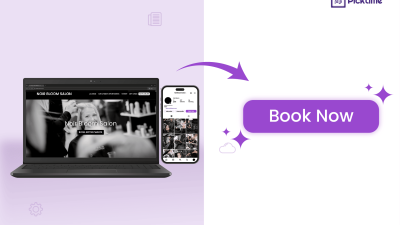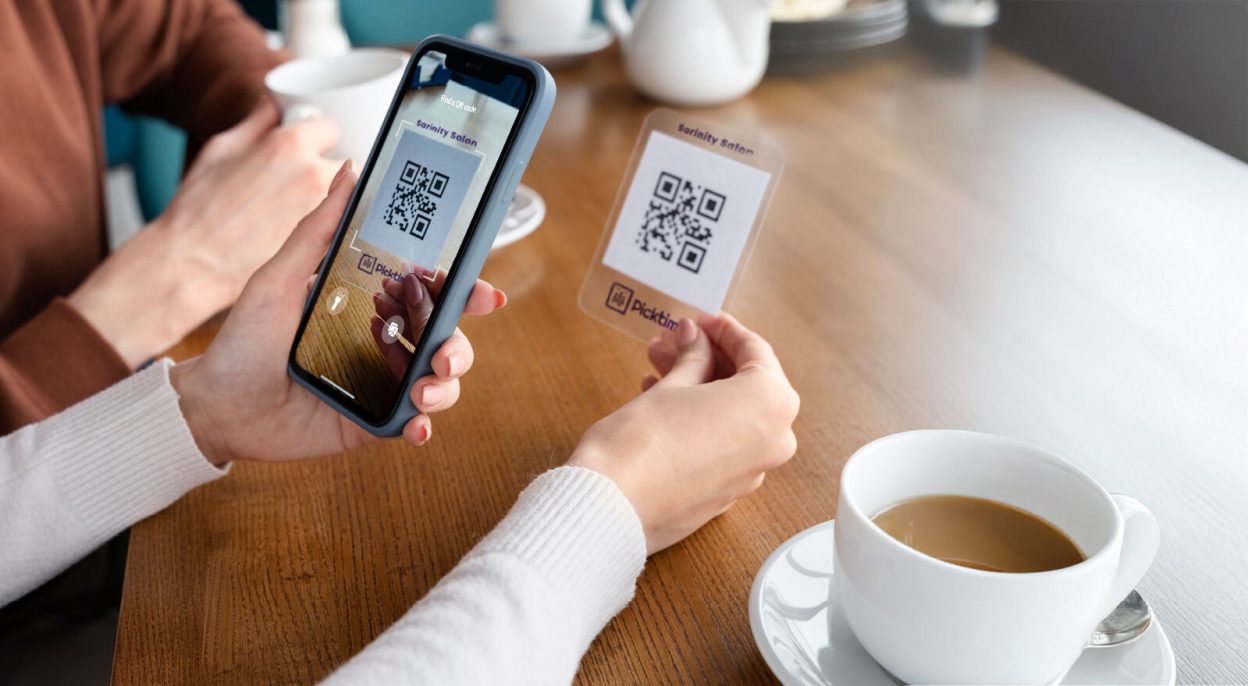
In a world where everyone seeks convenience, QR codes are everywhere, from restaurants to billboards. It has unlocked new possibilities, which give businesses more room to expand and evolve. When you add a booking QR code to your day-to-day operations, you might find it easier and more effective to connect and engage with your customers.
Before jumping into the benefits of QR code bookings, let’s take a closer look at how people book appointments today. “According to a recent study, over 46% of appointments are now booked online, which reduces the burden on team members.” With just a single scan from your mobile phone, your client gets instant access to your brand. In recent years, users across the US and UK have adopted QR codes, especially after COVID-19. It’s like transforming the dynamics of both online and offline appointment bookings.
Learn why QR codes are a game-changer for small, medium, to large businesses, and how to use QR codes. We’ll walk you through where to leverage them to boost your appointment numbers and customer engagement.
Why Every Business Needs a Booking QR Code?
When you are too busy with appointment calls, texts, and emails, it can be overwhelming. Such scannable QR codes are likely to simplify the scheduling process for customers, as well as for business owners. Once your customers reserve using QR codes, you will save time processing the reservations and can focus on what really counts, like expanding your business and what you enjoy doing.
One scan and countless opportunities. With booking QR codes, scheduling becomes effortless. Let’s see how they can make life easier for both businesses and customers:
Provides Instant Access to the Booking Page:
With a booking QR code, your customers can simply scan it to book an appointment without any help. Once they quickly scan your booking QR code, it redirects them to your online booking page, where they can:
- View available services
- Pick a time that works for them
- Confirm their appointment—all in seconds
Speed up the Booking Process:
QR code bookings eliminate the usual steps in booking, which shrinks them down to one simple scan.
Instead of your clients having to:
- Search for your website
- Look for the booking page
- Scroll through menus or dig through old links
They simply scan the QR code and are redirected to the page they need to be on—your booking page.
From there, it’s quick:
- Choose a service ✅
- Pick a date and time ✅
- Confirm the booking ✅
Instead of waiting for replies or juggling calls, clients can lock in their spot right when it’s top of mind. It’s all about ease, speed, and zero friction.
Applicable Across All Business Types:
QR code bookings are suitable for almost every kind of business, including salons, spas, dental offices, and healthcare clinics. The best part of QR code marketing is that you can place them anywhere, mostly where your customers are most likely to notice them. Even if you don’t have a physical location, like if you’re a freelancer or run a consultancy, adding a QR code to your website or social profile makes it easy for anyone, anywhere, to reach you and book your services.
The faster prospects can complete the booking using QR codes, the better your conversion rates will be, making it a valuable tool for any business. Now that you’ve seen just how powerful QR code bookings can be, let’s explore how easy it is to get all these benefits, right from one appointment scheduling software like “Picktime”.
How Picktime’s Booking QR Code Supports Professionals
Each Picktime account comes with a QR code for your online booking page, which may help you get reservations without lengthy phone calls. You can download it and share the QR code with your clients; one scan is all it takes, and your next appointment is confirmed.
While the customer enjoys the convenience of booking with just a quick scan, they also gain a more personalized experience. Instead of sending everyone to the same booking page and leaving them to figure it out on their own, share the Picktime team or a service-specific QR code for bookings. Hence, it allows clients to book exactly what they’re looking for.
It’s similar to giving a reservation shortcut, with no confusion, no detours, just a simple route to their booking destination. The result? Clients won’t end up saying, “Oops! I thought I booked Sarah, not James.”
Let’s explore a few ways to place your booking QR code for maximum visibility.
Creative Spots to Place Your Booking QR Code
By now, business owners are probably thinking, “Why didn’t I do this sooner?” However, promoting them in the right place is crucial for gaining more leads. That’s why we’ve added a few scenarios on how to embed your booking QR code in various marketing channels.
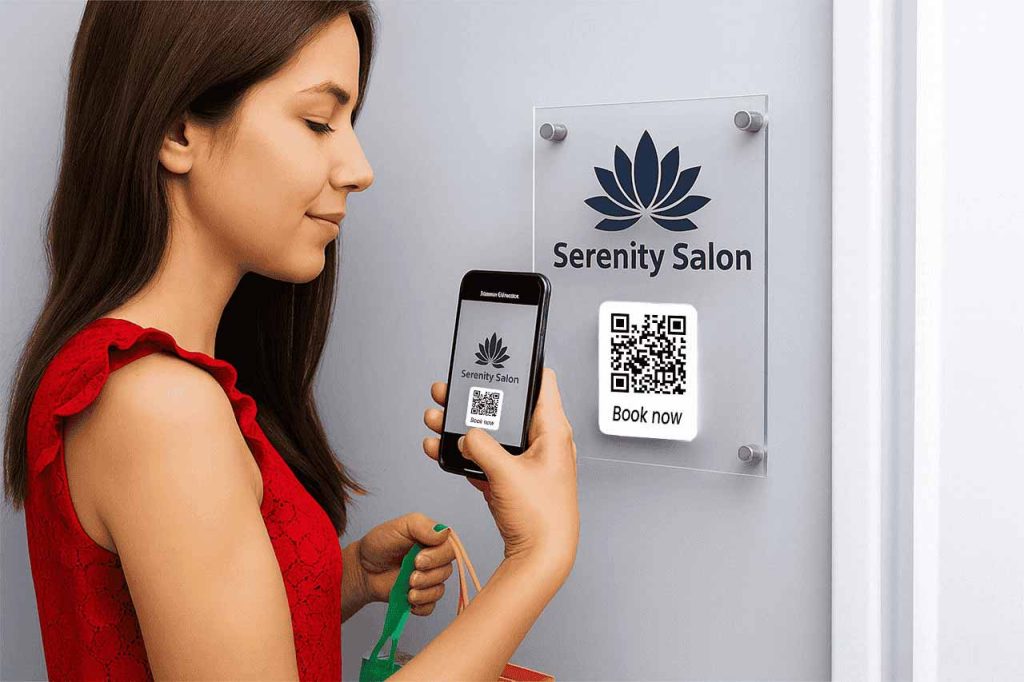
- On Your Shop Front for Salons or Retail Stores
Imagine a potential client is walking by your salon or a retail store when your business hours are closed. Consider adding a backlit or LED-framed poster at your storefront featuring your booking QR code. It can be an eye-catching way for prospects who are on the go, especially after sunset, and it continues to work for you even after your business hours.
Let’s say you can add a small sign that says, “Scan to Book Your Appointment.” The main highlight of placing a QR code at the storefront is that a quick scan allows passersby to view all your services, choose a stylist, and book a Saturday slot. There’s no need to call or even walk inside the store.
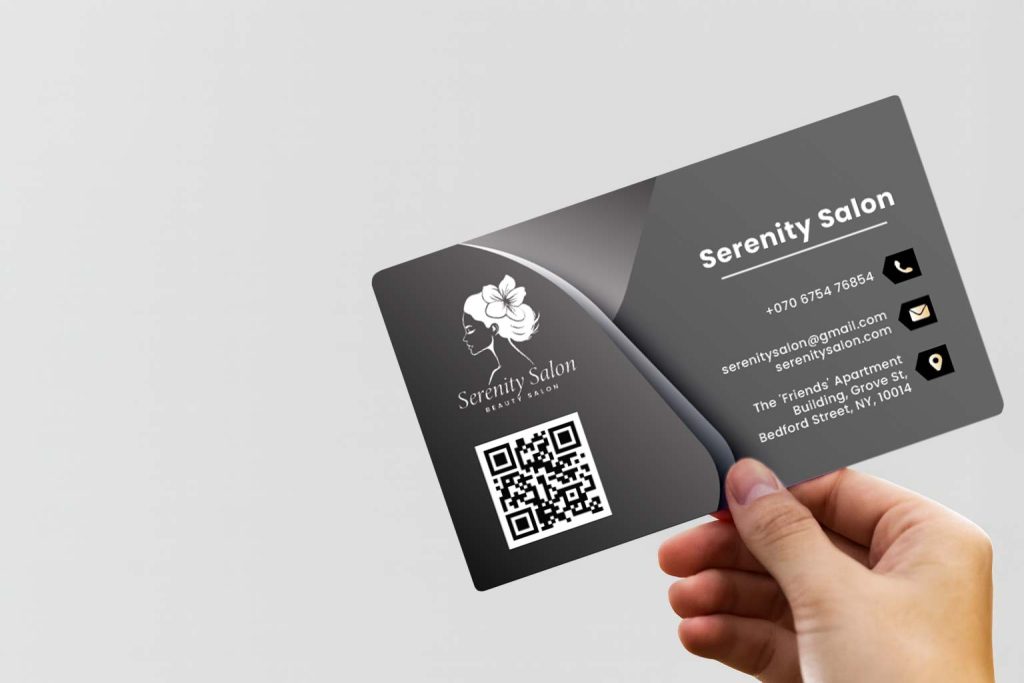
- Business Cards for Consultants or Other Private Sectors
Placing your booking QR code on your business card is a convenient and professional way to foster networking and create a lasting first impression. If you work as a consultant, financial advisor, or therapist, you meet potential clients at different events or casual meetups. Instead of telling them to email or check your website, print the QR code on your business cards.
To get the most out of your business card, add a QR code with a caption like: “Book a free consultation” or “Let’s connect with prominent consultants.” The moment they scan the QR code, they are redirected to your online booking page. As soon as a client reserves a slot, they receive an instant confirmation without any extra effort.
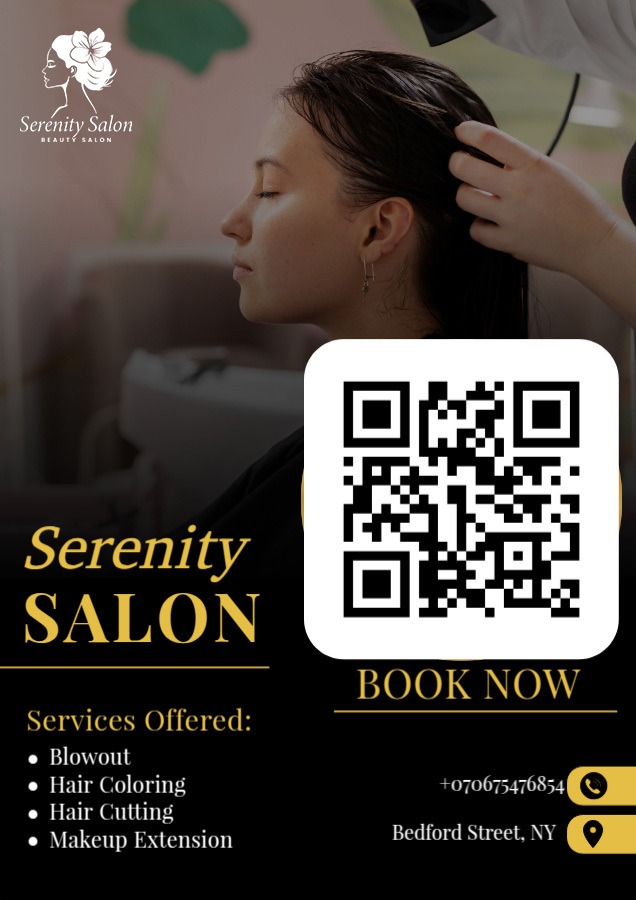
- Include a QR Code in Marketing Collaterals
Embedding your booking QR code in your email signature, WhatsApp marketing, and flyers can be a great way to streamline the booking process and increase appointments. For example, if you’re hosting an educational workshop, webinar, or online yoga class, pin your flyer in the proximity of your business. People who stay nearby or are interested in booking your service can do it with just one quick scan.
Additionally, if you’re already connected with clients via WhatsApp or email marketing, invite them to book with you by pasting the QR code alongside the content. It’s a fast and more personal way to keep your calendar filled, regardless of your customers’ location.
- Promote Your Booking QR Code Via the Website and Social Media
Your social media profile is your digital storefront. Both Gen Z and Millennials swipe through Instagram, Facebook, and LinkedIn, so showing up on those feeds can be useful. “Why not let them book a slot with you right then and there?
A QR code isn’t just a square with pixels—think of it as your tap-and-go invitation. You’re giving a behind-the-scenes peek on Facebook Story or using an Instagram carousel to lead folks through your service, one by one. This way, you’re creating an online presence for your brand. Turn their interest into a chance of long-term commitment.
Wrap it up with a final slide that simply says: “Ready to book?” or “Just scan the code.” It can be helpful and give your audience instant access to your online booking page.
Conclusion: Experience 2x Faster Bookings
Finally, as you’ve understood, the benefits of QR code-based booking are convenience, efficiency, and personalization. These promotional activities can help you drive instant traffic to your online booking page and grow your business.
Picktime gives you a ready-to-use booking QR code the moment you sign up. Add your booking QR code to your storefront, business cards, and social profiles, and you’ll make it easier for clients to find and book your services. Sign up now to get service and team-specific QR codes for appointment scheduling without breaking the bank.