Key Takeaways
- A disconnected scheduling process can make it harder for customers to book the right meeting at the right time.
- The right integrations can make it easier for customers to discover your services, check availability, pay, and join virtual appointments.
- Calendar and video meeting integrations help keep schedules and meeting details connected.
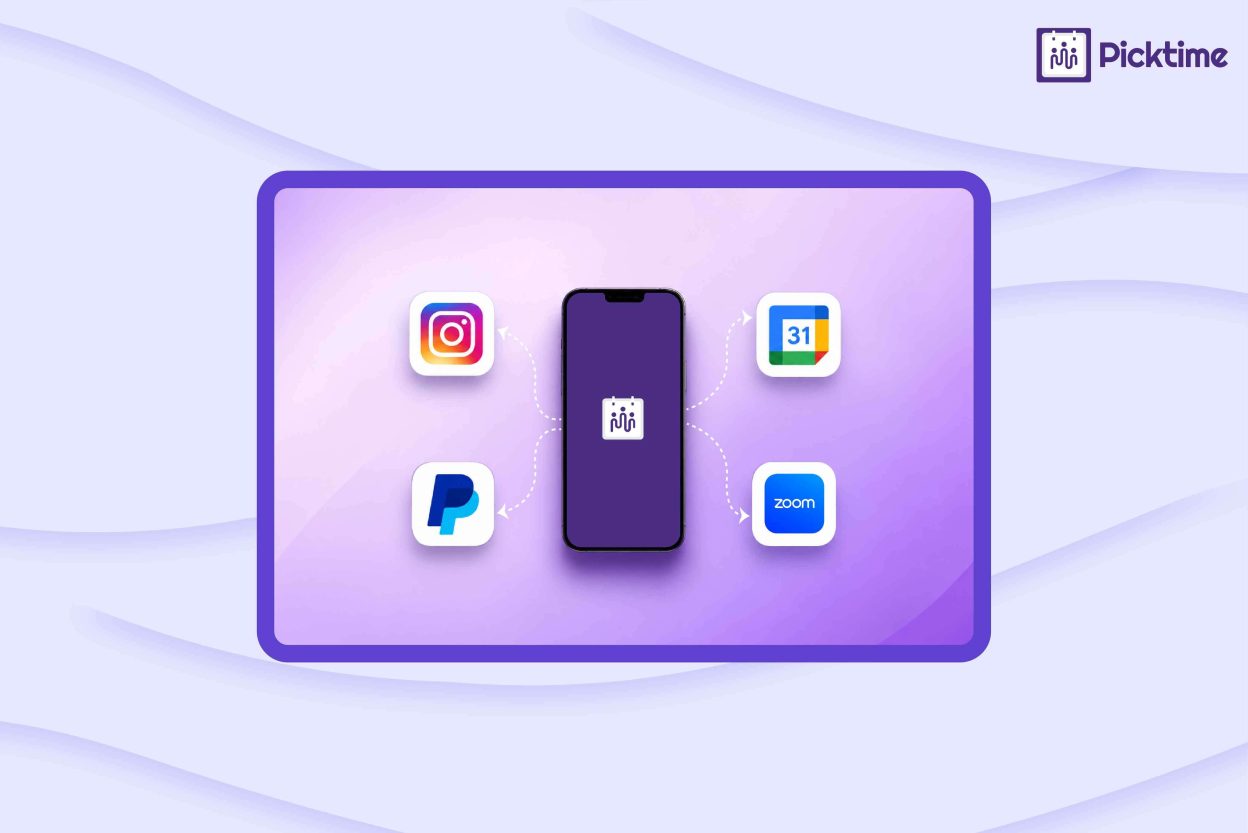
- Picktime connects Instagram, PayPal, Google Calendar, and Zoom with the booking process to create a smoother scheduling experience.
A customer’s experience starts long before the appointment itself. It begins when they find your business, check available times, choose a service, and complete their booking. However, if they have to move between tools to complete the steps, the booking process can quickly become frustrating. Every step in the booking journey can shape the experience customers have with your business. Picktime brings several of these steps together through integrations with calendars, payment services, social platforms, websites, and video meeting tools. In this blog, you’ll learn how four Picktime integrations can improve client experience by removing common booking friction.
Table of Contents
4 Picktime Integrations to Improve Client Experience
1. PayPal for a Smoother Payment Experience
Payment can add friction when customers need to book first and pay later. Picktime’s PayPal integration lets businesses collect the full amount or partial payments during the scheduling process. PayPal lets customers complete their payment without sharing their card details directly with the business. Once payment is completed, Picktime updates the payment status with the appointment. This can make the booking process more straightforward for consultations, classes, rentals, coaching sessions, and other services that require advance payment. This can be useful for coaches, consultants, fitness studios, tutors, photographers, salons, and rental businesses that often require payment when customers book. Picktime also supports Stripe and Square, giving businesses more payment integrations to choose from.
2. Google Calendar for More Accurate Availability
Customers don’t want to choose a time only to find out it’s no longer available. When staff use different calendars for business appointments and personal commitments, it becomes difficult to keep available hours accurate. But Picktime’s Google Calendar integration helps connect your schedules. With two-way sync, events on your connected calendar can block those time slots in Picktime. This helps avoid customers booking when you’re already busy. Picktime also works with Outlook, Apple Calendar, Microsoft 365, and Microsoft Exchange, so your team can keep using the calendars they already know
3. Zoom for Easier Virtual Appointments
For online consultations, classes, and coaching sessions, customers need clear information about where and how to join. Thus, sending meeting details manually after every booking increases the task for your team. When Zoom is connected and a booking uses the Zoom Meetings location, Picktime automatically generates the Zoom meeting link. Depending on your notification settings, the meeting link can also be included in the confirmation email sent to customers and team members. This makes it easier for customers to prepare for and join their sessions without extra back-and-forth. Picktime also supports Google Meet, Microsoft Teams, GoToMeeting, and Jitsi Meet. Businesses can choose the video meeting platform that fits their services while keeping scheduling and meeting details connected.
4. Make Booking Easier From Instagram
Customers may discover your business through an Instagram post, Reel, or profile visit. But interest will not last if they have to search for your website, message you for availability, or figure out where to book. Scheduling software like Picktime lets businesses add a Book Now button to their Instagram profile, giving interested visitors a direct next step. From there, customers can access your booking page, explore services, check available times, and, depending on your setup, choose a team member or location. This creates a shorter path from discovering your business on Instagram to scheduling an appointment.
Choose Integrations Based on Your Customer Journey
You don’t need to connect every integration to improve client experience. First, find the part of your booking process that causes the most problems for customers; then choose an integration that fixes it. If they struggle to find your booking page, use Instagram, social booking options, or a QR code. If they see inaccurate availability, connect your calendars. If payment slows down booking, add a payment integration. For virtual appointments, connect to a video meeting platform such as Zoom. That way, every integration addresses a real customer need instead of adding unnecessary tools. Moreover, it helps customers move from finding your business to booking, paying, and attending their appointments.
Picktime’s scheduling software lets you connect the tools your business already uses, with available integrations depending on your plan. You can connect payment platforms like PayPal, Stripe, or Square, calendars such as Google Calendar, Outlook, or Apple Calendar, and video tools like Zoom or Google Meet. As your needs grow, you can also use booking widgets, email marketing, CRM, and analytics integrations available with your plan.
Conclusion
A positive customer experience depends on how easy it is for your clients to move from finding your business to scheduling an appointment. Picktime integrations such as Instagram, Google Calendar, PayPal, and Zoom help remove common booking obstacles to improve client experience. As a result, it makes it easier for customers to know the services, choose a suitable time, complete payment, and join virtual appointments. By choosing the right integrations that match your business, you can also reduce manual work for your team. Moreover, you can create a more consistent booking journey. When you identify customers’ issues and connect them with the tools that address those problems, you can make appointment bookings easier and create a smoother booking experience for your clients.
If you want to make booking easier, try Picktime and connect the tools your customers already use.
FAQs
1. How can Picktime improve customer experience?
Picktime can improve customer experience by connecting the booking process with tools customers already use. Instagram helps customers find the booking page, Google Calendar supports accurate availability, PayPal enables online payments, and Zoom provides virtual meeting details.
2. Can customers book appointments through Instagram?
Yes. Picktime lets businesses add a Book Now button to their Instagram profile so customers can move from discovering their service to booking an appointment.
3. Which Picktime integration should I use first?
Start with the part of your booking process that causes the most friction. For example, use Google Calendar for availability, PayPal for payments, or Zoom for virtual appointments. Picktime lets you connect the tools that best fit your customer journey.
4. Do I need to use every Picktime integration?
No, you only need to choose the integrations that solve the main problems in your customer booking journey. Using the right integrations can make booking easier for customers without adding unnecessary tools to your workflow.