Key Takeaways
- Managing bookings and payments separately can create extra work and slow down the booking process.
- Let customers choose a service, pick a time, and pay online during booking.
- Collect deposits upfront to secure bookings and make payment management easier for your team.
- Picktime integrates with Square, so businesses can manage bookings in Picktime and collect payments through Square.
Customers want to book an appointment and pay in one smooth process, without switching between different tools. At the same time, businesses need an easy way to manage bookings, availability, and payments. Picktime’s integration with Square helps connect these two parts of the booking process. It brings the scheduling and payments together in one booking workflow.
The Square integration handles payment processing, while Picktime manages your daily appointment scheduling. In this guide, we’ll walk you through how the Picktime and Square integration works by simplifying bookings and making payments easier.
Table of Contents
Why Connect Square With Picktime?
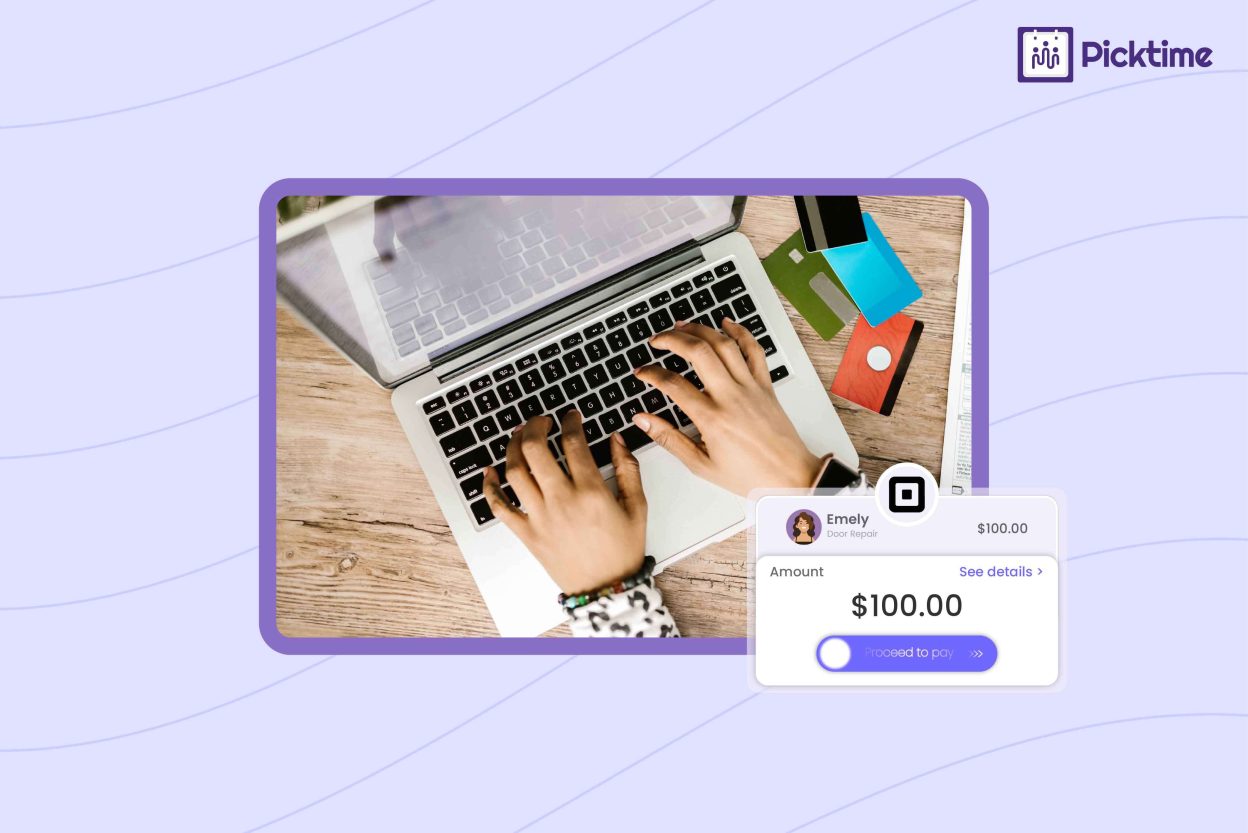
When you manage your bookings and payments separately, it eventually creates extra work for your team. Customers may book first and then wait for payment instructions, which can slow down the process. However, connecting Square with Picktime’s scheduling software lets customers choose a service, select a time, and pay online through the same booking flow. According to 2025 financial data, Square is already widely used by U.S. small businesses, with around 54% using it to process payments. Beyond that, you can use Square payments to process credit and debit card payments while Picktime manages your appointments. Depending on your payment settings, you can collect the full service price or a deposit during booking. This can help secure appointments and reduce the need to follow up about payments.
How Square Booking and Picktime Work Together
The process starts when a customer opens your Picktime booking page and chooses a service, staff member, date, and available time. After selecting the appointment, they can complete payment through Square if you require payment during booking. Once the booking is completed, Picktime keeps the appointment details in your scheduling system while Square processes the payment. As a result, it gives your team one place to manage the appointment instead of handling payment instructions separately. For businesses looking for an online scheduling and payment booking system, this setup can make the customer journey easier while reducing manual payment work.
How to Connect Square to Picktime
Want to get Square payments connected? You can do it directly from the payment settings in your Picktime account. Here’s how to get it set up.
- Log in to Picktime and open “Integrations” from the left menu.
- Select the Payment Gateways tab
- Find Square and click the + icon
- On the Square integration page, click Connect.
- Sign in to your Square account and connect the relevant account to Picktime.
- Wait for the connection window to close automatically.
- Return to Payments & Sales → Settings to configure your payment preferences.
Once connected, customers can use Square to make online card payments through your Picktime booking process.
Benefits of Using Square With Picktime
Collect Payments During Booking
Customers can pay online when they schedule an appointment rather than waiting for separate payment instructions. This makes it easier for you to manage bookings and payments while giving customers a simpler way to schedule appointments.
Reduce Payment Follow-Ups
Taking an advance payment or deposit can save your team from having to follow up with customers about unpaid appointment fees. Moreover, your team can spend less time checking who still needs to pay.
Keep Bookings Organized
Picktime’s scheduling software manages appointment details, availability, and customer bookings, whereas the Square dashboard handles online payment. With everything working together, your team handles bookings without jumping between different tasks.
Works for Different Service Businesses
The setup can work for consultants, tutors, trainers, salons, photographers, and other appointment-based businesses that collect payments before providing a service.
What to Keep in Mind
The Picktime and Square connection is primarily a payment gateway integration, not a complete sync of Square Appointments with Picktime. In other words, connecting Square does not mean that your Square booking calendar and Picktime calendar become fully synced. Instead, the integration focuses on allowing customers to make online credit and debit card payments through Square while booking through Picktime.
Conclusion
A simple booking process should let customers choose a service, find a convenient time, and pay without adding extra steps. With Picktime and Square connected, your business can manage appointments and available hours while using Square to process online payments. Now that you know how Square booking works with Picktime, you can give customers an easier way to book and pay.
Make booking and payments easier for your customers. Connect Square with Picktime and manage daily business activities through a simpler booking workflow.
FAQs
1. What is the Picktime and Square integration?
The Picktime and Square integration allows businesses to use Picktime for appointment scheduling and Square for online card payments. Customers can select a service, choose an available time, and pay during the booking process.
2. Can customers pay through Square when booking with Picktime?
Yes. After connecting Square as a payment gateway, customers can make online credit or debit card payments through the Picktime booking process.
3. Does Picktime synchronize with Square Appointments?
No. Picktime’s Square integration is currently limited to processing online credit and debit card payments. It does not synchronize your Square Appointments calendar, customers, or bookings with Picktime.
4. Can customers book without paying online?
This depends on your payment settings in Picktime. Businesses can configure whether customers need to pay the full amount, pay a deposit, or complete the booking without an online payment requirement.