Key Takeaways:
- Online payment at booking reduces payment chasing and creates a cleaner checkout experience.
- Deposits can protect valuable appointment time from casual reservations and late cancellations.
- Customers gain clear pricing, instant confirmation, and more payment flexibility.
- Appointment scheduling software can connect bookings, payments, invoices, and revenue records.
Business owners always seek new and innovative ways to manage their daily operations. Managing client payments needs well-structured planning. If clients can schedule their bookings without paying upfront, they might be less committed and more likely to abandon at the last moment. On the other hand, collecting payment at the time of booking can help secure revenue in advance and make the payment process more convenient for both the business and the client.
In the beginning, when you have less volume of appointments, it seems normal to have one or two no-shows. However, as your business grows, the increasing number of ghost bookings and late cancellations can impact your revenue and entire schedule. Once you accept online payments at the time of booking, there is no need to wait at the counter or handle another payment before the experience begins. Accepting online payments during appointment booking allows your business:
- Save valuable time during check-in
- Prevent no-shows and casual bookings
- Handle payments more easily than cash
- Reduce unnecessary delays caused by handling change
- Send customers an instant booking confirmation
Taking payments can build a smoother booking experience for customers and simplify everyday operations for your team members. Let’s discuss what online payment is and see how upfront payment can enhance customer experience and support your business growth.
Table of Contents
What Is Online Payment?
Online payments are financial transactions that need the internet to be completed. Customers can pay for their services without giving physical cash or visiting the business in person. When businesses accept payments online, the payment information is securely sent to the connected payment gateway. If the transaction is done, the money is transferred to the business owner’s account, and customers receive a payment confirmation.
Through online payment, you can easily take advance or partial payment at the time of booking. Customers can make payments even outside normal business hours. Online payments can be made in different ways, including:
- Credit cards
- Debit cards
- Digital wallets
- Payment links
What Happens When You Accept Online Payments?
Frictionless Payment Process
Once customers select their services, available time slots, and preferred team members, they can pay without leaving the scheduling page. This saves ample time for team members as they don’t have to enter each detail from scratch or enter the same information again and again. If clients complete the booking and payment, the system automatically saves payment details. Customers not only pay fast but also get swift payment processing.
Prevent No-Shows
A deposit adds commitment to a reservation. Customers are less likely to treat a paid slot like a casual hold, helping protect revenue from empty calendar time. Advance payment works well for consultations, classes, rentals, and higher-value services. Clear cancellation and refund terms should appear before checkout, helping customers make a confident choice.
Gives Customers More Reasons to Trust You
Customers want clear prices and no surprises. Showing the service cost before payment sets expectations early, and a receipt gives them a record of the purchase. Also, a professional checkout can signal a well-organized business. Therefore, customers can easily check their booking details, payment status, and what to expect next.
More Secure Payments
Collecting card details over the phone can expose both the business and the customer to avoidable security risks. Secure payment gateways give customers a safer space where they are ready to enter payment information. You can use a trusted provider, limit internal access to payment records, and keep refund procedures clear. These practices support customer confidence across teams and locations.
Faster Cash Flow and Cleaner Records
When customers process payments online at bookings, you get accurate revenue for your business. Moreover, you can see paid, partially paid, and unpaid appointments before the workday begins. When your appointment scheduling software and payment systems are connected, you can easily track revenues for your business. Those insights also help you analyze how much money you have earned through online payments. Managers gain a clearer view of expected revenue, completed sales, and open balances without piecing together separate spreadsheets.
Picktime Helps You Collect Online Payments Easily
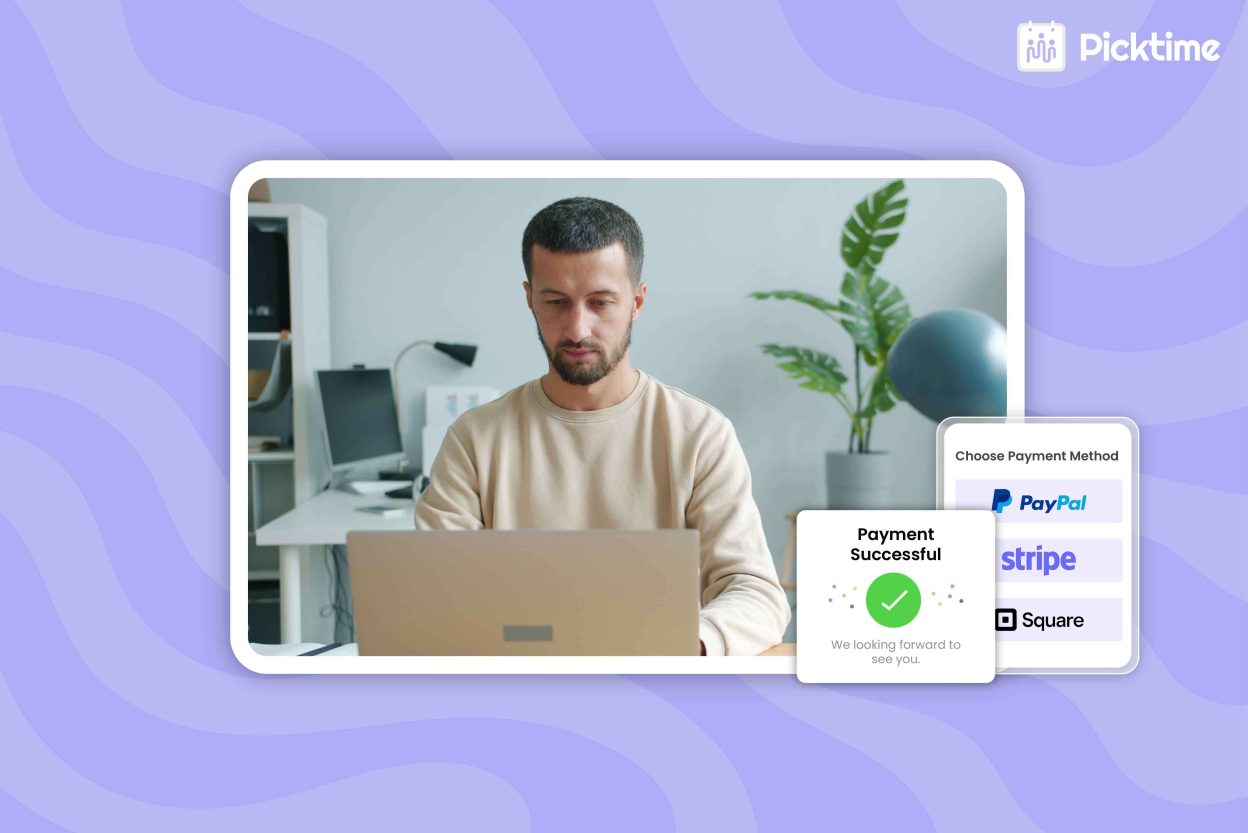
A good appointment scheduling software should support all your business needs, just like accepting online payments. An online scheduling tool like Picktime brings appointment scheduling and payment collection into a streamlined process. By connecting advanced payment gateways such as Stripe, PayPal, or Square, you can collect full payments or deposits online through your booking page. After each booking is done, your team members can easily create, print, or download invoices from the platform.
Solo entrepreneurs can spend less time sending manual follow-ups and accept online payments more easily. With Picktime’s expertise, growing teams get detailed records, and multi-location businesses can handle everything in one platform. Businesses can take payments based on their business needs, whether during business hours or after booking.
Ready to connect scheduling with payment collection? Start using Picktime and give customers a smoother way to choose a service, pay online, and confirm their booking.
FAQs
1. Should I collect the full payment or only a deposit?
It depends on the type of service you offer. Full payment can work well for classes, fixed-price services, and shorter appointments. A deposit may be a better choice for expensive services or bookings with a higher risk of cancellation. Whichever option you choose, clearly explain the payment and cancellation terms before customers confirm their booking.
2. Do online payments help reduce no-shows?
Yes, they can. Customers are usually more committed to an appointment once they have paid a deposit or the full amount. Online payments may not stop every no-show, but they can reduce casual bookings and help your business recover part of the lost revenue when someone cancels late.
3. Can customers pay online when booking through Picktime?
Yes. Picktime connects with Stripe, PayPal, and Square, allowing customers to pay during the booking process. You can collect a deposit or the full service amount, check payment status, and manage invoices alongside each appointment.