Key Takeaways
- Manual booking can lead to missed appointments, errors, and extra admin work as bookings grow.
- Scheduling software keeps bookings, availability, and customer updates in one place.
- Automation helps reduce manual work and keeps appointments organized.
- Picktime helps businesses replace scattered booking processes with one centralized scheduling system.
Most small businesses come across a situation where one booking starts with a call. Another comes through Instagram DM. Then there’s an email pop-up asking for a different time; meanwhile, your spreadsheet is still showing the old booking details. That’s how manual booking gets messy, resulting in missing more leads. However, business owners are now relying on software for scheduling appointments. This allows them to track availability, customer bookings, reminders, and schedule changes without relying on scattered messages or spreadsheets.
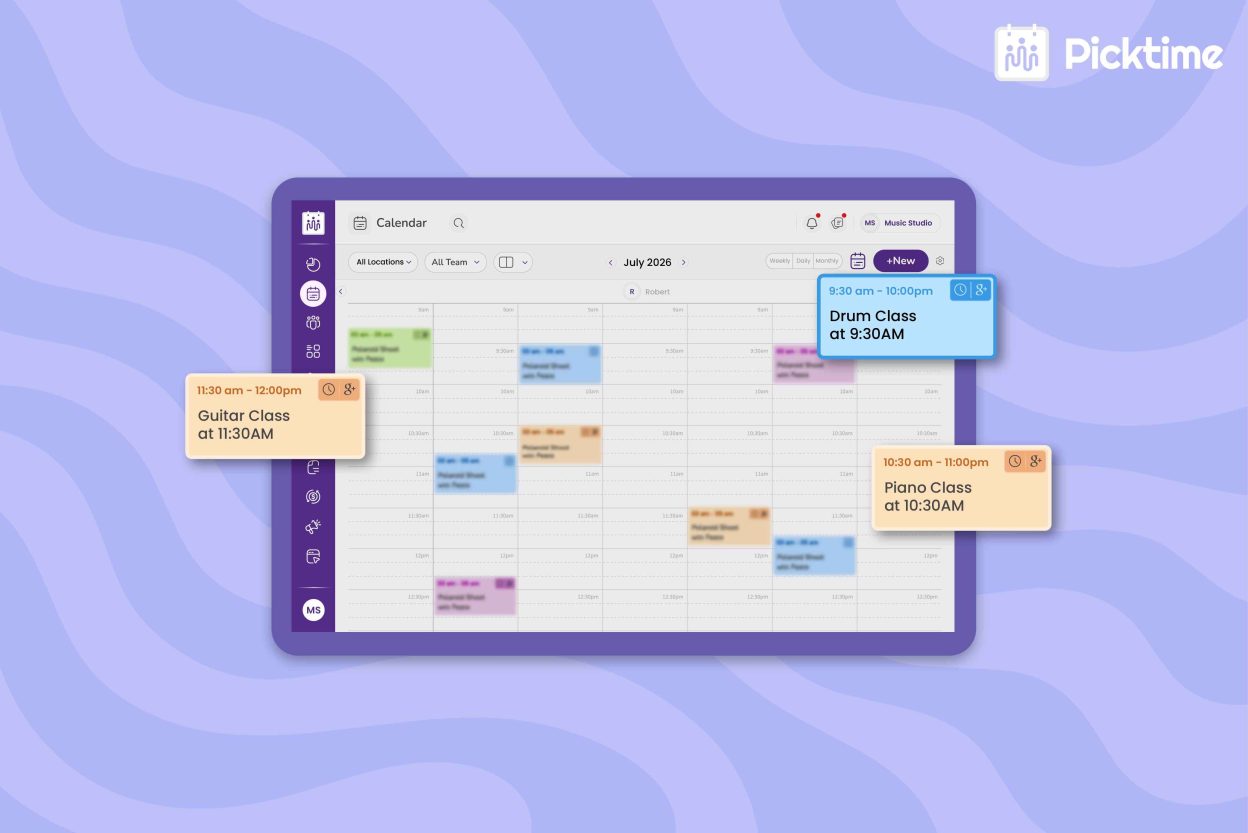
Rather than asking, “Did we add that booking to the calendar?”, Your team can see what’s booked and what still needs attention. That means there’s less chance of losing track of manual bookings. Moreover, your team can spend less time checking scattered tools and struggling to keep the schedule up to date. This guide will help you learn how appointment scheduling software works and how its features help businesses stop losing track of bookings across calls, messages, and spreadsheets.
Table of Contents
Why Manual Appointment Booking Becomes a Problem
When businesses are handling a few appointments, manual scheduling may be enough. However, as soon as the booking increases, every new request creates another task. Your team has to check what’s available, reply to the customer, enter the appointment, and send a confirmation after booking. Moreover, staff have to remember to update the calendar if there’s any change in plan. The problems arise because manually dealing with all these activities can lead to the following:
- Scheduling errors
- Missed opportunities
- More administrative work
- Rescheduling takes more time
- Increased no-shows
- Limited booking availability
- Customer friction
- Scaling difficulties
As bookings pick up, these small tasks can quickly pile up and become a bigger headache. What seems manageable today can turn into missed bookings, extra admin work, and lost revenue.
What Appointment Scheduling Software Actually Does
Software for scheduling appointments can move repetitive steps during the booking journey into a structured booking workflow. This lets customers finish the booking with simple steps:
✅ choosing a service ✅ selecting an available slot ✅ booking confirmed ✅ getting notified. Behind the scenes, scheduling software checks staff availability, existing bookings, appointment duration, breaks, and other rules to show customers the right time slots. Depending on the scheduling tool, customers can also reschedule or cancel, receive automated reminders, complete intake forms, and pay during booking.
💡Tip: With Picktime scheduling software, you can include rescheduling and cancellation links in appointment emails, along with an attached ICS file so customers can easily add the appointment to their calendar.
Features That Keep Bookings Organized
A dedicated scheduling software should make your day easier, not give you another tool to keep up with. With the right features, you can manage available hours, keep customers updated, and make sure your team knows what’s going on. Here is a list of features that you consider. It will give you a clear view of what a scheduler app can do beyond manual scheduling.
Real-time availability: Customers see up-to-date time slots based on your team’s working hours and existing bookings. So they can book without your team checking the calendar manually.
Staff and calendar management: Manage team availability, working hours, breaks, and days off in one place. With Picktime, you can also set team member permissions based on each person’s role. So staff only access the bookings and information they need.
Recurring appointments: Create repeat bookings by choosing how often an appointment should repeat, so you don’t have to enter the same booking from scratch each time.
Multiple locations and resources: Manage different branches, rooms, equipment, or common resources in one place, so your team knows what’s available and avoids double bookings.
Mobile scheduling: Keep track of bookings wherever you are. Picktime lets you check availability, update appointments, and reschedule from your phone. So your team can keep bookings updated without being tied to a desk. Both iOS and Android users can benefit from this.
Website booking: Add a Picktime booking widget or Book Now button to your website, or simply share your Picktime booking page link. This lets customers schedule appointments 24/7 without needing to call or message your team.
Automated reminders: Send email and SMS reminders, confirmations, and updates automatically, cutting down on follow-up work.
Online payments: Give customers the option to pay when they book using supported payment options such as PayPal, Stripe, or Square, depending on your plan. They can pay in full or even secure a deposit.
Picktime’s software for scheduling appointments brings these booking platforms together in one dashboard. Your team can see what’s booked, what’s available, and what still needs attention without relying on manual booking processes.
What Changes After You Switch to Scheduling Software
The biggest change in everyday work is that your team no longer needs to handle every part of the scheduling process manually. Instead of chasing booking requests and updating different calendars, more of the routine scheduling work happens automatically.
- Cut down on calendar checks and answering the same booking questions.
- Fewer no-shows with timely email and SMS reminders
- Two-way calendar sync keeps connected calendars updated when appointments change.
- Time-zone conversion makes it easier to schedule with customers in different locations.
- Built-in reporting shows booking summaries, cancellations, bookings by team member or location, and payment information, helping you identify patterns in your scheduling activity.
- Invoice generation reduces the need to create appointment-related invoices manually.
- Customer reviews give customers a simple way to leave feedback from the booking confirmation page after their booking is confirmed.
The real benefit is not just eliminating unnecessary steps. But it’s about moving away from manual booking and giving your team more time to focus on customers.
Conclusion
While you find manual booking an easy option to opt for your small business with fewer bookings. But now think the same when your business increases. Is it challenging, right? Thus, choosing the software for scheduling appointments over manual tools will be the right choice. When you move away from calls, DMs, spreadsheets, and manual calendar updates, keeping track of appointments becomes much easier. By now, you can see why keeping up with bookings on your own gets harder as your business grows. Picktime helps replace the back-and-forth of manual booking with a centralized scheduling system, making it easier to keep track of every appointment.
Still letting appointments slip through the cracks because of manual booking? Try Picktime and keep your bookings organized in one place.
FAQs
1. Why is manual booking a problem as we grow?
As bookings increase, handling requests through calls, DMs, emails, and spreadsheets creates more admin work and increases the risk of missed bookings, double bookings, and scheduling errors. Picktime brings bookings, availability, reminders, and schedule updates into one system, helping teams manage appointments more efficiently.
2. Can we still add appointments that come through phone calls or walk-ins?
Yes. Your team can manually add phone, walk-in, email, or other offline appointments directly to the Picktime calendar. This lets you keep manually received appointments alongside online bookings instead of tracking them separately.
3. How does scheduling software stop bookings from slipping?
Scheduling software centralizes appointment requests, availability, confirmations, reminders, and schedule changes instead of relying on manual updates. Picktime also supports real-time availability, calendar sync, automated reminders, and online booking, helping your team keep appointments organized and reduce missed bookings.
4. Can customers book 24/7 without calling?
Yes. An online booking page allows customers to view available services and time slots and book appointments outside your business hours. Picktime provides an online booking page that customers can access anytime, so your team does not have to manually respond to every booking request.