Key Takeaways
- Dental scheduling software helps small clinics manage bookings, reminders, cancellations, patient details, and team schedules without adding more manual work.
- Online booking makes it easier for patients to schedule appointments at any time, even after clinic hours.
- Automated SMS and email reminders help reduce missed appointments and save your front desk from making reminder calls one by one.
- Customer and booking fields help collect important patient details before the visit, so check-ins feel smoother and more prepared.
- Picktime brings online booking, reminders, booking fields, payments, invoicing, waitlists, team management, reviews, and AI Receptionist tools into one platform for small dental clinics.
Running an independent clinic means juggling patient care, front desk coordination, team management, and growth, all without exhausting the budget. The scheduling side of your dental offices alone takes more from your practice than it should. Meanwhile, if your team members are busy preparing their appointments, they should not be overwhelmed with scheduling. Moreover, if your dental practice is ready to expand, you need more advanced scheduling features that automate your day-to-day operations.
A growing business means more dental appointments, team members, and revenue; that is exactly where dental scheduling software changes things. It covers all aspects of your business by providing all powerful features in one place without disrupting your budget.
In this post, we’ll walk you through why small dental clinics need dental scheduling software and which features make the biggest difference.
Table of Contents
Why Small Dental Clinics Need Dental Scheduling Software
The administrative side of running a small dental clinic is relentless. They answer scheduling calls, manage cancellations, send reminders, collect patient details, and keep the calendar moving. At the same time, they are also helping patients at the front desk and supporting the dental team.
If you run a dental clinic, you already know how important it is to keep every time slot productive. And a patient who calls after hours, hears nothing, and books with another clinic the next morning? Moreover, most front desk teams are not underperforming on purpose. As a dental professional, you end up juggling multiple responsibilities. These include checking in patients, answering phones, and managing a calendar that keeps changing. As a result, you may think the current setup is manageable until you get bookings across all channels.
Dental practice management software reduces the burden of repetitive scheduling work from your team. You can ensure your front desk employees are not doing the same tasks again and again. Rather than patients going through a lengthy process, they can book your dental services online whenever it suits them. Customer and booking fields help your clinic collect the right details before each visit, without extra back-and-forth later. Your team still controls the schedule, but they do not have to chase every small detail manually again. In addition, this gives them more time for work that needs a real person, like medication guidance and support.
Key Features That Help Your Dental Business Grow
Not every scheduling platform is worth the investment. For a small clinic on a tight budget, the right features are the ones that solve actual problems without adding more complexity. Picktime’s dental scheduling software is worth using, as it is specifically designed to help dental practice owners or managers. Here is what to look for.
Accept Dental Appointments Around the Clock
A patient thinks about scheduling a cleaning at 9:30 p.m. If your clinic only accepts walk-ins or booking only during business hours, you may lose many potential clients. Or they may simply book with the practice that made it easier. Giving your clients the privilege to book through an online booking page or a 24/7 AI scheduling assistant can increase the number of bookings. Picktime offers an online booking page and AI receptionist feature that supports 24/7 bookings for your clients. It not only gives your clients convenience but also protects your revenue. Every booking you miss after hours is one you may never get back.
Send Reminders Without Lifting a Finger
Automated SMS and email reminders are one of the most effective ways to bring that number down. Studies have also found that automatic reminders, particularly SMS and emails, tend to outperform phone calls when it comes to reducing no-shows.
Most front desk teams do not skip reminders intentionally. It just gets pushed aside when the morning is already busy. Patients who receive reminders before their appointment are more likely to show up or reschedule. This is never about replacing your front desk. But it is about removing a manual, time-consuming task that produces inconsistent results when done by hand. Picktime includes automated SMS and email reminders as part of its dental appointment scheduling software. Hence, your team never has to build a call list just to send reminders individually.
Collect Patient Information Before The Sessions Start
Collecting patient history at the front desk during a busy morning takes a lot of time for the patient. Customer additional fields let new patients fill out their details before the visit, so the team walks in prepared, and check-in moves faster. For a first-time patient, this also makes the practice feel organized and professional before they ever sit in the chair. Clients judge a clinic by the small details, and a smooth arrival is one of the first impressions that sticks.
Fill Last-Minute Cancellations Without the Back-and-Forth
When a patient cancels at 8 a.m. for a 2 p.m. slot, manually calling through a list to find a replacement is rarely practical. And let’s be honest, most days that slot just stays empty. When your all-time slots are full, and you can not take bookings anymore, but suddenly one person cancels. Then the next important question comes: how will you fill the empty slot? Picktime’s waitlist feature can fix that. It allows you to add patients to the waitlist, and whenever a patient cancels, you can assign them to that available slot. Furthermore, you can send confirmation and reminder emails to patients who are on the waitlist.
Keep Your Team’s Schedule Conflict-Free
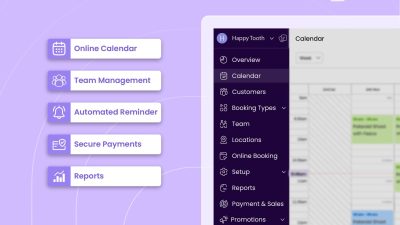
For clinics with multiple providers, scheduling gets complicated quickly. A platform that tracks provider availability, appointment types, and room usage in one place reduces double bookings, scheduling conflicts, and the awkward conversations that follow. Picktime’s dental practice management software lets you handle team schedules, multiple locations, bookings, and days off from a single dashboard. It means nothing slips through the cracks, and the whole team stays on the same page.
Understand Your Schedule at a Glance
If one week, some of your appointments consistently go unbooked, that is actionable information. Therefore, you can not manually find which services are performing well and which are not doing well. Clear reporting tools and an overview dashboard give small clinic owners the data they need to make smarter decisions, without needing a dedicated operations team to interpret the numbers.
This is where Picktime shifts how small dental practices manage their booking process.
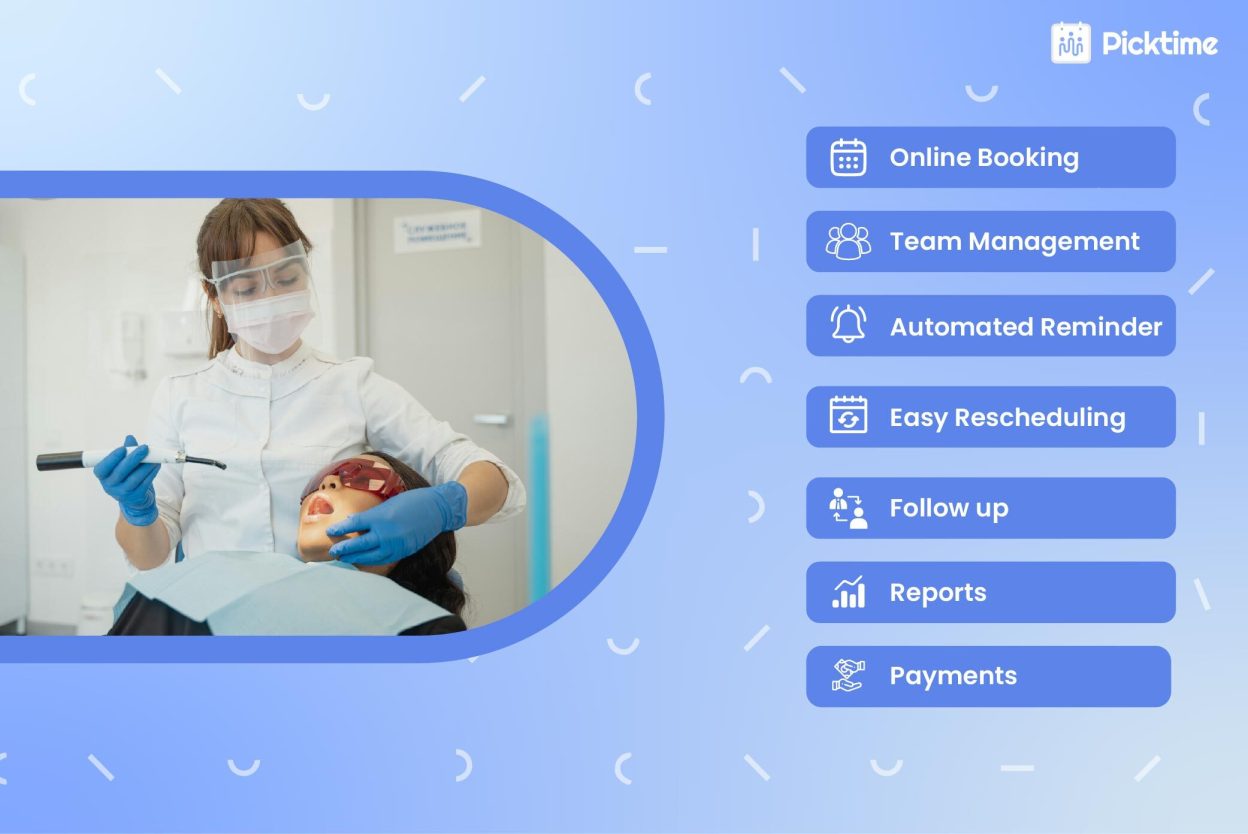
And scheduling is just the start. Picktime also gives you online booking, customizable booking fields, payments and invoicing, automated reminders, and team management. Plus, the built-in AI Receptionist captures patient details and turns after-hours interest into confirmed bookings, without you lifting a finger. All of that runs from one platform, without the overhead.
Boost Your Online Presence
Many patients check reviews before choosing a dental clinic. A strong set of positive reviews can make your practice feel more trustworthy and help new patients feel confident about booking with you. Good reviews can also support your local visibility. When people search for terms like “dentist near me,” reviews on your online booking page can help your clinic stand out and attract more appointment requests.
With online review tools, you can ask patients for feedback after their visit and keep track of what they are saying about your practice. You can also respond to negative reviews in a professional way, address concerns, and show future patients that your clinic takes feedback seriously.
Conclusion: Elevate Your Dental Practice
For growing dental clinics, hiring new team members or separate tools for separate features might not work. When it comes to managing admin work, team members, and finances, a dental scheduling software is worth considering. It gives you all the features in one dashboard so that you can manage inquiry calls, bookings, payments, reminders, and more. It takes repetitive work off the front desk and helps patients feel confident booking with you from the very first interaction.
The goal is not to change how your clinic runs. It enhances your day-to-day operations, so dentists can spend more time serving patients and less time on repetitive admin. Try Picktime for free and see how simple dental scheduling can feel.
FAQs
1. How does dental scheduling software help small dental clinics grow?
Picktime’s dental scheduling software helps small clinics to grow by keeping the schedule organized, reducing missed appointments, and saving front-desk time.
2. Why do small dental clinics need online booking?
Picktime’s dental appointment scheduling software allows patients to schedule appointments when it’s convenient for them. This helps clinics capture appointment requests that may otherwise be missed when the front desk is busy or closed.
3. How Picktime manages reviews for your dental practices
Picktime’s reposting tools allow your clients to write feedback after their appointments. You can review the feedback and then publish it on your booking page. Positive reviews can make your clinic feel more trustworthy and help new patients feel more comfortable booking an appointment.
4. Is dental scheduling software useful for clinics with multiple team members?
Yes. Picktime’s dental scheduling software is especially useful when a clinic has multiple dentists and locations. It helps manage team availability, days off, appointment types, and booking conflicts from one dashboard.