Did you know that 70% of clients prefer booking appointments online rather than making a call or sending a text? But how will they reach you or book your services if your business hours are closed? You may risk losing a notable number of clients, which can impact your revenue and profitability. Modern customers want instant options, since they value speed, convenience, and freedom to act without waiting.
Sure, there are multiple ways to implement online appointments. We’ll show how adding Picktime’s booking widgets can convert your site visitors into potential clients by letting them schedule appointments whenever they’re ready, even if your business is closed.
Let’s look at what online booking widgets are, why they’re worth using, and explore the best places to feature them.
Table of Contents
What are Picktime Booking Widgets?
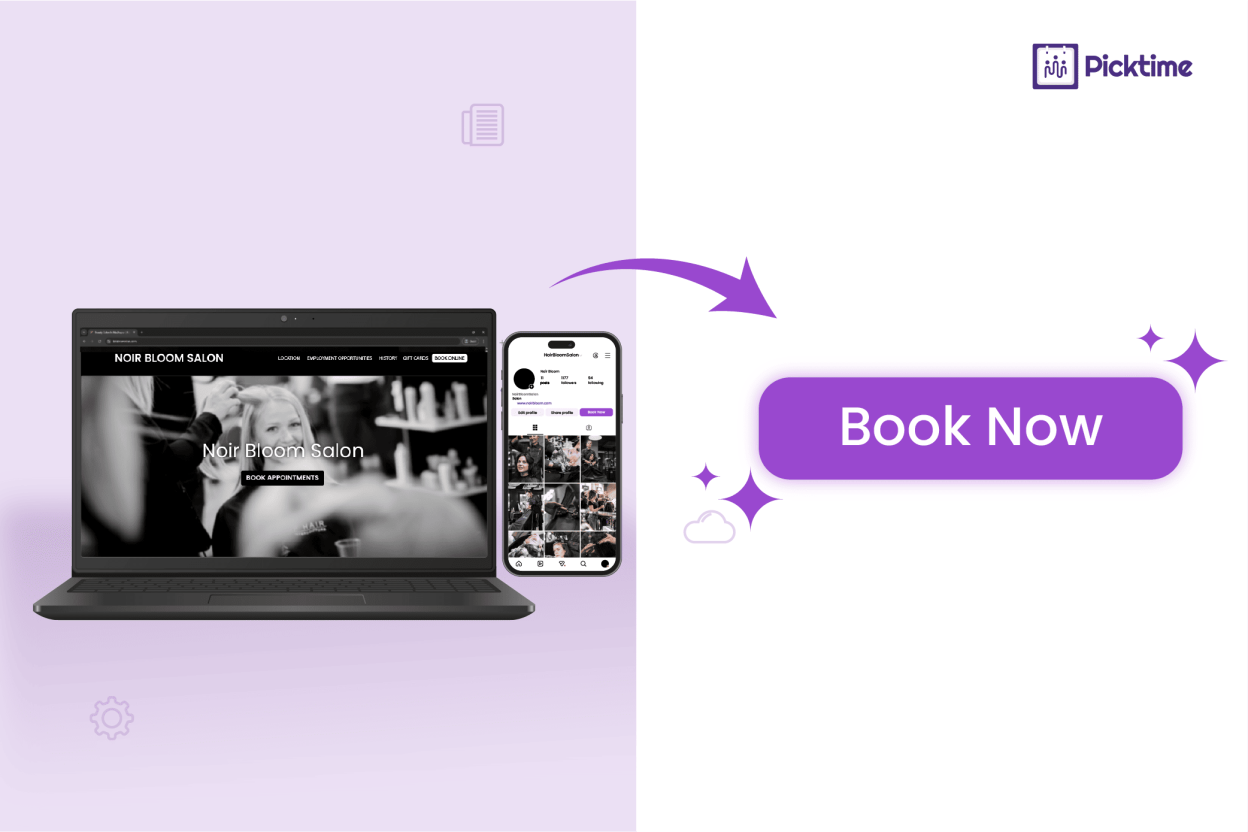
Picktime booking widgets are easy-to-use, customizable redirect links that act as a button, which you can embed on your website or social media without any coding. You can simply copy the ready-made HTML code, paste it, and you’re all set to start taking bookings 24/7.
When a customer clicks on the Picktime booking widget, they’re redirected to your online booking page, where they can choose preferred services, see real-time slots, and more. It’s a simple way that helps you save time and retain website visitors as loyal customers.
How Does the Online Booking Widget Work?
Think of Picktime’s online booking widget as your virtual assistant, which is designed to make the online booking process simple and faster for you. All it takes is embedding the appointment booking widget on your website, social media, and Google Maps.
It’s like having a friendly call-to-action floating right in front of your website, showcasing your services and past work, and nudging them to book instantly. Even if it’s after business hours or someone is just casually checking out your profile, the booking widget makes it convenient for them to take action right away. Clicking the linked booking widget routes your customers to the Picktime booking page.
Worried that online booking widgets sound too technical? Don’t be. Online booking widgets might sound complicated to set up, but they are easy to integrate. With Picktime, the best appointment scheduling app, there’s no need to hire developers; just copy the HTML code, paste it, and you’re all set to accept bookings around the clock.
Understanding the Difference: Online Appointments vs Closed-Hour Booking
Every business handles bookings differently, but adopting online appointment scheduling in different industries meets very different customer expectations. With online appointments, booking is quick and easy, and nobody needs to wait around. But if your business only takes bookings during office hours, customers may leave rather than wait for a response.
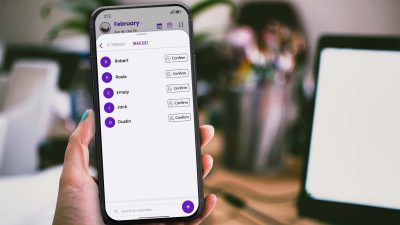
Another benefit of online appointment booking is that it is easier to manage all your bookings in one place. Unlike manual bookings, Picktime instantly syncs all your appointments to your calendar the moment a customer schedules one. It helps you keep your bookings organized and run your services without any chaos.
Benefits of Adding a Picktime’s Booking Widget
Run Your Business with Automation
Online booking widgets help you run your business on autopilot. Since you have your own scheduling system to take bookings, there’s no need to hire anyone to manage appointments after business hours. Without any human interaction, Picktime’s website booking widgets or a “Book Now” button in your social media bio redirect visitors directly to your booking page.
The details will automatically be added to your calendar when an appointment is booked through your booking page. It doesn’t end there. Whenever customers schedule an appointment, you and your customer will receive a confirmation email via Picktime.
Get 24/7 Online Appointments
Every time a visitor leaves your website without booking, that’s a missed opportunity. With Picktime’s booking widget, you can change that. Embed your Picktime booking page right on your site and let customers book instantly, no matter the time or place. It helps you get more bookings and increases profits for your brand.
Converts Online Traffic Into Customers
With the Picktime booking widget, you can give your customers easy access to view your list of services, including descriptions and prices, directly on your booking page. All they need to do is click the “Book Now” button, making it simple for them to select the service they want to book. Let the online booking widget manage your online traffic, ensuring you and your team don’t have to be involved in back-and-forth scheduling.
For instance, when someone visits your blog page and clicks the “Book Now” button, they can easily schedule an appointment. Without any extra step or confusion, your first-time buyers will get a seamless experience that keeps them moving forward.
Get Customizable “Book Now” Buttons
Your customer’s booking experience should feel like your brand. With the Picktime booking widget, you can create a “Book Now” button that matches your brand colors. When you have the privilege to place those buttons exactly where you want, you can design a booking experience that makes sense for your business. Want to promote a specific service? Add service-specific links that send people directly to that service booking page.
Where can we add the Picktime Booking Widget?
Picktime booking widgets are easy to set up, allowing your customers to book, even after business hours. Here’s where you can add them:
Your Website
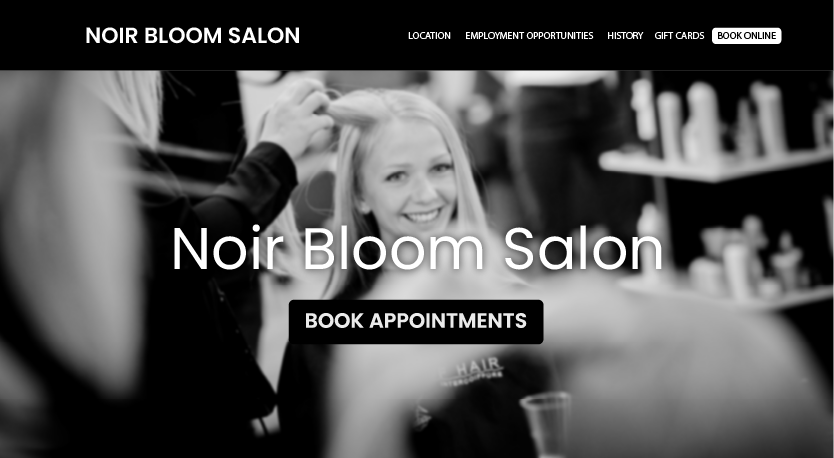
Picktime booking widgets can be placed on any page of your website. If you want to stand out online and attract new clients, this is something you shouldn’t miss. Any person who is browsing online and stumbles upon your website. Maybe they discovered your brand through a quick Google suggestion or joined through a link someone recommended. Either way, they’re already one step closer to booking you.
Whether your business hours are closed or no one is available to answer your questions, featuring a simple “Book Now” button can capture audiences’ attention and drive instant interest. As a result, people are more likely to book when they might miss out on an opportunity to book with you.
With just one click, your website visitors can quickly find a time slot that fits their schedule and confirm the appointment. Despite your store being closed, your website is working for you, turning casual visitors into booked clients.
That’s the power of a Picktime booking widget. It maintains fast and frictionless booking while making the journey feel more friendly and smooth.
Google Business Profile
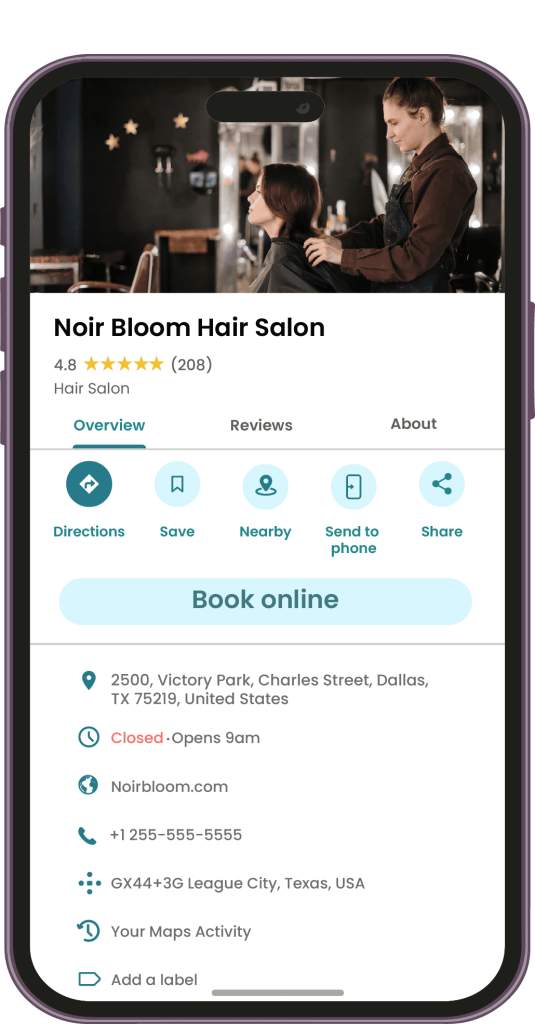
Offline marketing can be very monotonous and meticulous. When you list out your business on Google Business Profile, it helps you attract your local site visitors. It shows everything people need to know, including your location, contact info, business hours, photos, reviews, and now even a “Book Now” button to schedule with you instantly.
When someone nearby searches for services like yours, for example, “massage therapist near me” or “top-rated dog groomer in town,” your Google Business Profile appears in the results.
Now here’s where it gets powerful. Instead of being redirected to a website or asked to call, they see a “Book Now” button right on your Google Business Profile. With just one tap, they’re taken straight to your Picktime booking page. The “Book Now” button on your Google Map listing helps people discover your business and initiate booking right away. And that’s how you turn local search traffic into loyal, long-term customers automatically.
Social Media
Your Facebook or Instagram page is no longer just entertainment; it’s where people notice your business. One post or story on social media can be all it takes to turn a curious follower into someone ready to book with you. If you provide a service-based business, being there means being discoverable, approachable, and instantly bookable. This approach makes it easy for potential customers to take further action.
Let’s say you’re a makeup artist and you just posted a jaw-dropping transformation reel on Instagram. Or maybe you’re a fitness coach sharing a glowing client testimonial on your Facebook page. Someone scrolling through their feed stops and thinks, “Wow, I need this!”
They don’t need to message you asking, “Hey, are you free this weekend?” Or maybe, they don’t have to wait around without being glued to their phone or dig through thousands of posts to figure out how to book.
By placing a “Book Now” button that links to your booking page, you make it easy for your followers to act right away. Whether they saw your Instagram story, Facebook reel, or a post shared by a friend, the Picktime booking widget makes it incredibly easy for them to book without the hassle.
Who Can Benefit the Most?
Any service-based business can benefit from adding online booking widgets. They guide your audience to book with ease, simplify the reservation process, and eliminate the need for in-person visits.
Salons & Spas
Many salons, spas, and barber lounges are adding Picktime’s booking widget to their websites and social media. Why? Because it makes scheduling an appointment a breeze for clients. A modern online booking widget helps establish trust and credibility while providing a seamless booking process.
Fitness Studios & Gyms
Unlike traditional booking methods that rely on phone calls during lengthy office hours, Picktime’s online booking widgets allow your website visitors to make appointments when it suits them. It’s a powerful feature; whether you run a fitness bootcamp, yoga sessions, or personal training classes, scheduling appointments is a breeze. Therefore, you’ll get full control over your schedule and remain organized.
Event Planners & Venues
Many event planners are showing up right where clients are looking on Google. When someone searches for “nearby event planner,” they can see your business, browse through your past events, read reviews, and get a feel for your work. And if they’re impressed, the “Book Now” button makes it easy for them to reserve your services instantly.
Education & Coaching
If you’re a coach or teacher, your Instagram content may be reaching far beyond your city or across the world. However, taking bookings from different time zones can often cause miscommunication, which may result in losing appointments.
A simple and intuitive “Book Now” button fixes that. Instead of going back and forth, people can click once and be redirected straight to your booking page. It even shows real-time time slots in their local time, so they can pick what suits them without confusion.
Photography & Creative Services
With an online booking widget, photographers, makeup artists, and other creatives can avoid long email chains. Your potential clients simply choose a slot, schedule their session, and ensure a seamless experience.
Conclusion: Ready to Make Booking Effortless?
An online booking widget that helps businesses attract, retain, and enhance new and old customers across the world. With the Picktime booking widgets, you can easily promote your services while encouraging your audience to schedule online appointments instantly. You won’t need to worry about closed business hours or hiring a receptionist; add your booking widget to your website or social media bio.
It’s like turning your ‘contact us’ into ‘Book Now’. With Picktime, booking becomes easier for both you and your customers, and you attract more serious, ready-to-book clients.
Ready to turn your audience into confirmed appointments? Sign up for free!