Key Takeaways
- Manual appointment reminders and follow-ups can take time and make it harder to keep customers informed.
- Choosing between SMS, email, or both can be difficult when you want customers to notice reminders without overwhelming them.
- Using the right mix of SMS and email can help customers notice reminders at the right time without sending unnecessary messages.
- Picktime combines online booking, appointment management, and automated email and SMS notifications to help businesses keep customers updated throughout the booking process.
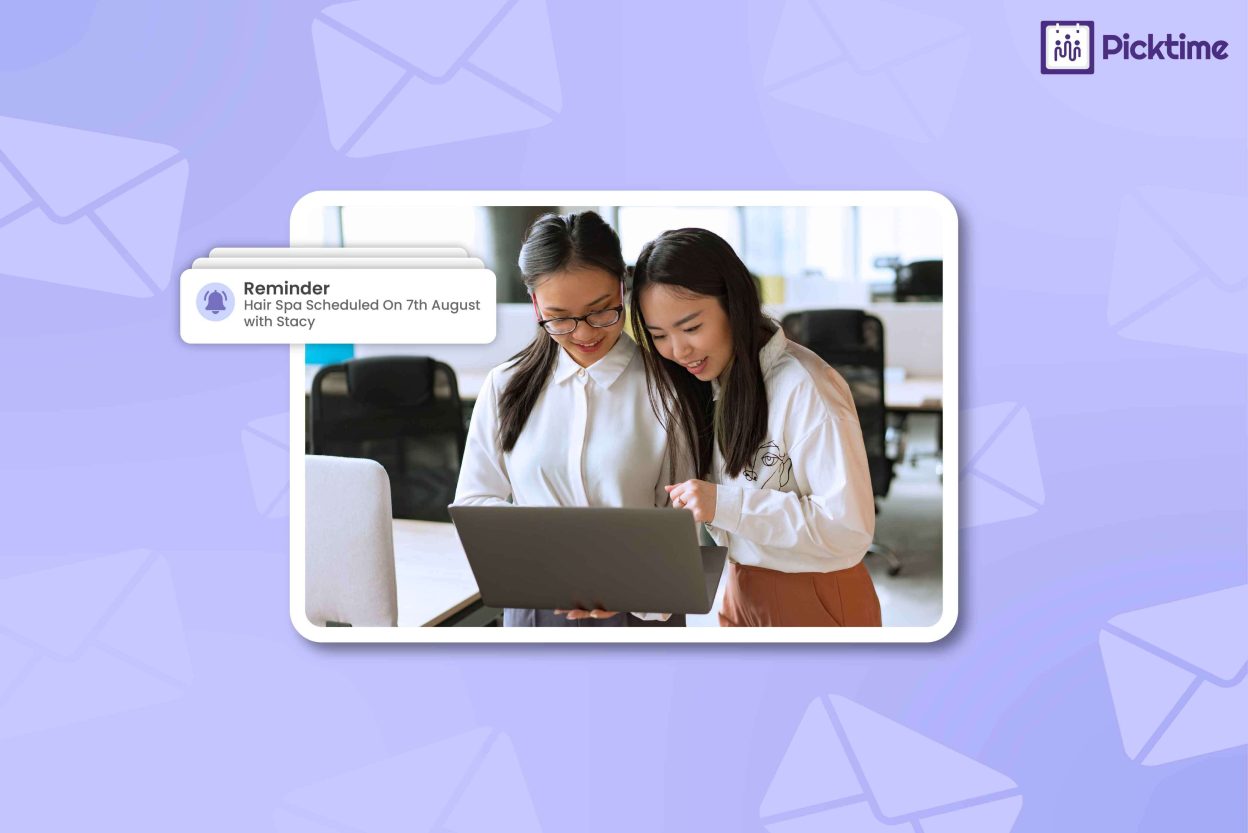
When a customer forgets an appointment, that empty slot can affect your whole day. However, sending the right reminder helps them to remember the appointment, reschedule, or prepare for the visit. Many business owners are now relying on appointment reminder apps to send timely messages and keep customers informed. The reminder app will handle messages for you, but the question is, should you use SMS, email, or combine both? In this blog, we’ll help you find the answer by explaining when to use each option and how to choose the right reminder for your appointments.
Table of Contents
Appointment Reminder Apps: SMS or Email?
Choosing between SMS and email isn’t always straightforward. The right option depends on the type of appointment and what your customers need to know. The table below gives you a quick comparison of both options, so you can see where each one fits best.
| Factor | SMS reminders | Email reminders |
| Best for | Quick, time-sensitive reminders | Detailed appointment information |
| Message format | Short and easy to scan | More space for useful details |
| Speed | Useful when customers need a quick prompt | Better when customers may need to review information later |
| Information | Date, time, location, and quick actions | Instructions, policies, links, and appointment details |
| Customer action | Confirming, rescheduling, or checking an upcoming appointment | Reviewing preparation details or appointment information |
| Ideal use | Last-minute or upcoming appointment reminders | Appointments that require more information |
| Use both when | The appointment needs extra visibility | You want to provide details and a quick reminder |
When to Choose SMS
Keep SMS reminders short and clear so customers can quickly understand what they need to do. Include only the details customers need at that moment, such as the appointment time and a rescheduling option. For example, a reminder sent the day before a fitness class can simply let customers know the time and location. Avoid adding information that customers don’t need for a quick reminder. Research has also found that 74% of consumers check text notifications within five minutes, making SMS a practical choice when a reminder needs quick attention.
When Email Is a Good Fit
Email gives you more room to prepare customers before an appointment. Use it when they need instructions, policies, preparation steps, or links they may want to revisit. For example, a consultation may require customers to fill out a form or review some instructions beforehand. Keeping these details in an email gives customers one place to find everything they need before the appointment. Mailchimp also recommends using appointment reminder emails to share details such as the appointment time, location, preparation steps, and useful links.
Use Both When It Matters
For many small businesses, using both channels can be useful when customers need a quick reminder and more detailed information. Thus, send the detailed information by email, then use SMS as a short reminder closer to the appointment. Moreover, this can be useful for first-time appointments, important consultations, or bookings that require preparation. Instead of sending the same message through both channels, use each one for a different purpose. With appointment reminder apps, businesses can automate SMS or email reminders and keep customers informed without sending each message manually.
How Picktime Automates Appointment Reminders
Picktime’s scheduling software combines online booking with automated email and SMS reminders. As a result, your team doesn’t have to send every message on their own. This gives them an easy way to set when email reminders should be sent based on their preferred reminder timing. You can also customize eligible booking emails with your own message and relevant booking details. This gives you more control over what customers receive before their appointment. Moreover, your team can send booking cancellation and reschedule links to customers, making it easier for them to manage changes without contacting your team.
Picktime can help customers add appointments to their calendars through calendar-related options available with booking notifications. SMS reminders are available based on your Picktime plan and account settings. Businesses can configure reminder preferences according to the available options. By connecting reminders to the booking workflow, Picktime helps your team spend less time tracking follow-ups and more time managing appointments.
Conclusion
Now that you know when to use SMS, email, or both, the next step for you is to make those reminders easier to manage. A useful reminder should tell customers what they need to know without giving unnecessary information. Appointment reminder apps can help you automate the right messages at the right time, keeping your team organized while customers know what to expect. Picktime’s appointment scheduler brings SMS and email reminders into your booking workflow, making it easier to keep customers updated before their appointments.
Ready to spend less time sending reminders? Try Picktime and automate your customer notifications in one place.
FAQs
1. What is the best reminder schedule for different types of appointments?
Reminder timing depends on your business and appointment type. For example, a service with preparation requirements may need an earlier email reminder, while a short appointment may only need a closer SMS reminder. Choose timing based on what helps customers arrive prepared and reduces missed appointments
2. How does Picktime handle reminders?
Picktime automates email and SMS reminders for scheduled bookings, helping your team reduce manual follow-ups and keep customers informed before appointments.
3. Can I use both SMS and email together?
Yes. Picktime supports email and SMS notifications, allowing businesses to use available reminder options based on their communication needs and account settings. This can help customers receive the information through the channel they are most likely to notice.
4. When is email the better choice?
Email works well when customers need more appointment details, such as booking information and preparation instructions. Picktime allows businesses to customize eligible booking emails with relevant details and messaging.
5. What should I include in an SMS reminder?
Keep it short and useful. Include the appointment date, time, service, and any important action the customer needs to take. With Picktime, you can automate SMS reminders so customers receive these updates without your team sending each message manually.