Key Takeaways
- A confusing booking process can make ready prospects leave before they ever speak with your firm.
- Online booking gives motivated clients a clear next step when they are ready to act.
- The right scheduling tool helps reduce missed calls, no-shows, double bookings, and back-and-forth emails.
- Picktime helps financial advisors manage bookings, staff availability, reminders, payments, and virtual meetings from one place.
A financial advisor can do almost everything right and still lose a prospect before the first call. For financial advisors, there is a lot to look for before choosing scheduling software. Because if your potential client is already ready to book, but the next step feels confusing, that fades their interest.
If your business depends on client meetings and bookings, online booking makes it much easier for both clients and financial advisors. That’s why you need scheduling software for financial advisors. There are plenty of appointment scheduler options available, but choosing the right one for your firm is vital. Consider advanced features and seamless integration that automate your daily operations and make scheduling easier for clients as well.
In this blog, we’ll show the key features to check before choosing financial services scheduling software, including online scheduling and advanced customization capabilities.
Table of Contents
Why Scheduling Software for Financial Advisors Matters
Before we get into the important features and integrations, it’s important to understand why we need financial advisor scheduling software. If we simply say, scheduling software for financial advisors is a digital application that allows clients to book appointments online. A study says a 30%-40% revenue increase is highly possible
Offering online booking options increases accessibility, especially for prospects who book after business hours. If your firm and booking process shuts down when the office does, you’re probably missing motivated prospects. Clients can self-schedule their appointments and choose their preferred finance coaches anytime, anywhere. Self-scheduling can decrease the no-show percentage by 17%.
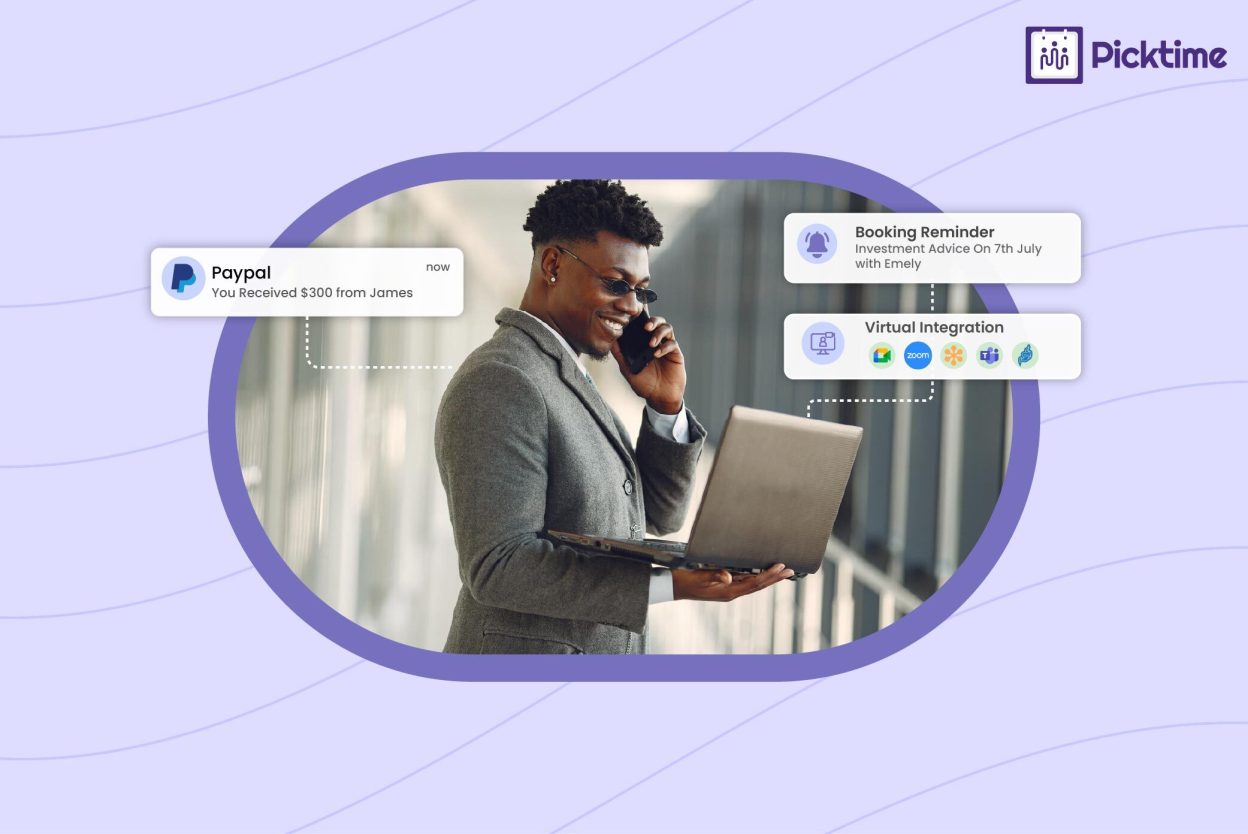
There are plenty of features for advisors so they can save hours doing admin tasks again and again. With features like appointment reminders, virtual meeting integrations, a booking page, auto-timezone conversion, and payments, you can run your business on autopilot.
A better system doesn’t take the personal side out of financial advice. It protects your team’s time, so they can focus on client conversations that truly need personal attention.
Finding the Best Scheduling Software for Financial Advisors
We’ve mentioned that there is a ton of scheduling software, so how can you understand which one is the best fit? Here are a few features you should seek while searching for financial services scheduling software
1. Service-Based Appointment Types
For your finance consulting firm, you might offer several services based on client requirements. No matter how many services your financial office offers, from quick consultations to virtual sessions, your system should make each one easy to manage. Create different services, add duration, pricing, and availability, so every offering stays visible on your booking page with its own real-time availability. Clients can easily see which services they’re booking, when it’s available, and which advisors are assigned.
2. Online Booking That Fits Your Website
Whether your prospects are visiting your website, social media, or Google Business Profile, it should be easy for clients to book your services. To make the scheduling process frictionless, the scheduling software offers online booking widgets, or a “Book Now” button whenever your prospects find your business.
3. Calendar Sync to Prevent Conflicts
If you are constantly facing scheduling mistakes, such as double bookings and overlapping commitments. A messy calendar can create conflicts that can affect client experience. Having a two-way calendar feature is important so you can avoid unnecessary scheduling conflicts and ensure you don’t have to update schedules manually. By syncing your personal and professional calendars, you can protect your time, reduce double bookings, and keep scheduling organized.
4. Automated Reminders to Reduce No-Shows
No-shows are costly because each advisor invests so much time on each project. Clients may forget their consultations or remember too late, so they miss the chance to reschedule. Sending automated email and SMS reminders keeps everyone on the same page. Each email reminder can include the date, time, location, meeting link, and preparation notes.
Note: Picktime helps financial service teams send reminders automatically, reducing manual follow-up and helping clients show up prepared.
5. Booking Forms for Better Client Context
A consultation becomes more productive when advisors receive the right details before it starts. Adding customizable fields on your online booking page can help your firm collect crucial details during the meeting booking process. Owners should look for these booking fields before buying scheduling software. This way, you can easily gather all important information, their preferred contact details, the purpose of consultations, and more. It gives advisors and front desk employees enough context before the conversation even starts.
6. Team Scheduling and Staff Availability
Selecting the right scheduling software for financial advisors depends on how easily it can manage team scheduling and availability. By streamlining team scheduling, you can maintain a systematic workflow that aligns with everyone’s time. A reliable scheduling tool helps you see and handle your team’s availability from one organized place. It’s easy to set working hours, breaks, and days off for each team member, so clients only see the times that are actually available. You can easily create roles for admins, advisors, and front desk staff, so everyone can manage the parts of the booking process they are responsible for.
7. Booking Approvals, Rescheduling, and Cancellations
Some appointments need approval from office admins because a few requests need a little review before they are booked. When they add high-value consultations, they need detailed planning and the right advisors assigned to the meeting. Booking approvals give your firm more control over the scheduling process. A prospect or client can request a time, but your team can review the request before confirming it. Your scheduling software also provides easy cancellation and rescheduling, so that clients won’t find them difficult.
8. Payment and Deposit Options
Some financial service businesses offer free consultations. Others charge for planning sessions, coaching packages, tax advisory calls, or specialized reviews. If payment is part of your booking process, it should be easy to manage. Online payments can help confirm serious appointments and reduce awkward follow-up. A financial coach may collect payment for a strategy session, or a tax consultant may require a deposit during the busy season. Picktime supports online payments through connected payment providers. As a result, it helps firms collect payments or deposits during booking when needed.
9. Virtual Meetings and Time Zone Support
Many financial conversations now happen online. Clients may live in another city or state, and advisors may work with people across different regions. Your scheduling tool should support virtual meeting details, so clients receive clear instructions after booking. Time zones also matter. Without clear time zone handling, even confirmed appointments can become confusing. Picktime helps businesses connect scheduling with virtual meeting tools and manage bookings across time zones, making remote appointments easier for both clients and teams.
10. Seamless Integrations
Firms should invest in online scheduling software that supports integrations with tools they already use. By integrating with CRM tools, marketing apps, calendars, and payment apps, you can easily manage and simplify your daily tasks. From automating post-session follow-ups and advanced payments to growing your mailing list from new bookings, you can do it without coding or paying extra.
Why Picktime Is the Best Scheduling Software for Financial Advisors
Basic scheduling processes can handle simple appointments, but financial firms often need more control over client meetings. Financial services have different needs, including detailed booking forms, flexible consultation times, and deposits that help confirm serious clients before the booking reaches the calendar.
With Picktime’s financial advisor scheduling software, the whole scheduling experience changes. You and your team members can access every feature on the list inside a single dashboard. Also, you don’t have to switch between different tools for payments, reminders, and client records. Every detail stays organized in one place, so your clients can easily check your availability, team members, locations, and more.
Whether you offer remote consultation or online sessions, it offers seamless integration with popular video conferencing apps like Jitsi Meet, Zoom, and Google Meet. Once these apps are connected, clients choose a virtual location during bookings; they automatically get meeting links with confirmation and emails.
Picktime’s free plan gives you the advanced features you need to run your firm smoothly. As your firm grows, the pro plans provide more premium features to manage multiple advisors, locations, and use automation with integrations. Whether you run a solo practice or a growing financial advisory firm, you can check out Picktime’s pricing plans and choose the one that fits your business best.
Conclusion: Make It Easier for Clients to Book With Confidence
Financial services run on trust, but that trust often starts before anyone talks to you: the moment someone lands on your website and finds a simple way to book time with your team. If that path is unclear, your firm can lose ready prospects without ever knowing it happened. If scheduling depends too much on manual follow-up, your team spends hours managing appointments instead of helping clients. The right booking software solves both problems, giving clients an easy way to schedule and your team a more organized system behind the scenes, complete with the confirmations and reminders that make the process feel dependable.
Picktime’s scheduling software for financial advisors is specifically designed to meet your unique scheduling needs. It easily aligns with your brand while reducing scheduling errors and enhancing the client experience.
Help every ready visitor move from interest to appointment with a smoother booking experience. Try Picktime financial services scheduling software today.
FAQ’s
1. What is scheduling software for financial advisors?
Picktime’s scheduling software for financial advisors helps firms manage client appointments, online bookings, calendars, reminders, payments, and client details from one system. It reduces manual scheduling work and makes it easier for clients to book meetings.
2. Why do financial advisors need online booking?
Financial advisors need online booking because clients often want to schedule appointments outside office hours. Picktime’s online scheduling tool gives prospects and existing clients a simple way to choose a service, pick a time, and confirm the appointment without calling or waiting for a reply.
3. Can scheduling software reduce no-shows?
Yes. Picktime’s scheduling software can help reduce no-shows by sending automatic email and SMS reminders before the appointment. These reminders keep the meeting visible and can include the time, location, meeting link, and preparation notes.
4. What features should financial advisor scheduling software include?
Good financial advisor scheduling software should include online booking, calendar sync, service-based appointment types, booking forms, automated reminders, team scheduling, booking approvals, payment options, virtual meeting support, and integrations.