Key Takeaways:
- Room scheduling software helps SMBs manage meeting rooms, hybrid teams, visitors, and shared spaces from one organized system.
- A meeting room scheduling system reduces double bookings, unclear availability, and last-minute room confusion.
- Room booking software helps employees choose rooms based on availability, capacity, location, and equipment.
- An online conference room booking system can improve visitor meetings and reduce front-desk confusion.
- Booking rules, reminders, and check-ins help teams avoid wasted room space.
- Reports help IT, facilities, and leadership teams understand room demand and plan better.
- Picktime helps SMBs simplify room bookings, shared space scheduling, and room rental management.
For growing offices, managing meeting and conference rooms is no longer predictable. These spaces may support brainstorming meetings, client presentations, hybrid calls, workshops, and more. When business admins have many responsibilities, it becomes difficult to keep every room available, prepared, and easy to access.
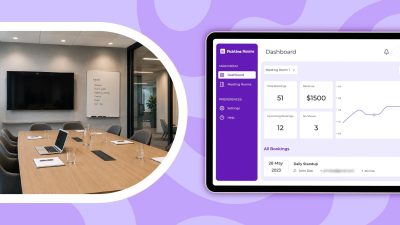
The real challenge doesn’t lie in just finding an empty room. Without knowing what’s going on in your office, team members’ schedules, and no-show rates, it’s impossible to manage hybrid teams, visitors, and shared spaces. An advanced scheduling system works best when it provides a unified dashboard that centralizes all the features.
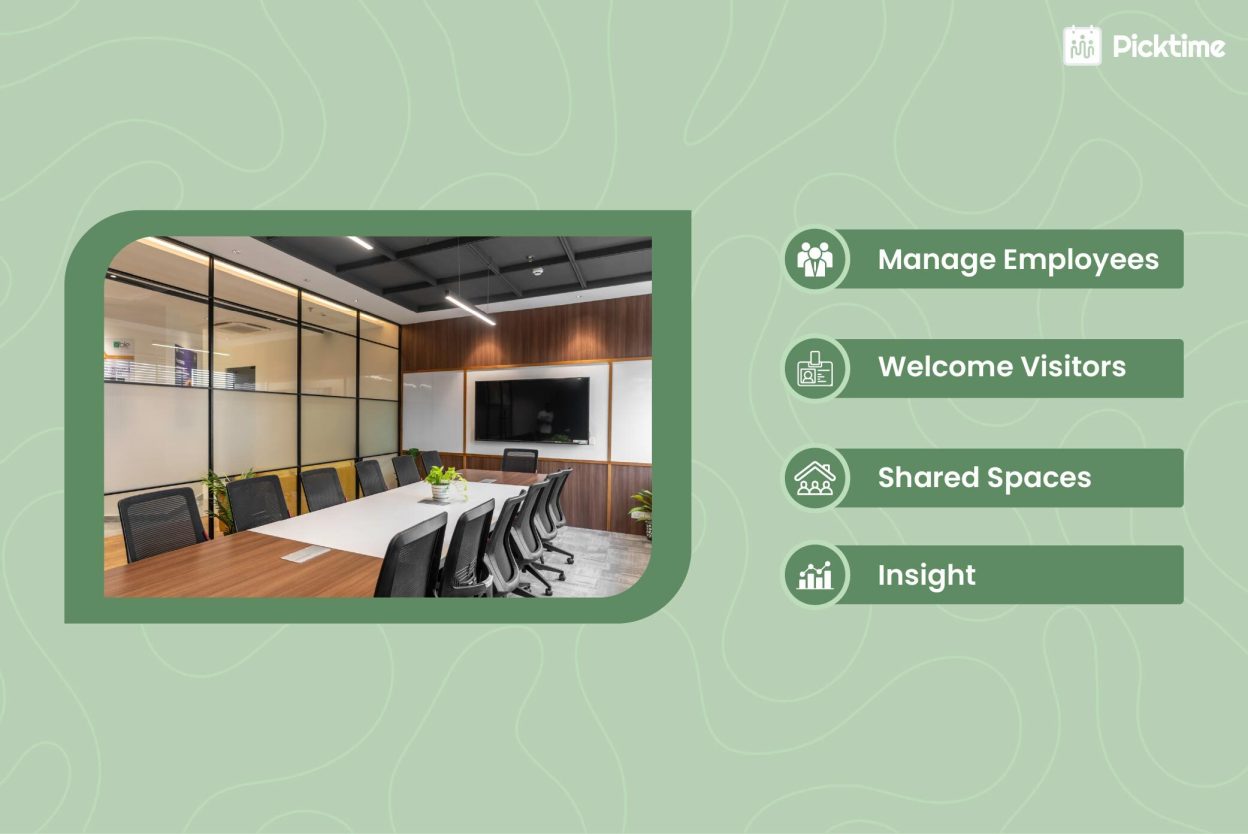
Room scheduling software allows SMBs to bring all advanced features into one organized platform. By using the tool, you can empower your teams to handle room availability, reserve shared spaces, and reduce scheduling mishaps. When you adopt new technologies rather than sticking to old-school methods, the software simplifies the booking process while maintaining an excellent meeting experience for participants. This blog explains why room scheduling is difficult for SMBs and how room booking software helps to manage everything in one place.
Table of Contents
Why Room Scheduling Is More Difficult for SMBs Today
For many SMBs, the meeting room feels limited because team members do not have a clear visibility of which rooms are available, booked, or unused. Sometimes, participants schedule a room, plan changes, and nobody updates the schedule. As a result, the other interested person may want to book the conference room, but it is already occupied on the calendar. There are many other problems office admins face:
- Participants book a conference hall, only to find another team already using it
- Team members reach the meeting room before the organizer
- Remote teams join the meeting because someone didn’t send them the virtual meeting links
- Participants schedule sessions without checking room capacity or required amenities.
These challenges reflect how SMBs juggle with room management because they don’t have advanced room booking software. These issues may seem small for your team, but they can disrupt your entire schedule. SMBs have limited spaces, and every room matters. When admins can not manage conference rooms properly, useful spaces can get wasted. A meeting room scheduling system gives teams a clearer way to manage these moving parts.
What Room Scheduling Software Actually Does
Meeting room scheduling software gives businesses a simple way to organize and manage every bookable space from one place. These spaces can include:
- Meeting rooms
- Conference rooms
- Boardrooms
- Training rooms
- Interview rooms
- Huddle spaces
- Shared workspaces
- Event rooms
- Rental spaces
Rather than asking office admins to see whether the room is free, participants can check by themselves. Whether it’s a remote team, virtual meetings, or a workshop, participants can choose a room based on their duration, capacity, location, amenities, and meeting purpose.
With room scheduling software, you and your team get full control over how rooms are used. Whether your participants prefer live room or prior room bookings, Picktime room booking software gives you every possible way to schedule meeting rooms. You can add all available rooms along with their descriptions and images, set booking rules, and keep schedules organized. In simple terms, it takes care of every operational side of your team, visitors, and shared spaces.
Essentials For Better Meeting Room Management
How Room Scheduling Software Helps Hybrid Teams
Whether you have a large or a small team, keeping your team organized is more important. They should know about room schedules and whether the space supports the type of meeting they want to run. If details aren’t clear enough, employees spend more time asking office admins or messaging other team members.
Picktime’s meeting room booking system helps IT and operational teams to set working hours for team members. Moreover, it offers a two-way calendar sync feature to manage both personal and professional schedules in a single calendar. If team members have any personal commitments locked in their Google or Apple calendars, your booking page hides those schedules automatically. When employees can view room details before booking, many of those questions naturally reduce. For hybrid offices, better visibility means fewer surprises.
Room Scheduling Software Improves Visitor Meetings
Visitor meetings need more coordination than internal meetings. A visitor may be a client, vendor, partner, consultant, or job candidate. They may not have access to internal calendars or may not know where to go after arriving. The front desk may not know which room has been booked.
Without a proper process, the host may book the room in one tool, inform reception separately, and send visitor details through another message. An online conference room booking system can make this easier. The host or admin can reserve the room, add visitor details, include meeting notes, and send confirmation alerts from one place. Reception teams can see who is coming, when they are expected, and where they need to go.
It Makes Shared Spaces Easier to Manage
Many businesses manage more than standard office meeting rooms. They may also manage training rooms, classrooms, podcast rooms, consultation rooms, event spaces, or shared work areas. Some businesses also rent these spaces to external teams, clients, members, or partners. In these cases, room scheduling becomes more than an internal admin task. It becomes part of the business experience.
Room scheduling software helps businesses show available time slots, room details, capacity, booking rules, and pricing where needed. This is where room booking software becomes useful for both internal teams and external users. As a result, it keeps room schedules clear, reduces manual work, and helps businesses make better use of every available space.
Booking Rules Reduce Room Conflicts
Most room conflicts happen because every team follows a different process. Over time, the schedule looks full, but rooms may still sit unused. Booking rules help prevent this. Admins can decide how far in advance rooms can be booked, how long meetings can last, whether approvals are needed, and which users can access certain rooms.
This is useful for high-demand spaces such as executive rooms, boardrooms, training rooms, or paid rental spaces. Picktime’s meeting room scheduling system also helps teams avoid overlapping bookings. Once a room is reserved, the slot is blocked, and other users can see that the space is unavailable. This means your conference room booking process is fair, clear, and easier to manage.
Sending Automated Reminders and Check-Ins Matter
Once someone books the conference room, you have to make sure that they don’t miss or forget about their appointments. If someone changes their plans and the conference room booking stays active on your calendar, other team members can not use the room. This is a common issue in a hybrid office.
Picktime’s meeting room booking software notifies team members by sending both email and SMS reminders. It also sends a check-in code via a confirmation email at the time of booking to keep your meeting rooms secured and protected. If someone doesn’t check in with their specific check-in code, the room will be automatically released. This means SMBs can avoid wasted spaces and provide other participants a fair chance to book.
Reports Help Businesses Plan Better
Room scheduling is not only about managing today’s bookings. It also helps businesses understand how their spaces are being used over time. Picktime provides ready-to-generate reports that help IT, facilities, and leadership teams to make better decisions for offices. For example, if small meeting rooms are always booked, the office may need more huddle spaces, or if large conference rooms are rarely used, the layout may need to change. For businesses that rent rooms, Pickime’s reports can also show which spaces bring the most demand. This helps teams move from guesswork to better planning.
How Picktime Fits Into Your Workflow
Picktime’s meeting room booking software helps businesses manage bookable rooms, shared spaces, and schedules in a more organized way. Teams can manage room availability, online bookings, confirmations, and shared space schedules from one system. This is useful for SMBs that want to reduce manual coordination and make room scheduling easier for employees, visitors, and external users.
For businesses that offer meeting rooms or shared spaces for rent, Picktime can help simplify the booking process. Users can view available slots and reserve spaces without getting frustrated and confused. It also supports multiple third-party integrations to automate your day-to-day business operations and make them more organized. The goal is to make room booking clearer, faster, and easier to manage. When the process is simple, teams spend less time asking questions and more time using the space productively.
Final Thoughts
For SMBs, room scheduling software is no longer just a nice-to-have tool. It helps modern offices manage hybrid teams, visitors, shared rooms, and rental spaces without creating extra admin work. The right meeting scheduling system should help see which rooms are available at a glance. It should help employees book the right space, give admins more control, and create a smoother experience for visitors. It should also help businesses understand how their spaces are actually being used. Picktime’s room booking software fits this need by helping SMBs manage rooms, resources, online bookings, and availability in one organized place. For growing offices, that means fewer scheduling conflicts, better space usage, and a workplace that feels easier to manage.
Give your team a simpler way to book rooms and give admins better control with Picktime’s meeting room display app. Help your team find and book rooms faster today.
FAQ’s
1. What is room scheduling software?
With Picktime, SMBs can manage room schedules, resources, availability, and online bookings from one simple system. This makes it easier for teams to use shared spaces without creating more admin work.
2. How does room booking software help hybrid teams?
Room booking software helps employees find and reserve available rooms before they arrive. They can choose a space based on capacity, location, equipment, and meeting needs. Picktime helps hybrid teams plan office visits better. It gives employees a clear way to book rooms and helps admins keep shared spaces organized.
3. Can SMBs use room scheduling software for space rentals?
Yes. SMBs can use room scheduling software to manage paid or free room rentals. This is useful for offices, coworking spaces, studios, training centers, and community spaces. With Picktime, SMBs can manage room rentals online. They can organize bookings, reduce manual coordination, and give customers a smoother booking experience.
4. Why should IT teams care about room scheduling software?
IT teams often support meeting room screens, video conferencing tools, room displays, access systems, and setup questions. When room schedules are unclear, IT teams may get pulled into last-minute issues. Picktime helps create a smoother room booking process. It gives teams better visibility and helps reduce avoidable support requests around meeting rooms and shared spaces.