Key Takeaways
- Managing bookings manually makes it harder to keep customers informed and avoid no-shows.
- A WordPress booking plugin helps businesses turn their website into a 24/7 appointment scheduling system.
- Automated bookings reduce manual work by handling confirmations, reminders, calendar updates, and appointment management.
- Picktime helps businesses automate WordPress bookings and manage appointments from one simple scheduling platform.
Your website should make booking an appointment as easy as learning about your services. It should help interested people take that next step without any hassle. When scheduling is quick and convenient, businesses can capture more appointments while spending less time managing them. However, if your website doesn’t support online booking or requires manual confirmation, there’s a higher chance they’ll leave without booking.
That’s why choosing the right WordPress booking plugin really matters. It helps automate scheduling, keeps appointments organized, and allows customers to schedule at their convenience. By the time you finish reading, you’ll know how the right WordPress online booking system can simplify scheduling, reduce no-shows, and improve the customer experience.
Table of Contents
What Is a WordPress Booking Plugin?
A WordPress plugin is an add-on tool that turns your website into a 24/7 appointment booking system. Instead of asking customers to call, email, or wait for a reply, it lets them view available time slots, choose a service, and book an appointment directly from your website. As a result, it creates a faster booking experience for customers while reducing the manual work involved in managing appointments. Moreover, WordPress documentation explains that plugins can add new features and functionality to an existing website. Whether you run a salon, clinic, fitness studio, consultancy, or repair service, a booking plugin helps keep your schedule organized and accessible around the clock. With the right scheduling software, customers can:
- See available appointment slots
- Choose a service
- Select a team member
- Enter their contact details
- Book an appointment online
- Receive booking confirmations and reminders
- Pay for an appointment online
For businesses that handle regular appointments, this can make scheduling easier for both customers and staff.
How a WordPress Plugin Simplifies Appointment Scheduling
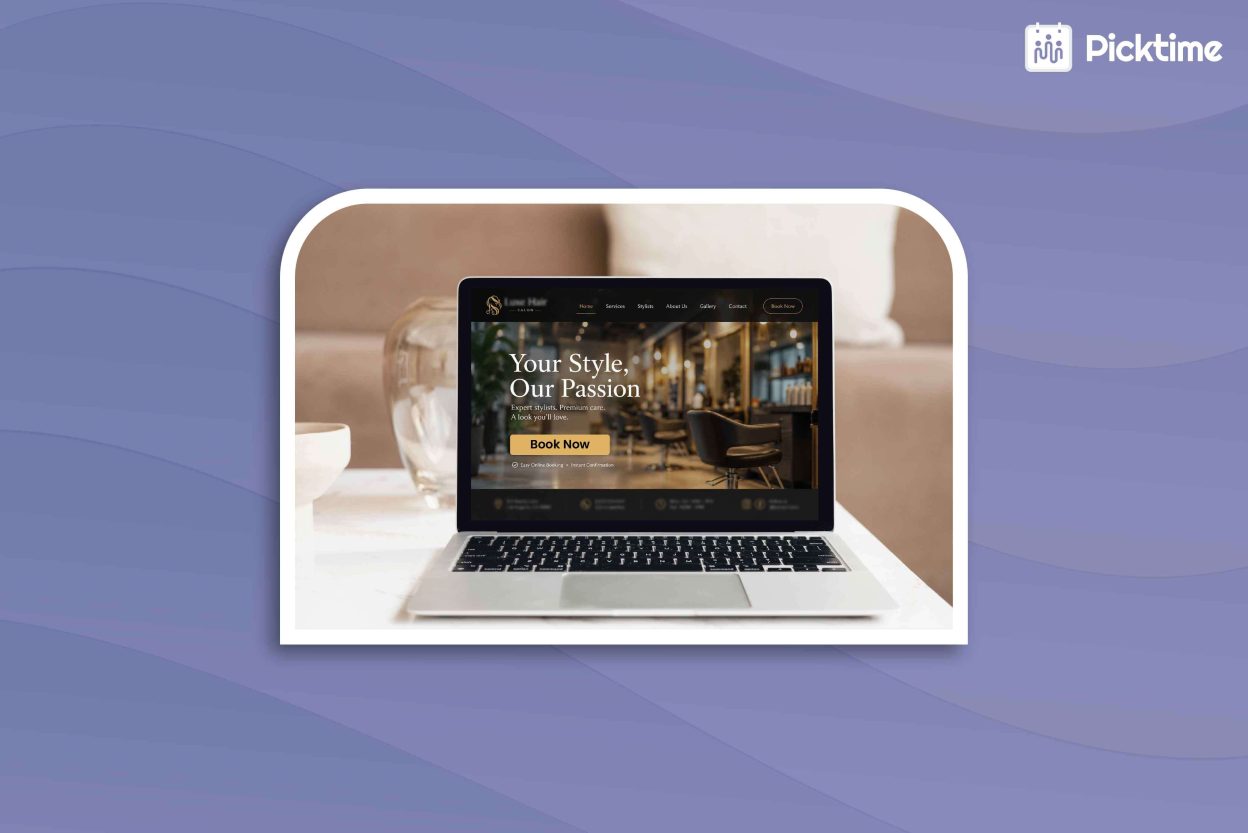
Managing appointments manually can quickly take more time than you notice. Responding to booking requests, checking availability, updating calendars, and sending confirmations can quickly pile up. Thus, it leaves you with less time to focus on your customers. However, an appointment scheduling software for WordPress automates these everyday tasks. A customer visits your WordPress website and clicks the ‘Book Now’ button. They are redirected to your booking page, where they can choose a service and find an available time. After entering their details, they confirm the appointment. The booking is then added to your schedule, while the customer receives the relevant booking information. As a result, customers can book without waiting for any team member to respond.
How WordPress Bookings Help Reduce No-Shows
No-shows often happen because customers forget their appointments or because they don’t receive enough information after booking. Moreover, a manual booking process also makes it harder for businesses to send reminders or handle cancellations efficiently. The problem isn’t always the customer; sometimes it’s the lack of an organized booking system. A WordPress booking integration connected to scheduling software can make the booking process more organized. Customers can book directly through your website, while the scheduling system manages notifications, reminders, and appointment updates.
Automated scheduling helps solve this by keeping customers informed throughout the booking journey. Instant booking confirmations reassure customers that their booking is secured. In addition, you can send automated email or SMS reminders through a scheduler app to help clients remember upcoming visits. The WordPress scheduling plugin should let customers reschedule or cancel appointments. As a result, businesses can adjust their calendar to recover missed opportunities by filling slots before they go unused.
Tip: Businesses using Picktime can add cancellation and rescheduling links to customer confirmation emails so customers can update eligible bookings based on the notice periods you set.
Automate Your WordPress Bookings with Picktime
A reliable WordPress booking plugin should do more than just let customers schedule appointments. It should display real-time availability, automate booking confirmations and reminders, sync with your calendar, and support online payments. These features reduce repetitive administrative work while making it easier for customers to schedule appointments whenever it’s convenient.
Picktime is an online appointment booking software that brings these features together in one scheduling solution. You can add a “Book Now” button or embed a booking widget on your WordPress website without coding. Moreover, you can customize where the button appears and its color, open the booking page in a new tab, or embed it directly on your site. Picktime gives the button or embed code, which you can copy to your homepage, service pages, contact page, or other places where customers can easily find it. Once added, customers can book appointments directly from your website. Beyond that, automated confirmations and reminders help keep them informed about their appointments and reduce the chances of missed bookings. Every booking updates your calendar automatically, helping you stay organized while accepting appointments 24/7.
Conclusion
A WordPress booking plugin should make scheduling easier for both your business and your customers. By handling routine scheduling tasks automatically, businesses can spend less time on manual updates and focus more on serving customers. The right plugin helps create a more reliable booking process by keeping customers informed, reducing missed appointments, and making schedule management easier. Picktime helps businesses achieve this with automated booking confirmations, reminders, calendar sync, and simple appointment management tools.
Try Picktime today and turn your WordPress website into a smarter booking experience.
FAQs
1. How does a WordPress booking plugin reduce no-shows?
A WordPress booking plugin reduces no-shows by automating booking confirmations, reminders, and appointment updates. Picktime helps businesses keep customers informed with automated email and SMS reminders, making it easier for clients to remember upcoming appointments.
2. Can customers book appointments directly from my WordPress website?
Yes. A WordPress booking plugin lets customers schedule appointments directly from your website. Picktime allows businesses to add a booking button or embed a booking widget on their WordPress website. Customers can view availability, choose a service, and schedule appointments directly without needing to call or wait for manual confirmation.
3. Does a WordPress booking plugin sync with my calendar and send reminders?
Yes. A WordPress booking plugin can sync calendars and send automated reminders to keep appointments organized. Picktime syncs with calendars and automates reminders to help businesses avoid scheduling conflicts and keep customers updated about upcoming appointments.
4. Can customers reschedule or cancel appointments through a WordPress booking plugin?
Yes. A WordPress booking plugin makes it easier for customers to manage appointment changes. With Picktime, customers can easily reschedule or cancel appointments, helping businesses manage schedule changes and fill available time slots.