Key Takeaways
- The right scheduling software should make booking easier for customers and reduce daily work for your team.
- Features such as calendar sync, reminders, and team scheduling can prevent small scheduling issues from becoming bigger problems.
- A good system should fit the way your business works today while giving you room to grow.
- Before choosing a platform, look beyond basic appointment booking and consider how well it supports your staff, customers, locations, and daily operations.
- The best scheduling solution is not always the one with the most features. It is the one your team can use easily and rely on every day.
For growing small businesses, managing appointments, team members, customers, and daily tasks can become difficult. Once booking requests grow, handling booking queries, checking availability, and last-minute changes can also disrupt the entire scheduling process. Managing client information, scattered team schedules, and the booking process requires reliable small business scheduling software.
If your business depends on appointments, clients, and team members, online scheduling makes the scheduling process much simpler. There are plenty of scheduling options available out there, but choosing the right one for your business is vital. Always choose advanced solutions that can reduce admin, protect revenue, and keep your team organized. Our guide will help you decide what to prioritize before choosing a scheduling tool, including features and integrations. Let’s begin.
Table of Contents
What Is Small Business Scheduling Software?
Whether you run a service-based business, consulting firm, studio, or salon, scheduling software is specially designed to meet the unique needs of scheduling. The best scheduling tool, such as Picktime, offers a wide range of features and benefits to small business owners. It saves valuable time by managing every appointment automatically without investing so much of your work time.
Using scheduling software makes it easier for clients who want a simplified booking process. If your business doesn’t offer a medium to book appointments when the office closes, you’re probably missing out on clients who are already ready to book. Here is a feature list that automates daily operations for small business owners:
- Online booking page that allows 24/7 bookings.
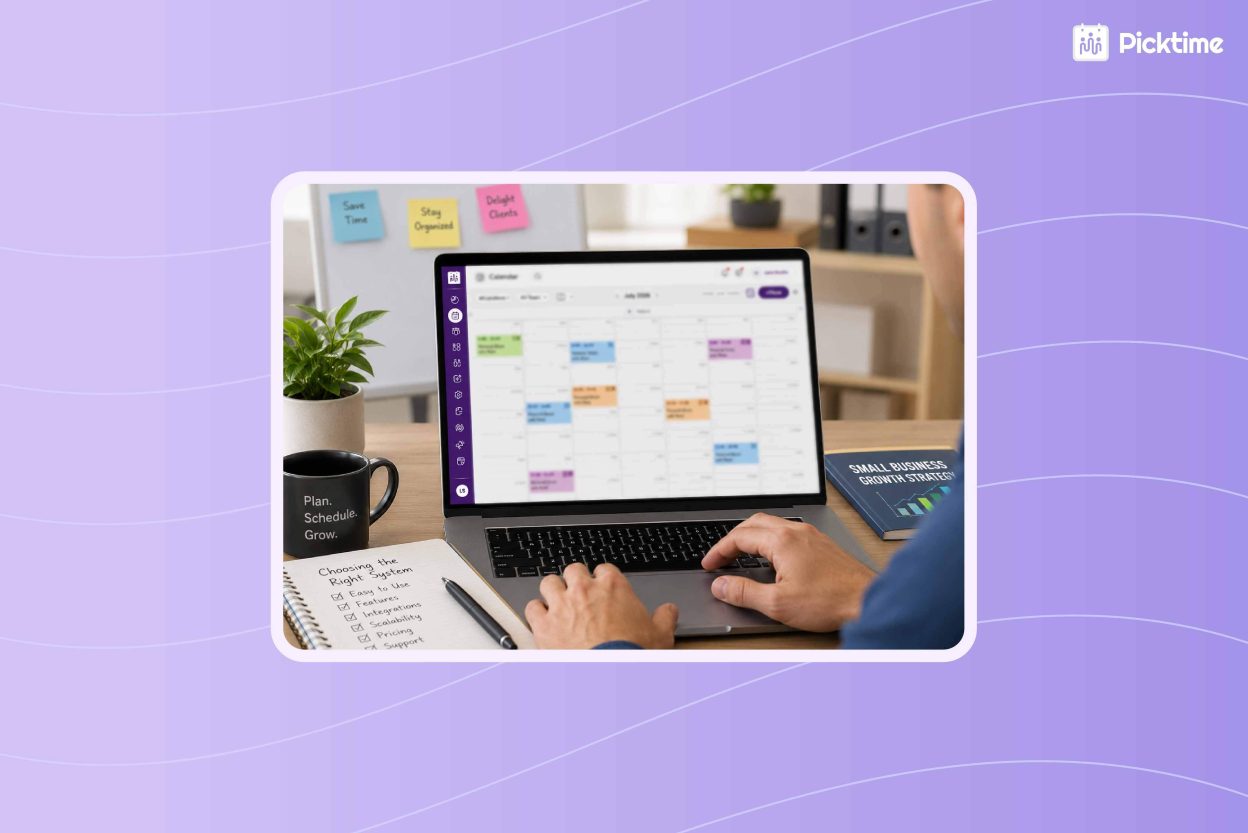
- Color-coded calendars to track scheduled bookings.
- Seamless virtual meetings and automatic timezone conversion for remote clients.
- Automated confirmation and reminders to notify clients.
- Create rosters, different roles, and assign jobs for team members.
- Accept advanced payments and generate invoices.
- Make data-driven decisions with booking overviews and analytics.
What to Prioritize When Choosing Scheduling Software
Start evaluating how these features can benefit and enhance the scheduling process. Use the areas below to judge whether a system fits your daily work.
Clear Appointment Scheduling Process
Booking should be simple for every customer. No matter how many services you offer, your clients should be able to choose a service, select a time, enter their information, and receive confirmation without calling your team. Picktime allows your clients to check descriptions, prices, and availability and book appointments 24/7 through the online booking page. Customers can schedule when it suits them, and your team can spend less time answering routine booking requests.
Two-Way Calendar Sync
When selecting small business scheduling software, check if the system can easily connect with your personal calendars. If your business calendar and personal calendar sync, all your personal and professional commitments will be in one place. With Picktime, you can easily connect popular calendars, such as Google Calendar, Apple Calendar, Outlook, and Microsoft 365. This way, your team members always stay updated without manually updating their calendars.
Ease of Use
The scheduling platform should feel simple for everyone, whether they are managing bookings or checking their schedule. During a trial, test common tasks such as adding an appointment, changing availability, rescheduling a visit, and finding client information. When your team members learn the system quickly, they are more likely to save their valuable time and help clients.
Team Scheduling Features
No matter what the size of your team is, you need a unified system to manage everyone’s schedules. With Picktime’s appointment scheduling software, it’s easy for admins to assign jobs, create schedules, set availability, and more. It also helps you set different permissions and roles based on their tasks and skills. Managers can view upcoming appointments in one calendar, and employees can quickly check their assigned work.
Flexible Customization
Every business handles appointments a little differently, so your online scheduling software must offer numerous customizable options. You may need to set different service durations, add intake questions, create buffer times, and set rescheduling and cancellation windows. This level of flexibility makes it easier for business owners to personalize the software to match their workflow.
Automated Reminders
A missed appointment leaves an empty slot, interrupts team plans, and reduces daily revenue. You should look for a scheduling app that sends automated email and text reminders. You should also have the ability to edit each email reminder before their visit without creating another manual task. Before choosing a plan, check how many reminders you can send and how many SMS credits you will get within the plan.
Useful Integrations
Small businesses should invest in online scheduling software that offers seamless integration capabilities. By offering seamless integrations with CRM tools, email marketing apps, calendars, and payments, you can easily run your business with ease and control. From automating post-session follow-ups and advanced payments to growing your mailing list from new bookings, you can do it without coding or paying extra.
Multi-Location Management
Running several branches can make schedule management harder. You need a clear way to organize employees, services, hours, and appointments for each location. A central platform can give managers one view across the company and still help local teams manage their own schedules. Before signing up, test how easily you can switch locations, assign staff, and review bookings.
Choose a System Ready for Growth
The right small business scheduling software should solve current scheduling problems and support future growth. Focus on customer convenience, team coordination, reminders, integrations, customization, and multi-location controls. By handling appointments, employee schedules, reminders, and payments in one platform, Picktime makes day-to-day scheduling easier. In addition, your team can stay organized and focus on important things without juggling multiple tasks.
Simplify the appointment scheduling process for small businesses. Try Picktime’s appointment scheduling for free today.
FAQs
1. What is small business scheduling software?
Small business scheduling software helps companies manage appointments, customer bookings, employee availability, reminders, and payments from one place. Picktime gives customers a simple way to book online and helps teams reduce manual scheduling work.
2. Is Picktime suitable for small businesses?
Yes. Picktime works well for solo providers, growing teams, service businesses, salons, studios, consultants, and companies with multiple locations. Businesses can start with basic appointment scheduling and add more services, employees, and locations as they grow.
3. Can customers book appointments outside business hours?
Yes. Picktime provides an online booking page where customers can view services, prices, and available times and book appointments 24/7. Your business can continue accepting bookings after the office closes without requiring a staff member to respond.
4. Can scheduling software manage employee schedules?
Yes. Using Picktime managers can set employee availability, create schedules, assign jobs, and manage team roles from one system. Employees can check their assigned appointments, giving everyone a clearer view of the work planned for each day.