Key Takeaways
- Manual tasks like managing bookings, updating schedules, processing payments, and organizing customer data can slow down daily operations and increase the chances of errors.
- Business automation systems help small businesses automate repetitive processes, improve workflow efficiency, and keep operations organized.
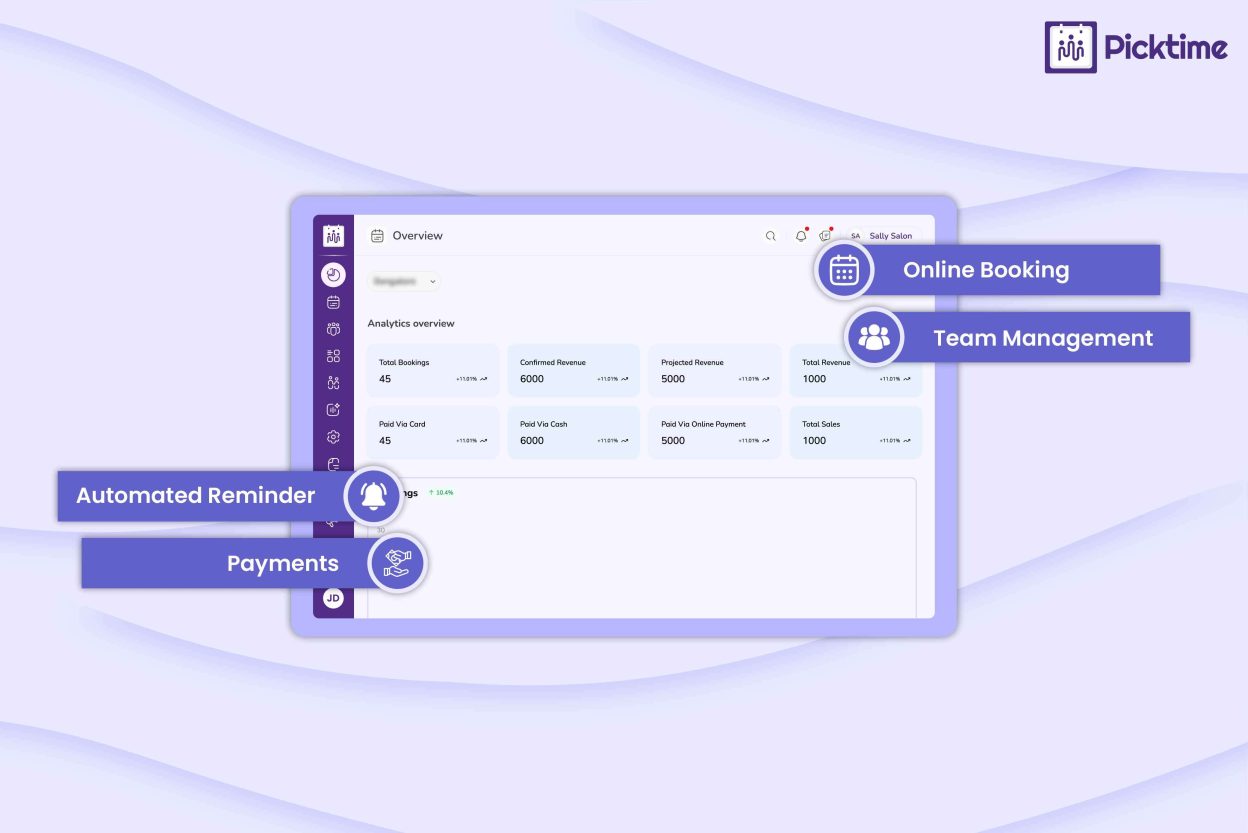
- Picktime automates tasks such as online booking, calendar syncing, staff assignment, and virtual meeting setup while keeping payments, resources, customer records, and business reports organized in one platform.
- With Picktime, teams can reduce administrative workload, provide better customer experiences, and focus more on business growth.
What if your team could save hours every week by automating just a few everyday tasks? Most small businesses spend their time managing appointments, updating calendars, processing payments, and organizing customer information. Each task is equally important to finish, but handling them manually every day can slow down your operations. As a result, it will shift your focus from improving customer service to handling repetitive admin tasks.
That’s where business automation systems can help. You don’t need to spend hours dealing with routine work. Businesses can automate everyday processes and keep operations running more efficiently. The best part? You don’t have to automate everything at once. Starting with changing a few repetitive tasks can save time and make your workday much easier. This guide will help you explore seven simple tasks you should automate first to see the difference. Moreover, it helps your business stay organized, productive, and customer-focused.
Table of Contents
Why Small Businesses Should Automate Routine Tasks
As your business grows and you get more customers, so does the amount of administrative work. Gradually, a few daily bookings become dozens. You will notice an increase in customer inquiries, sending more reminders, and schedules that require constant updates. Handling all of this manually not only takes time but also increases the chances of missed appointments, double bookings, and human error. However, an automation app helps small businesses with routine tasks and staying organized without adding extra workload. The OECD notes that automation can reduce tedious, repetitive administrative tasks, giving employees more time to focus on higher-value work. It also improves efficiency, reduces repetitive work, and creates a smoother experience for both employees and customers.
7 Simple Tasks to Automate First with Business Automation Systems
1. Capture New Customer Bookings
Responding to every inquiry manually takes time and can delay bookings. It’s better to let customers discover your business through your website, Google Business Profile, or social media and book appointments on their own. Picktime’s booking page, booking widget, and customizable booking forms help you capture leads and turn them into confirmed appointments without extra manual effort.
2. Keep Calendars and Teams in Sync
When appointments keep changing, manually adjusting schedules again and again can become frustrating. With appointment scheduling software like Picktime, your business can automatically sync bookings with Google Calendar, Outlook, Microsoft 365, and Apple Calendar. When two-way sync is enabled, changes in connected calendars can also be reflected in Picktime, helping keep availability up-to-date.
3. Assign Staff and Resources Automatically
Manually assigning staff, rooms, or equipment for every booking takes time and increases the risk of scheduling conflicts. Whereas automating this task helps businesses allocate available resources instantly. With Picktime’s round robin, businesses can automatically assign appointments to available team members. Businesses can also manage room and equipment availability and connect resources to bookings, making it easier to avoid conflicts and reduce manual coordination.
4. Simplify Payments and Invoicing
Collecting payments and creating invoices manually adds unnecessary administrative work. As scheduling software, Picktime accepts secure payments through PayPal, Stripe, and Square. With booking apps, customers can pay in full, make a deposit, or pay after service. Moreover, it generates customized brand logo invoices linked to each booking.
5. Store Customer Information in One Place
Keeping customer records in different systems can make it harder for your team to find the right information when needed. Picktime’s customer management keeps customer profiles and booking history organized in one place. Custom booking forms collect important information during booking, while Google Contacts and iCloud Contacts integrations can automatically export new Picktime customer details to your connected contact account.
6. Schedule Virtual Meetings Automatically
Manually creating meeting links for every online appointment adds another step to your workflow. Once you connect and configure the relevant video meeting integration, Picktime can automatically generate meeting links for platforms such as Google Meet, Zoom, and Microsoft Teams. As a result, customers can join the meeting when the booking is confirmed, without any extra setup.
7. Monitor Business Performance
Rather than compiling reports manually, it is easy to use automated dashboards to track bookings, revenue, and business activity. Picktime’s reports help you understand business performance and make reasonable decisions with less manual work.
Conclusion
You don’t have to automate every part of your business overnight. Rather, you can start with the tasks your team repeats every day. It may include booking appointments, sending reminders, answering routine questions, or managing payments. By making small changes, you will see that it really saves hours each week and makes daily operations easier to manage. With Picktime’s business automation systems, you can automate these essential tasks from one platform. This gives your team more time to build rapport with customers and drive business growth.
Ready to spend less time on routine work and more time growing your business revenue? Start using Picktime today.
FAQs
1. How can business automation systems help small businesses?
Business automation systems help small businesses reduce repetitive manual work by automating tasks like appointment bookings, booking notifications, appointment reminders, calendar syncing, and scheduling. With Picktime, businesses can manage these everyday processes from one platform, helping teams stay organized and focus more on customers.
2. How does automating lead capture and first response help my business?
Automating lead capture helps businesses respond faster when potential customers show interest. Picktime’s booking page, booking widget, and customizable forms allow customers to share their details and schedule appointments without waiting for manual follow-ups. This helps businesses capture more opportunities and create a smoother customer experience.
3. What tasks should be automated in invoicing and payments?
Businesses can automate payment collection, invoice creation, payment tracking, and booking-related billing updates. Picktime connects with payment platforms like PayPal, Stripe, and Square, allowing customers to pay deposits, full payments, or after-service payments while invoices are generated automatically.
4. How does automation improve customer experience?
Automation helps customers book appointments easily, receive timely reminders, make payments quickly, and access important information without delays. Picktime helps businesses create a smoother booking journey while reducing manual communication.