Key Takeaways
- Chasing unpaid invoices can feel awkward and take time, especially when clients miss payment deadlines.
- Use different payment emails based on the situation, such as upcoming, overdue, partial, or final payments.
- Making online payments easier can reduce the need for repeated payment reminders.
- Picktime lets clients book and pay online while businesses manage bookings, invoices, and payments in one place.
Asking a client for payment can feel awkward, especially when you want to maintain a positive relationship. Still, getting paid is a normal part of doing business. A good payment request email keeps things simple, polite, and easy to act on. Instead of sounding demanding, remind the client what they owe, mention the due date, and tell them how they can pay. But chasing late payments can take more time than you might expect. Research from the UK Small Business Commissioner found that businesses affected by late payments spend an average of 86 hours a year following up on money they’re owed. If you want to ask for payment without feeling like you’re constantly chasing clients, then keep reading. This guide walks you through simple email templates for different payment situations, so you can get paid without making the conversation uncomfortable.
Table of Contents
What Is a Payment Request Email?
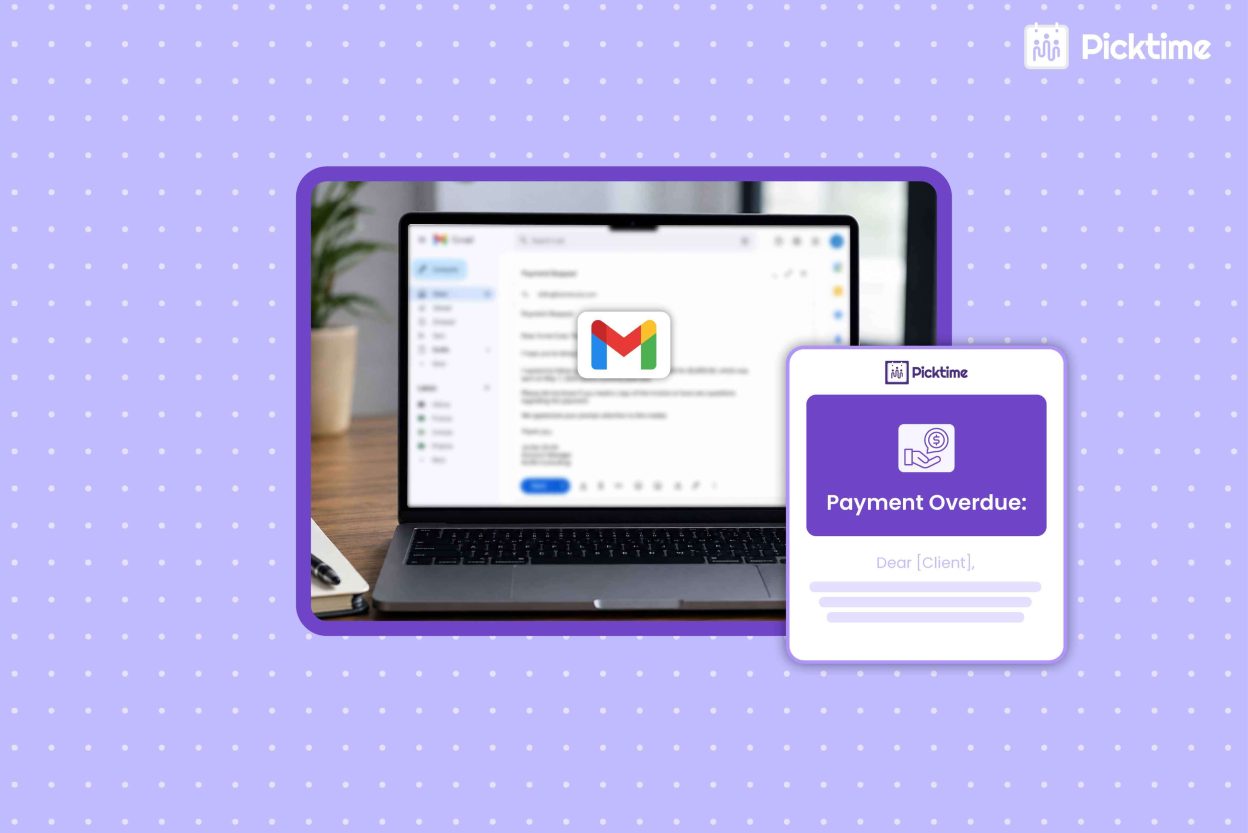
A payment reminder email is a short message asking a client to pay for a service or a pending invoice. It mostly includes the due amount, invoice number, payment date, and methods. A good payment follow-up email should be clear, friendly, and to the point. Following up promptly also helps businesses avoid letting unpaid invoices sit too long and affect cash flow. The SBA recommends sending invoices promptly and following up on unpaid payments to help manage cash flow. For example: “I’m following up on invoice [Number], which was due on [Date]. Could you let me know when we can expect payment?
7 Payment Request Email Templates for Clients
1. Friendly Payment Reminder
Use this when an invoice is due soon or you want to send a gentle reminder.
Subject: Friendly Reminder: Invoice [Number]
Hi [Client Name],
I hope you’re doing well. I’m just following up on invoice [Number] for [Amount], which is due on [Due Date].
You can complete the payment using this link: [Payment Link].
Please let me know if you have any questions.
Thanks,
[Your Name]
2. Payment Request After the Due Date
When payment is late, stay polite and focus on the invoice rather than blaming the client.
Subject: Payment Follow-Up – Invoice [Number]
Hi [Client Name],
I wanted to follow up on invoice [Number] for [Amount], which was due on [Due Date]. I understand things can sometimes get missed, so I wanted to check when you expect to make the payment.
You can pay using this link: [Payment Link].
Thanks for your help.
[Your Name]
3. Overdue Invoice Reminder Email
If an invoice is still unpaid after your first reminder, be a little more direct.
Subject: Overdue Invoice [Number]
Hi [Client Name],
I’m following up again regarding invoice [Number] for [Amount]. We noticed that the payment due on [Due Date] has not been received yet.
Could you please confirm when we can expect payment? If there’s anything holding it up, let me know, and I’ll be happy to help.
Best,
[Your Name]
4. Request for a Partial Payment
Sometimes a client cannot pay the full amount at once. You can keep the conversation open while asking for a clear next step.
Subject: Payment Update for Invoice [Number]
Hi [Client Name],
Thanks for your recent payment of [Amount]. The remaining balance on invoice [Number] is [Balance].
Could you let me know when you expect to pay the remaining amount? If you need to discuss a payment arrangement, please let me know.
Thanks,
[Your Name]
5. Payment Request After Completing a Service
A simple request works well when you have just finished the work.
Subject: Invoice [Number] for [Service]
Hi [Client Name],
Thanks again for working with us. The invoice for [Service] is attached, and the total amount due is [Amount].
You can complete the payment using this link: [Payment Link].
Let us know if you have any questions or need any help.
Best,
[Your Name]
6. Follow-Up After a Promised Payment Date
If a client gave you a payment date but missed it, refer to the date without sounding confrontational.
Subject: Following Up on Invoice [Number]
Hi [Client Name],
I’m following up on invoice [Number]. We had expected the payment by [Date], but it hasn’t come through yet.
Could you confirm a new payment date? If there’s an issue with the invoice, please let me know.
Thanks,
[Your Name]
7. Final Payment Reminder
When previous reminders have not worked, keep the message professional and specific.
Subject: Final Payment Reminder – Invoice [Number]
Hi [Client Name],
This is a final reminder that invoice [Number] for [Amount] is still unpaid.
Please make the payment by [Date] using this link: [Payment Link]. If you’ve already paid, please reply with the payment confirmation so I can update our records.
Thank you,
[Your Name]
Simplify Client Payments With Picktime
A well-written payment reminder email template can help you follow up without creating unnecessary tension. The easier you make it for clients to pay, the less often you’ll need to follow up. Appointment scheduling software like Picktime lets businesses collect payments through their online booking page. Picktime’s scheduling app integrates with payment providers like PayPal, Stripe, and Square. As a result, you can collect payment when clients book their appointments. Moreover, you can take a deposit or full payment when clients book, while Picktime also supports customized invoice generation and payment tracking. With scheduling software, customers can choose to pay online by card or pay in person with cash when the option is available.
For appointment-based businesses, clients can pay right after booking, so your team spends less time following up on unpaid appointments.
Your clients can book and pay online easily, while you can manage appointments, invoices, and payments from one centralized place. The main aim behind this is not to send more requests, but to make payment easier for clients, so they have fewer reasons to delay.
Final Thoughts
Now that you’ve learned how to write a payment request email for different situations, you can follow up with clients without making the conversation awkward. From friendly reminders to overdue payment requests, the right wording can help you stay professional while keeping client relationships positive. However, you can also avoid the hassle of chasing payments after a service is completed. With Picktime, clients can book and pay online from the start, while you manage bookings, invoices, and payments in one place.
If you want to spend less time following up on unpaid invoices, try Picktime and make booking and getting paid easier.
FAQs
1. How do I ask a client for payment politely?
Keep your tone professional and friendly. Avoid sounding accusatory, and simply explain that the payment is due or overdue. A clear message such as “I’m following up on the outstanding invoice and would appreciate payment at your earliest convenience” keeps the request respectful while making the next step clear.
2. What should a payment request email include?
Include the amount due, invoice or booking details, payment deadline, available payment methods, and a simple call to action. If the client needs help, provide a contact method for payment questions. With Picktime, businesses can manage invoices and accept payments through supported payment integrations, giving clients a clear way to complete their payments.
3. Can I ask for a partial payment or a payment arrangement?
Yes, if your business is open to flexible payment options. Explain how much the client can pay now, when the remaining balance is due, and confirm the arrangement in writing so both sides have the same understanding. If you use Picktime, you can keep payment and invoice information organized alongside your bookings.
4. When should I send a payment request email?
Send a friendly reminder shortly before the invoice is due. If payment is not received, follow up soon after the due date and continue according to your business’s payment policy. Keep each email clear, professional, and consistent, and include the invoice number, amount due, deadline, and payment instructions.