Key Takeaways:
- Include the meeting date, time, location or meeting link, purpose, and any preparation instructions.
- Add a simple way for attendees to confirm, reschedule, or cancel if their plans change. A polite reminder encourages attendance without sounding demanding.
- Customize your message for client meetings, interviews, consultations, team meetings, or events to provide relevant information.
- Businesses with frequent appointments can reduce administrative work and minimize no-shows by using automated email and SMS reminders.
If you want to ensure your clients and team remember their appointments, you need to remind them. Research says even a well-organized meeting can fall apart when participants forget to attend. A friendly reminder as a nudge helps ensure everyone stays updated, prepared, and remembers their appointments. If you craft a meeting email, it can remind attendees of upcoming meetings, interviews, and events. There won’t be any delays in decisions, bad customer experience, or any scattered team schedules. It also provides customers the opportunity to reschedule their appointments if needed.
In this article, you’ll learn how to create professional meeting email reminders that keep attendees informed and prepared. We’ve also included five ready-to-use meeting reminder email templates to help you follow up with attendees.
Table of Contents
Meeting Reminder Email Tips to Reduce Missed Meetings
Writing personalized email reminders doesn’t have to be long. They should be simple but effective enough so clients can remember about their meeting schedules. Clients mainly need to know when the meeting starts, where they need to be present, and whether there’s anything they need to prepare beforehand. Follow these elements while crafting your email reminder:
- Meeting date and time
- Location or video meeting link
- Purpose of the meeting
- Documents or information attendees should bring
- Contact details for questions
- Rescheduling or cancellation instructions
When it comes to sending appointment reminders for clients, timing matters. The best way to remind your clients about their appointments is to send the first reminder one or two days before, so everyone involved in the meeting has enough time to plan. If the meeting is crucial, a brief follow-up reminder a few hours before it begins can also be helpful.
You must keep each reminder clear, friendly, and to the point. The goal is to keep each attendee informed and prepared, not to overwhelm them. If you want, you can include a link that allows them to confirm, reschedule, and update their bookings. This way, you can manage your appointment without a long-and-forth email conversation.
Better Examples of Email Reminders for Every Meeting
The wording of your reminder should match the type of meeting and your relationship with the recipient. The following templates can be adjusted for clients, employees, candidates, and event attendees.
1. Appointment and Meeting Reminder
Subject: Reminder: Your meeting on [date]
Hi [Name],
This is a quick reminder about your meeting with [employee or business name] on [date] at [time].
The meeting will take place at [location or video link] and should last approximately [duration].
If you need to make any changes to your meeting times, you can reschedule or cancel it using the link below:
[Rescheduling/Cancellation Link].
We look forward to speaking with you.
Best,
[Your name]
See How It Looks in Your Inbox:
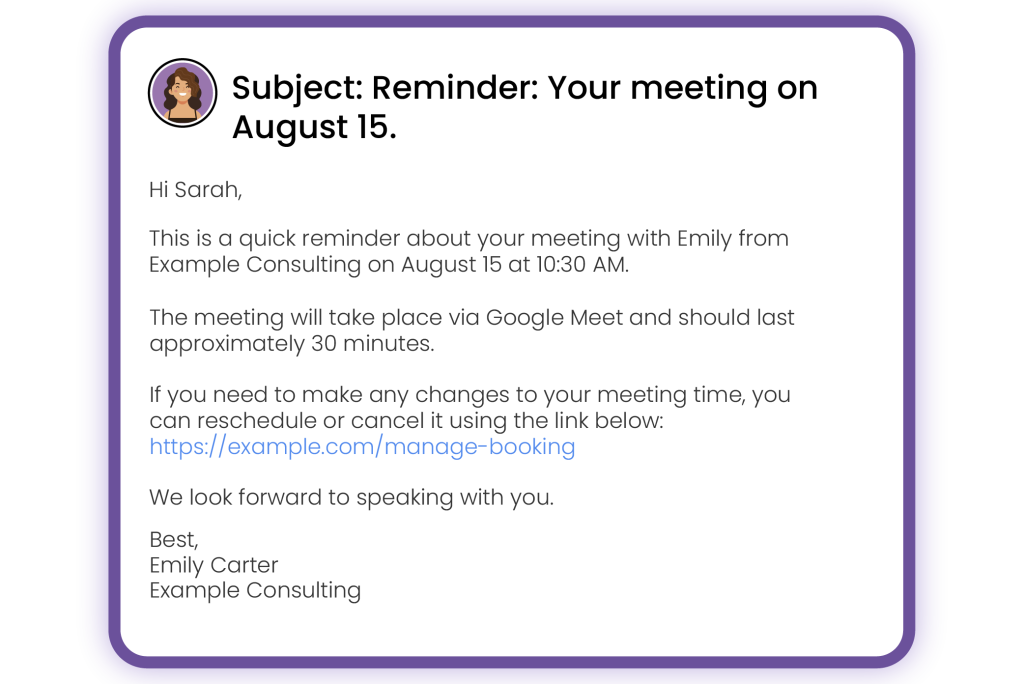
Result: This reminder email for meetings works well for consultations, sales calls, customer appointments, and professional services.
2. Interview Reminders
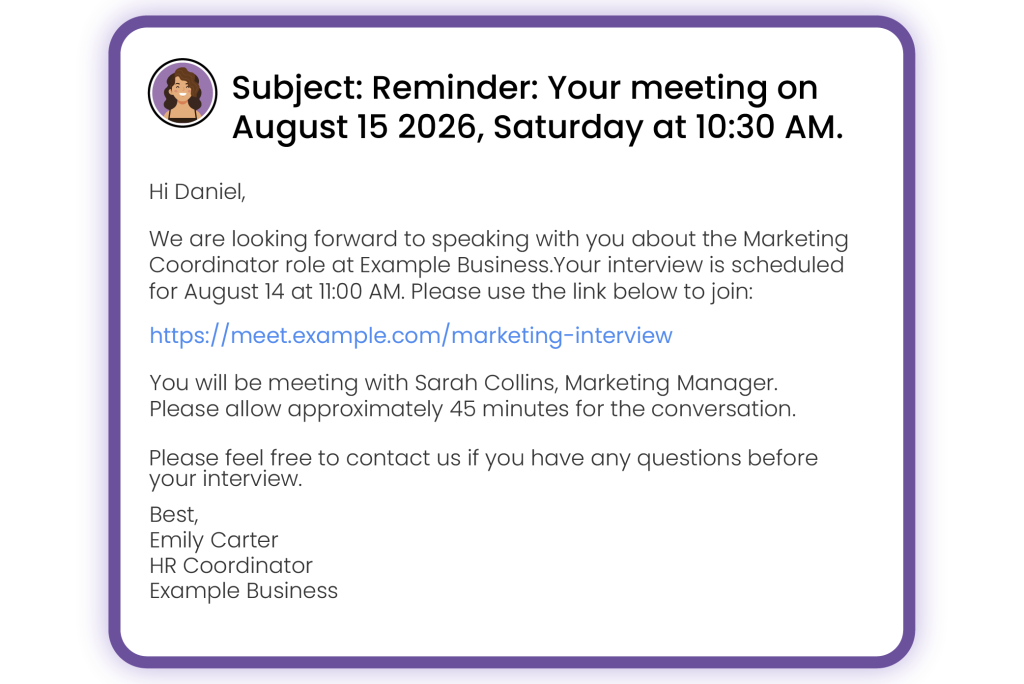
Subject: Interview reminder for [position name]
Hi [Candidate name],
We are looking forward to speaking with you about the [position name] role at [company name]. Your interview is scheduled for [date] at [time]. Your interview is scheduled for [date] at [time]. Please use the link below to join:
You will be meeting with [interviewer name and role]. Please allow approximately [duration] for the conversation.
[Meeting Link]
Please feel free to contact us if you have any questions before your interview.
Best,
[Your name]
See How It Looks in Your Inbox:
3. Email Reminders for Upcoming Events
Subject: Don’t Miss [Event Name]-It’s Almost Here!
Hi [Name],
Thank you for registering for [event name]. We’re looking forward to meeting you on [date] at [time].
Location: [venue or online event link]
Duration: [event length]
What to bring: [documents, tickets, or materials]
Please arrive or join approximately [number] minutes early so you have enough time to check in.
Best,
Your [Event Name] Team
See How It Looks in Your Inbox:
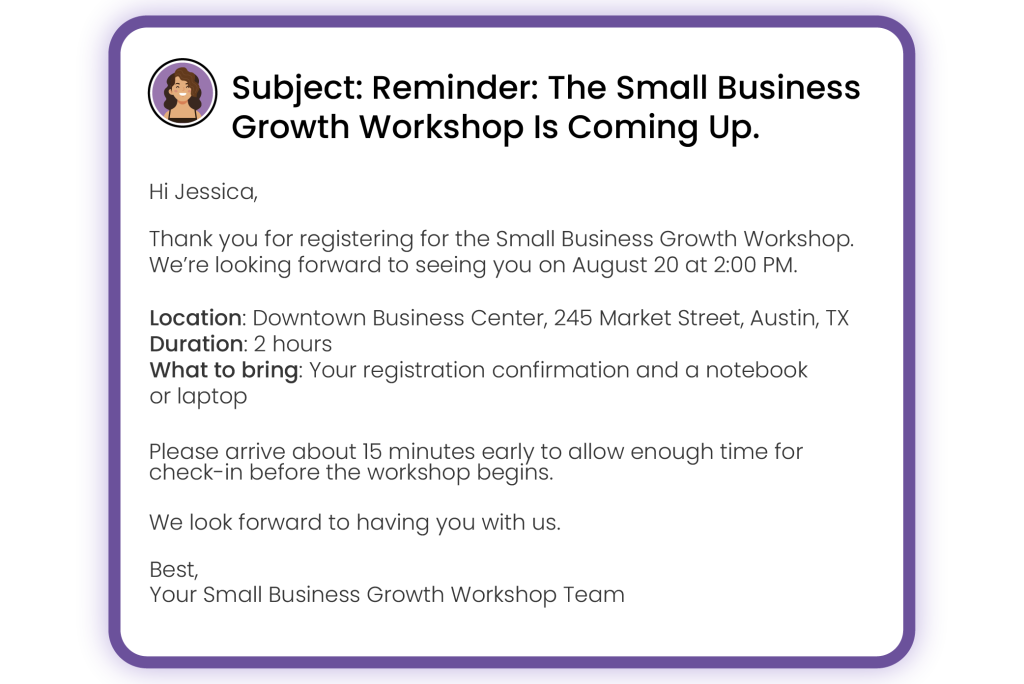
This template can be used for workshops, training sessions, webinars, networking events, and community programs.
4. Follow-Up Reminders
Subject: Following up on our meeting
Hi [Name],
Thank you for meeting with me on [date]. I wanted to follow up regarding [topic, decision, or action item].
As discussed, the next step is [brief description of the required action]. Could you please provide an update by [date]?
You can review the meeting notes here: [link or attachment].
Please let me know if you need any additional information.
Best,
[Your name]
See How It Looks in Your Inbox:
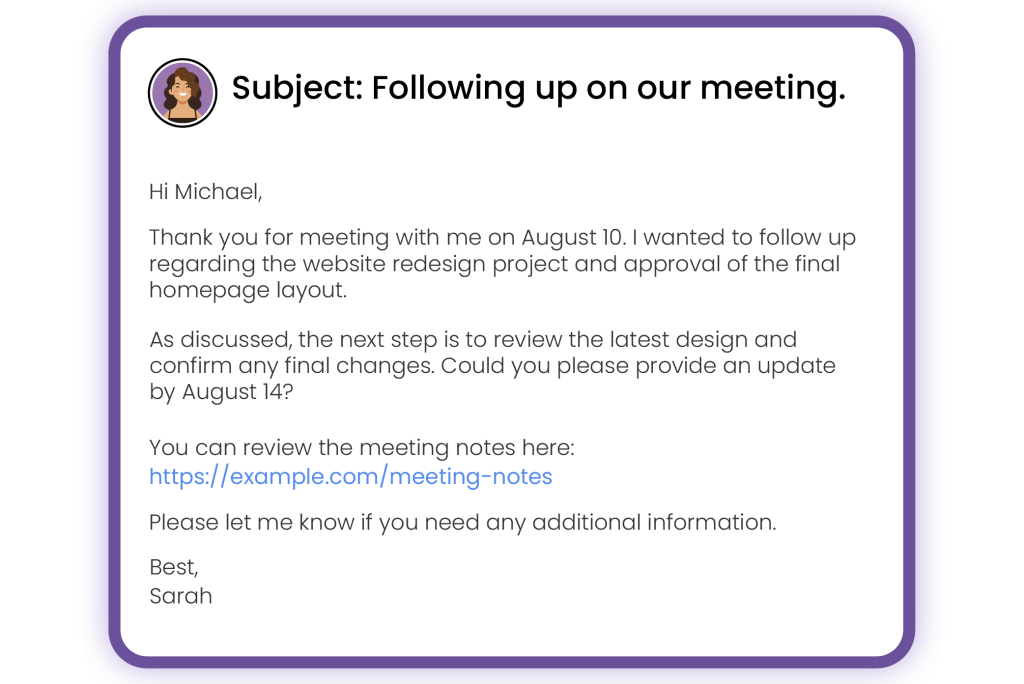
💡Tips: Follow-up reminders keep projects moving and make responsibilities clear. They are especially useful when a meeting ends with several tasks, approvals, or deadlines.
5. Reminders for Team Members
Subject: Reminder: Team meeting at [time]
Hi team,
This is a reminder that our [weekly, monthly, or project] meeting is scheduled for [date] at [time].
We will discuss:
- [Agenda item]
- [Agenda item]
- [Agenda item]
Please review [document or report] before the meeting and add any updates to [shared workspace or project tool].
You can join the meeting here: [meeting link].
Thanks,
[Your name]
See How It Looks in Your Inbox:
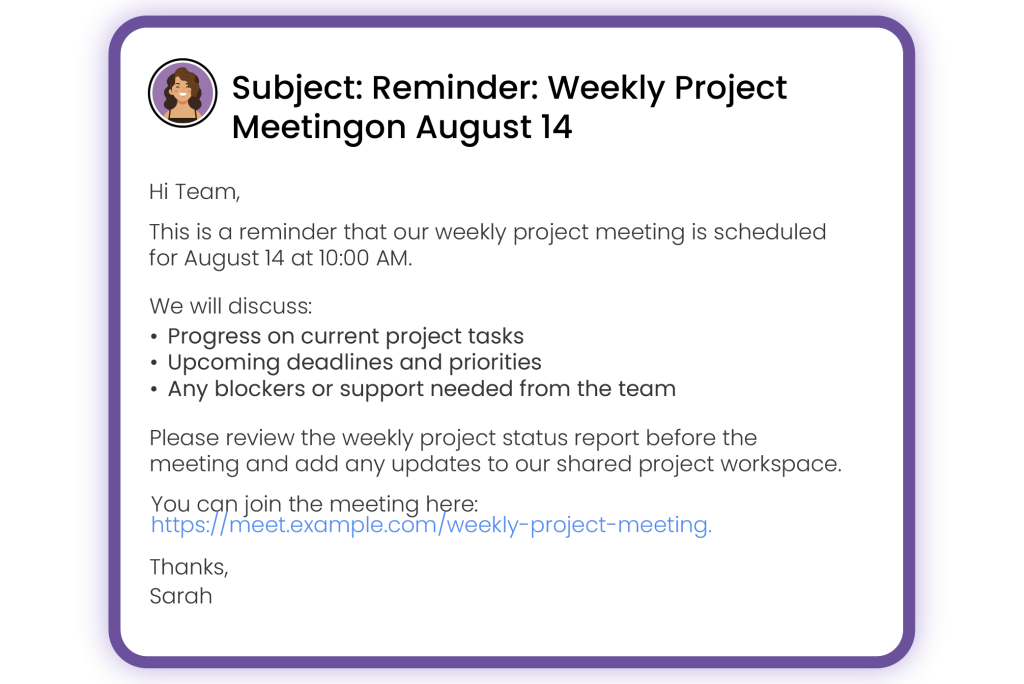
A clear internal reminder helps employees prepare before the meeting rather than spending the first few minutes searching for reports, links, or agenda notes.
Make Sending Appointment Reminders Easier With Picktime
With Picktime’s scheduling software, you can create reminder emails that match the way your business communicates with clients. By adding placeholders when personalizing each reminder, you can include all relevant details, such as client name, appointment time, service, and other booking information. Furthermore, the system helps customers book available slots online, and employees can view their schedules without relying on scattered emails or separate calendars. You can also connect virtual meeting platforms, collect booking information, manage multiple team members, and give clients the option to reschedule when plans change. These features can help you prevent missed meetings and make scheduling much easier for your team and customers.
In addition, sending a meeting reminder is one of the great ways to prevent no-shows. Use these templates in your real-time business situations. If you’re looking for smart scheduling software, give Picktime a try.
FAQs
1. When should I send a meeting reminder?
It’s best to send your first reminder 24 to 48 hours before the meeting, giving attendees enough time to prepare. For important appointments or time-sensitive meetings, you can schedule an additional reminder a few hours before the start. With Picktime, these reminders can be sent automatically based on your preferred schedule.
2. How do I make a meeting reminder sound friendly?
Keep the message clear, polite, and helpful. Instead of simply reminding attendees about the meeting, focus on making it easy for them to join and prepare. A warm, conversational tone paired with all the necessary details creates a better experience.
3. Can meeting reminders be automated?
Yes. Picktime automatically sends meeting confirmations and reminders through email and SMS, helping reduce appointment no-shows and saving you the time of sending follow-up messages manually.
4. Can I customize reminder messages for different meeting types?
Absolutely. With Picktime, you can tailor reminder messages for client meetings, consultations, interviews, internal team meetings, demos, events, and more, ensuring every attendee receives better communication.