Key Takeaways
- Repeat bookings can take time to manage when customers need the same service regularly.
- Recurring scheduling lets you plan multiple sessions in advance instead of creating each booking separately.
- Clear availability, calendar views, and reminders help keep repeat sessions organized and reduce scheduling issues.
- Picktime combines recurring bookings with staff scheduling, calendar management, and email and SMS reminders to simplify repeat scheduling.
For small businesses, it becomes a tedious task to schedule the same appointment again and again. If customers attend weekly classes, monthly consultations, regular fitness sessions, or repeat services, creating each booking separately takes time and makes your calendar harder to manage. Recurring classes and recurring appointments can help you plan these repeat bookings more efficiently, depending on how your service is structured. You can set a recurring pattern, keep upcoming sessions organized, and spend less time entering the same booking details. In this guide, we’ll look at how repeat bookings work and how easily every business owner can manage them.
Table of Contents
What Are Recurring Appointments?
Recurring bookings are those appointments that repeat at regular intervals, such as daily, weekly, or monthly. Google Calendar describes recurring events as activities that happen multiple times on a regular schedule, such as weekly meetings. For example, a personal trainer may schedule a customer for every Monday at 9 AM. A tutor might arrange weekly lessons, while a salon or wellness business can plan regular visits for returning customers. Moreover, they are useful for customers who come back regularly for the same service.
Businesses That Benefit From Repeat Appointments
Recurring scheduling can work well for businesses that manage regular sessions, including:
- Fitness and personal training
- Coaching and tutoring
- Wellness and therapy
- Beauty and personal care
- Business consultations
- Recurring classes and group sessions
When you plan all appointments in advance, it gives you more clarity on demand and helps manage staff availability.
How to Manage Recurring Appointments
Repeat bookings are easier to manage when they fit your team’s schedule, availability, and customer needs. A little planning upfront can reduce repetitive admin work and keep your calendar easier to follow. Here are a few practical ways to manage repeat bookings while keeping your schedule organized and your customers informed.
Set Up a Repeat Booking
Start by creating the appointment with the customer, location, service, team member, date, time, and duration. Then, use scheduling software to choose how often it should repeat, such as daily, weekly, or monthly. As a result, you can schedule multiple sessions together instead of entering the same information for every appointment. You can then review the upcoming sessions and make changes when your schedule changes.
Keep Your Schedule Organized
When setting up repeat bookings, keep your team’s working hours and existing commitments in mind. Staff breaks, days off, blocked time, buffer periods, and overlapping appointments can all affect your schedule. First, you need to set these rules before planning repeat sessions. This will make your recurring bookings fit more naturally into your calendar. Moreover, regularly reviewing your schedule can help you spot conflicts before they become a problem. To keep track of upcoming sessions, you can use different calendar views to check your daily, weekly, or longer-term schedule.
Keep Customers Updated
A recurring booking does not mean customers will remember every upcoming session. Sending a reminder before each appointment helps customers remember their next session and saves your team from manual follow-ups. With an appointment reminder app, you can give customers timely information about their upcoming sessions and help them stay on schedule. Customers can book their initial appointment through your Picktime online booking page. When repeat sessions are needed, your team can create and manage the recurring appointment series directly from the Picktime calendar. Beyond that, your team can also create and manage recurring appointment series directly from the Picktime calendar.
Simplify Repeat Scheduling With Picktime
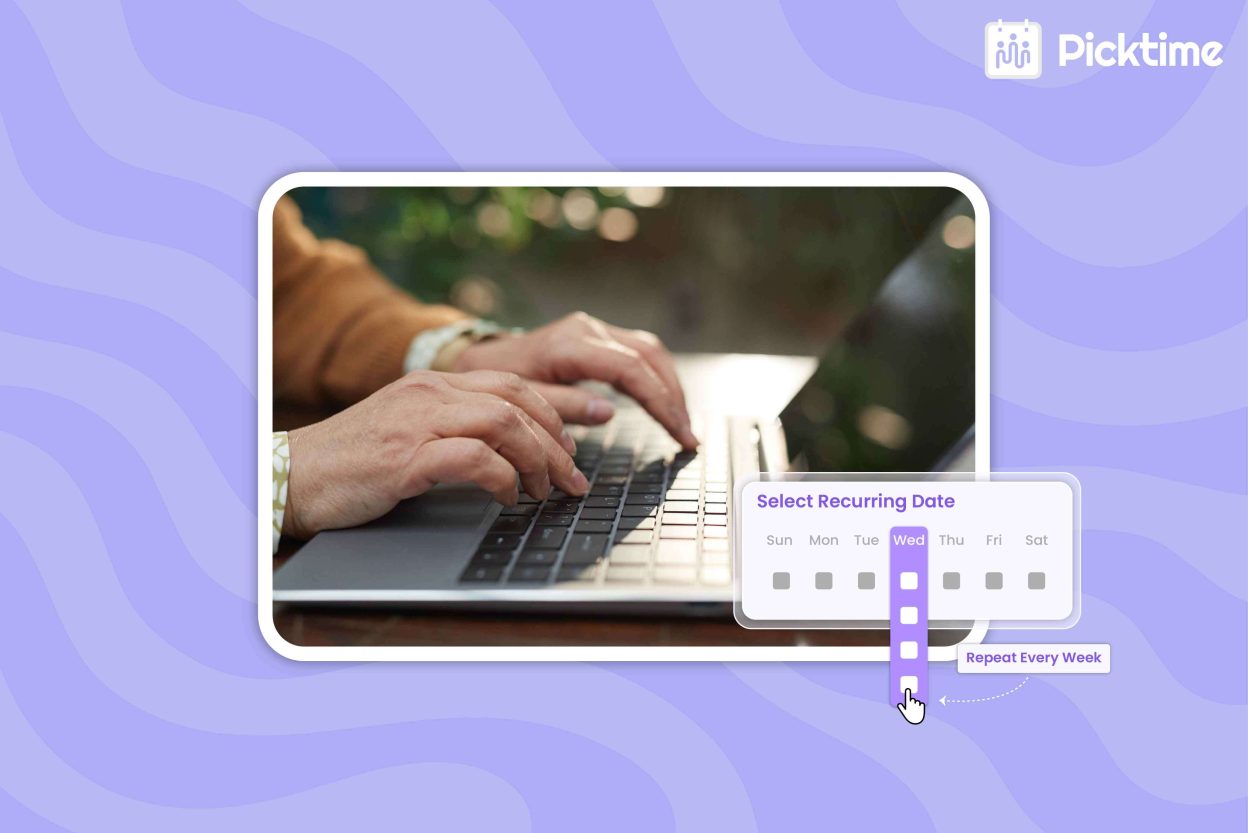
Picktime’s appointment scheduling software brings recurring bookings together with the tools businesses need to manage repeat sessions. You can create repeat bookings by entering the booking details, changing the appointment from ‘Not Recurring’ to ‘Recurring,’ choosing the repeat frequency, and setting either the number of repetitions or an end date. After saving, review the recurring appointments in your Picktime calendar. It also supports recurring classes, staff availability, breaks and days off, time blockers, buffer time, calendar views, and email and SMS reminders. These features help businesses keep repeat sessions organized while working around their team’s availability.
Conclusion
When customers book the same service every time, managing each appointment separately can add unnecessary work. However, recurring appointments help you plan ahead. It keeps your calendar organized, manages staff available hours, and gives customers a smoother booking experience. Scheduling software like Picktime brings these tools together so you can spend less time managing repeat bookings and more time serving your regular customers.
Want to simplify repeat bookings? Start scheduling recurring sessions with Picktime and keep your regular customers on track with less effort.
FAQ’s
1. How often can a recurring appointment repeat?
Recurring appointments can repeat at regular intervals, such as daily, weekly, or monthly. Picktime lets you choose the repeat frequency when creating a recurring booking, so you can schedule sessions based on your customers’ needs.
2. Can I remove one appointment from a recurring series?
Yes. Picktime lets you delete only the selected recurring appointment or delete the selected appointment together with future appointments in the series
3. Do customers receive reminders for every recurring appointment?
Customers can still forget individual sessions even when they have a regular booking. Picktime supports email and SMS reminders for upcoming appointments, helping customers stay informed and reducing manual follow-up for your team.
4. Can recurring appointments help prevent scheduling conflicts?
Repeat bookings can create conflicts when they overlap with staff availability or other commitments. Picktime keeps recurring sessions visible in the calendar and provides tools such as staff availability, breaks, days off, time blockers, and buffer time, making it easier to plan repeat bookings around your existing schedule.