Key Takeaways:
- Make your booking page easy to find across your website, social media profiles, Google Business Profile, and offline materials.
- Use direct booking links and QR codes to help customers reach your booking page without extra steps.
- Improve local visibility with accurate business details, clear service information, and customer reviews.
- Picktime helps you share and manage your online booking page while keeping appointments, staff schedules, reminders, and customer information in one place.
Setting up an online booking page makes scheduling easier, but visibility plays a crucial role in how many conversions happen. Clients may not be able to book through a booking page they rarely come across, whether they are browsing Google, searching your social profile, or learning about your business.
When the path to scheduling a service is unclear, customers may try to contact your team or give up before scheduling. However, your booking page can truly bring results when customers can find it. Sharing your booking page across different channels can convert potential customers into confirmed bookings.
Whether you have an established business or have just started, building effective strategies to promote your online booking page can significantly increase your booking numbers. In this blog, we’ll discuss what an online booking page is and effective strategies to get more visibility and drive traffic.
Table of Contents
What Is an Online Booking Page?
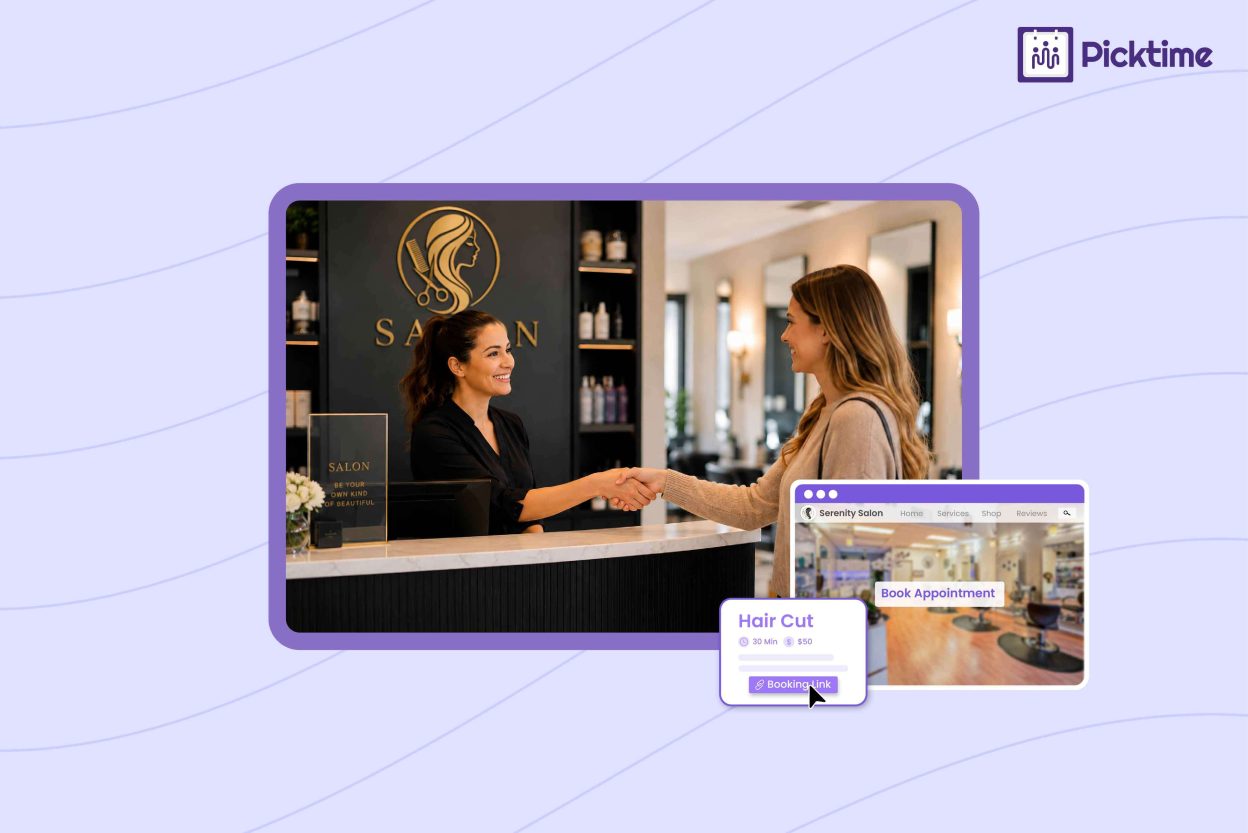
An online booking page is a dedicated page where customers can view your services, check available times, choose a staff member if needed, and schedule an appointment online all by themself. For a service business, an online booking site can take care of many routine scheduling tasks normally handled by phone or email. Customers get more freedom to book at a convenient time, and your team can spend less of the day responding to appointment requests.
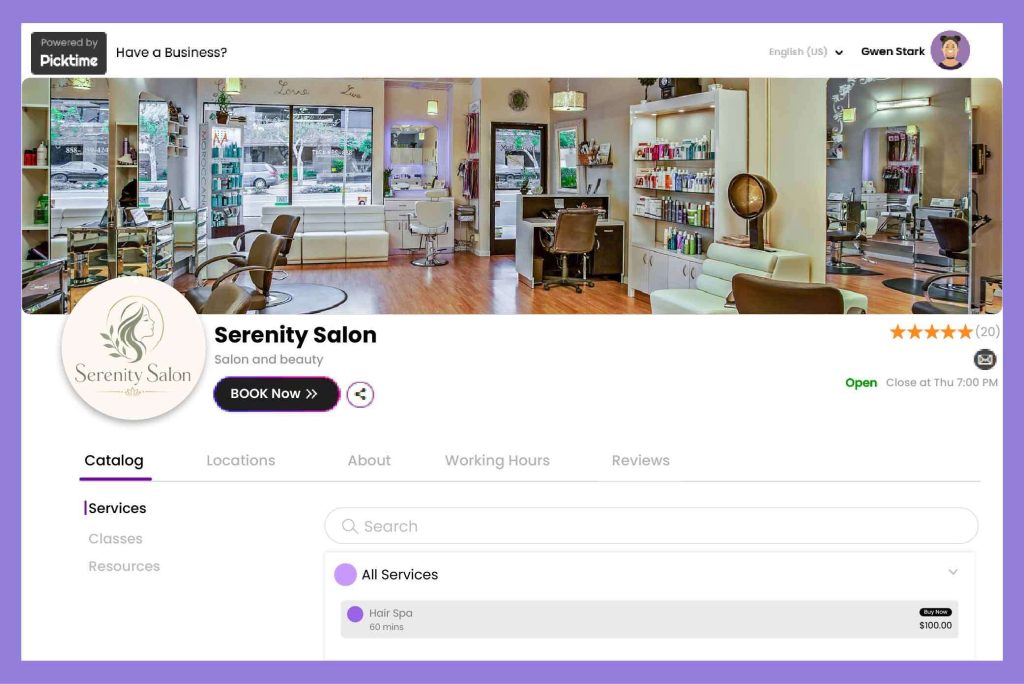
Your booking page should match your brand’s presence and should be easy to use on any device. To match your brand’s image, you can easily customize your online booking page with a brand logo, theme colors, background image, and a welcome message to guide potential customers. If the booking experience is easy to use, then you don’t have to worry about it.
Effective Ways to Promote Your Online Booking Page
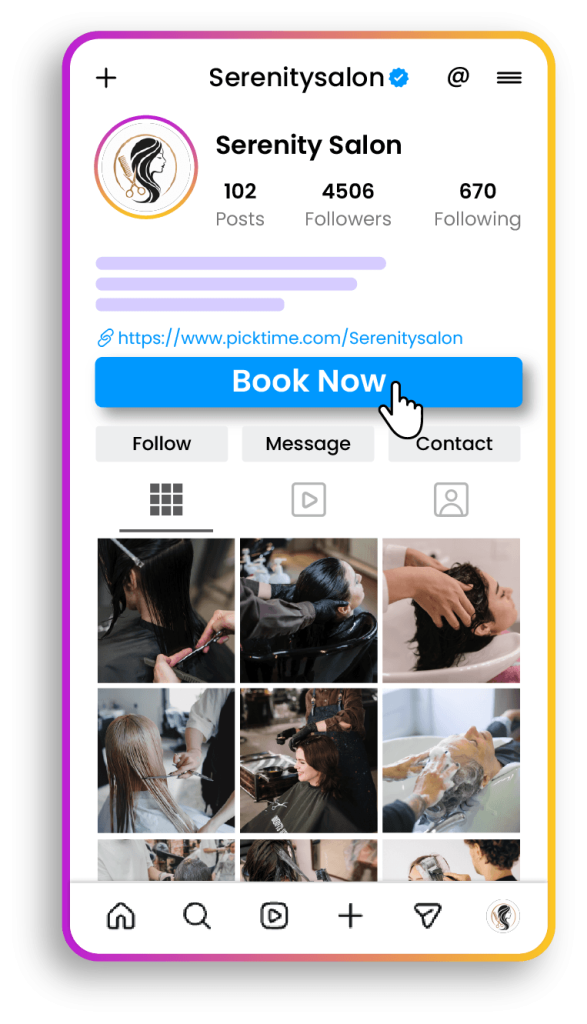
Post Your Booking Link on Social Media
Many customers often check a business’s social profile even before visiting its website. In 2026, there are around 5.66 billion active social media users worldwide. That’s why you should add every important element to your social media business profile. You can place a booking page link on your social media bio, Facebook page, LinkedIn profile, and any other channel your business uses regularly. You can mention the booking link in posts about available appointments, new services, upcoming classes, or seasonal discount promotions. Use clear “Book Now” buttons such as “Schedule an appointment now” or “Check booking available times.” Customers immediately understand where the link will redirect them.
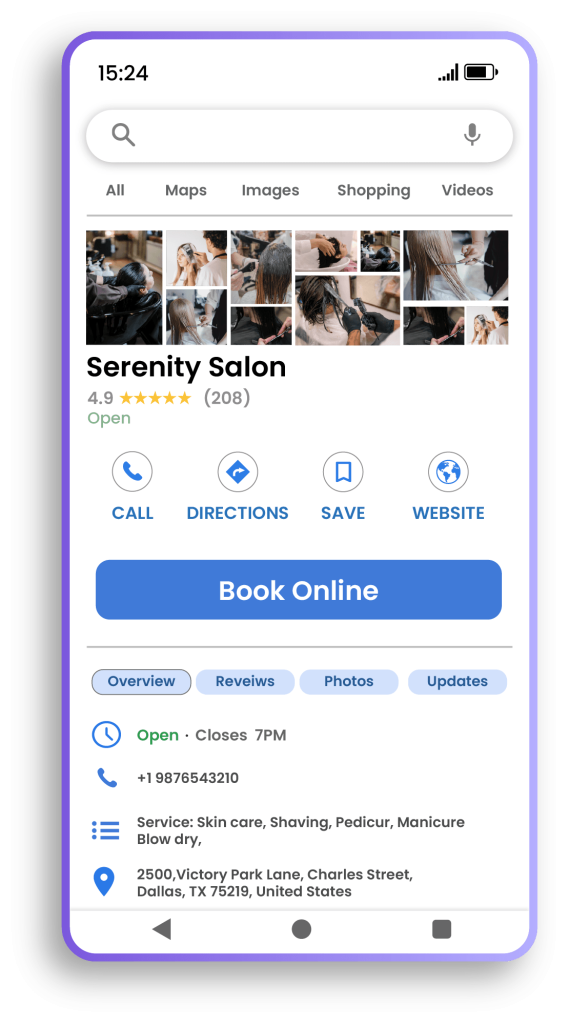
Add Your Branded Booking Page to Google Business Profile
Many customers start searching on Google when they are first looking for nearby businesses. By embedding your booking page into your Google Business Profile, you make it convenient for clients to discover your business and schedule services instantly. For example, when a prospect is looking for salons “near me”, an optimized Google Business Profile can work much better. Your profile should also have accurate business hours, contact details, services, and location information. Consistent information gives customers more confidence before they book.
Use Booking QR Codes for Offline Bookings
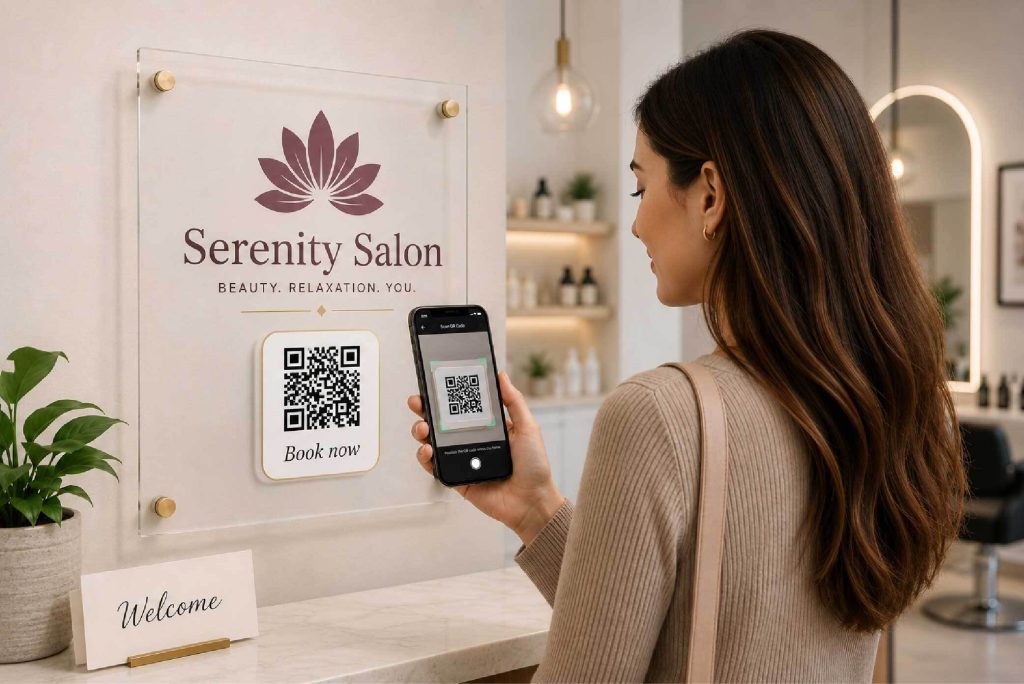
Not every customer can find you online. Adding a booking page QR code can be a simple way to fill the gap. It’s simple, and customers just scan the booking QR code with their phone and are taken directly to your online booking page. You can place booking QR codes on business cards, front-desk signs, brochures, flyers, receipts, appointment cards, or window displays. This works especially well for service-based businesses like salons, clinics, fitness studios, tutors, consultants, and others that regularly meet customers in person.
Take Part in Forum Q&As
Platforms like Reddit, Quora, Facebook groups, and local communities can give you a chance to interact with people who are already searching for recommendations. Rather than adding your booking page link to every conversation, you can focus on helping and sharing something genuinely useful. When your services are relevant to the context, you can naturally redirect potential clients to your booking page. Helpful answers show people that you know your stuff and can build trust over time. If they want to take the next step, your booking page makes it easy to schedule with you.
Help More Local Customers Find Your Business
Local search can connect your online booking page with customers already searching for services nearby. Use clear service names and accurate location details across your website, Google Business Profile, business directories, and booking page. It makes it easier for search engines and customers to connect your business with relevant local searches. You can also create useful service pages around keywords customers commonly search for in the SERPs, such as “massage appointments nearby” or “math tutoring in Chicago.”
From there, send visitors straight to the service they’re interested in on your booking page. Adding customer reviews can also build trust and make people feel more confident about booking with you. Encourage happy customers to leave genuine feedback and respond professionally when reviews come in.
Final Thoughts
A strong online booking page works best when customers can reach it and when your booking is easy and straightforward. With online appointment scheduling software like Picktime, each business gets an online booking page where it can add services, availability, and locations. It lets clients schedule services 24/7 without calling anyone or facing a lengthy booking process. With plenty of customization options, you can personalize the booking page with a logo, theme, banner image, and more. You should always remember that when customizing your booking site, it should match your brand’s image.
Moreover, you can share your booking page across your website, social profiles, Google presence, and offline materials, making it easier for customers to schedule from wherever they discover your business. Also, once the service is completed, clients can easily submit valuable reviews about their experiences, so potential customers visiting your online booking page can trust in your business. The easier booking becomes for customers, the less time your team needs to spend managing routine scheduling requests.
👉 Make your booking page easier to find with Picktime and turn more customer interest into confirmed appointments.
FAQs
1. How can I get more people to visit my booking page?
Share your Picktime booking link anywhere customers already connect with your business. Add it to your website, social media profiles, Google Business Profile, email campaigns, business directories, and printed materials such as flyers, appointment cards, or business cards. The easier your booking link is to find, the easier it is for customers to schedule with you.
2. Where should I add my online booking page link on social media?
Place your Picktime booking page link where customers can spot it quickly, such as your website, Instagram bio, Facebook page, or LinkedIn profile. You can also include it in posts about available appointments, new services, classes, or special offers so customers can move from seeing your post to booking in just a few clicks.
3. Can I add my appointment booking page to Google Business Profile?
Yes. If booking links are available for your Google Business Profile, you can add your Picktime booking URL so customers can go directly from Google Search or Maps to your booking page. This shortens the path to booking and makes it easier for people who are already searching for your business to schedule an appointment.
4. Can I use a QR code to promote my online booking site?
Yes. A QR code gives customers a quick way to open your Picktime booking site from their phone. You can place it at your reception desk, on appointment cards, flyers, brochures, receipts, posters, or window displays. Customers simply scan the QR code and go straight to your online booking page, without having to type the link themselves.