Key Takeaways
- Manual room reservations and staff scheduling often lead to double bookings and scheduling conflicts. Library scheduling software keeps everything organized in one shared system.
- Managing room availability and librarian schedules separately creates extra work. Connecting both in one calendar makes it easier to coordinate daily library services.
- Library users expect a simple way to reserve study rooms and other services. Online booking, automated confirmations, and reminders reduce administrative work while improving the reservation experience.
- Picktime brings room bookings, staff schedules, visitor records, reminders, payments, and reports together in one platform, helping libraries run daily operations more efficiently.
A library has plenty of study areas and research consultation rooms that staff need to adjust as per the schedule. However, most visitors struggle to reserve them when they are not organized properly. At the same time, librarians have to manage the front desk, prepare for workshops, and respond to any meeting changes. Together, these tasks create conflicts if handled through phone calls, spreadsheets, or manual calendars.
That’s why many libraries are now using library scheduling software to manage their daily tasks. It helps the library patrons to see the room’s availability and book as per their convenience. Moreover, it helps staff to handle the daily library routine while managing reservations, spaces, payments, and resources. Without software for libraries, it’s easy to miss reservation requests, and double booking may happen. It even takes away the time from staff that could be used to support library users. In this blog, we are going to discuss how library scheduling software simplifies room scheduling, keeps staff informed, and handles daily library operations.
Table of Contents
Why Room Bookings Become Difficult as Libraries Grow
Now libraries have changed a lot. It not only lends books, but it also becomes an active space where people study, collaborate, learn, and attend community programs. For example, students reserve study rooms before exams, researchers book quiet spaces for focused work, and community groups use meeting rooms for workshops and events. Many libraries also manage computer labs, makerspaces, and training rooms. And each has its own booking rules and availability of staff and resources. As these services grow, keeping track of every reservation becomes harder. During busy periods, librarians often spend more time checking calendars and confirming room availability than assisting library visitors.
Manual booking methods increase these challenges. Phone calls, email requests, paper logs, and spreadsheets can quickly become out of sync, especially when multiple staff members handle reservations. A librarian might confirm a study room over the phone but forget to update the spreadsheet. After some time, another group is also assigned the same room for the same time because the first booking wasn’t recorded properly. These mistakes create scheduling conflicts, frustrate library users, and add unnecessary administrative work. However, library booking software with a shared booking calendar keeps room availability updated in real time. It allows staff to approve reservations confidently while giving visitors a simple way to reserve rooms online.
Organize Staff Schedules with Library Scheduling Software
Reserving rooms is just part of daily library operations. Every booking also depends on having the right librarian available at the right time. Research consultations, reference desk support, and community events all require staff coverage. When schedules are stored in separate spreadsheets or printed rosters, coordinating these responsibilities becomes harder. A single shift change can affect several services. If one librarian takes leave, managers often need to update room schedules, appointment calendars, and staff rosters separately. One missed update can create gaps in the schedule. As a result, a service desk may be left unattended, or appointments may be scheduled when no librarian is available.
This is where Picktime fits naturally into the workflow. Picktime is an AI-powered library scheduling system that brings room reservations, staff schedules, and appointments into one system. With Picktime’s two-way calendar sync, schedule updates stay connected with external calendars like Google Calendar and Outlook Calendar, helping teams avoid conflicts and keep availability accurate. Notifications also alert librarians about new appointments or schedule changes, so everyone stays updated without checking multiple shared views. Moreover, library managers can organize staff availability, assign services, and keep everyone working from the same schedule.
Bring Room Bookings and Staff Schedules Together in One Place
Managing room availability and staff schedules separately can create unnecessary confusion. A study room may be available, but the right librarian or resource may not be ready at that time. Connecting both schedules helps libraries keep reservations, resources, and daily services organized in one place.
Coordinate Room Bookings and Staff Availability
Room reservations work well when they are connected to staff schedules. A study room may be available on the schedule, but it still needs the right librarian if a library event or training session is scheduled there. Every library needs to manage its reading rooms, computer labs, makerspaces, and community rooms as per its own rules and availability. If resources are managed separately with different tools, it can lead to more work and a risk of scheduling conflicts.
Appointment scheduling software like Picktime brings room bookings and staff schedules together in one shared calendar. Library managers can assign staff based on their availability and make sure the right person is available before confirming each booking. Library managers can create an online booking page where visitors reserve study rooms, reading spaces, or other library services. Booking forms collect the required information, while booking approvals allow staff to review requests before confirming them. Once approved, the calendar updates instantly, giving everyone the same view of room availability and reducing double bookings.
Keep Library Users Updated About Every Reservation
Confirming a booking is only the first step in managing library reservations. Libraries also need to notify visitors about appointment changes, send reminders before consultations, and update schedules whenever reservations are rescheduled or canceled. Handling these tasks manually takes time, especially during busy periods when staff are already helping library visitors and running library programs. Picktime’s library scheduling software automates these routine tasks through booking confirmations, automated email reminders, SMS notifications, and calendar updates. Patrons receive the information they need before arriving, while librarians spend less time answering routine booking questions. The platform also stores library member records and reservation history in one place, making it easier to review previous bookings or upcoming appointments whenever assistance is needed.
Track Room Usage and Library Activity from One Place
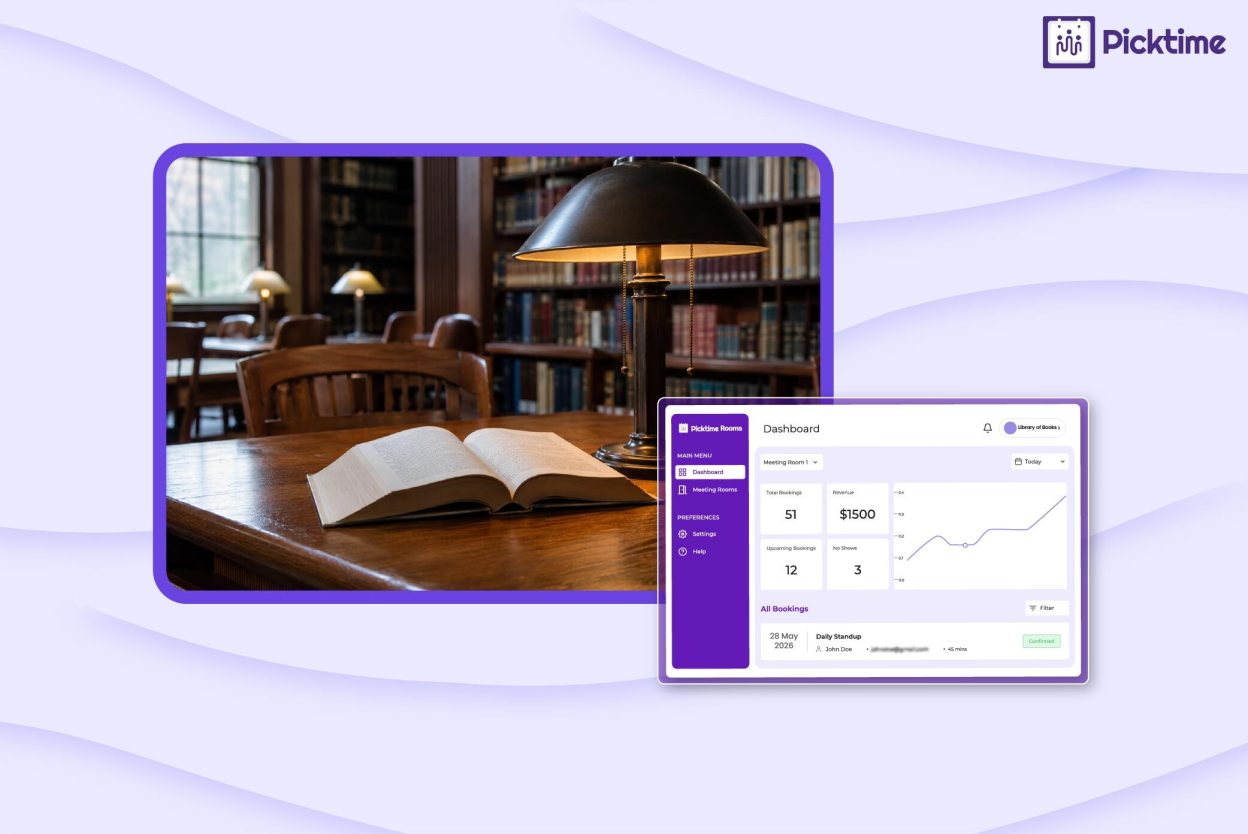
As booking requests increase, libraries need more than an organized calendar. They also need to know how their library spaces and services are being used. Knowing which reading rooms are booked most often, when training sessions are busiest, or which workshops attract the highest attendance helps managers plan resources more effectively. Picktime’s library management software provides reports that help library managers understand daily operations more clearly. Managers can review booking trends, monitor room usage, and understand demand across services from one dashboard. For libraries with multiple branches, schedules and reservations remain connected across locations, making it easier to coordinate resources and deliver a consistent experience for every visitor.
Conclusion: Manage Library Spaces and Schedules More Efficiently
The library is a place where people study, access reading materials, collaborate, attend workshops, and come for personal development. Library teams need to manage all these activities to run their library smoothly. When the library starts growing, staff need to manage more rooms, resources, and materials. It is not practical to handle daily library operations manually. It creates scheduling confusion, which can affect your library’s business revenue. You will soon realize that the time you should spend on supporting patrons, you actually spent it managing calendars.
The dedicated library scheduling software should allow librarians to keep track of room bookings, staff availability, and visitor records. Picktime’s integrated library management system helps students, researchers, and community members access library services easily. It even helps the staff focus more on library tasks than on struggling with staff schedules. When you automate routine library work, your library can spend more time improving services and delivering a better experience.
If your library is also looking for an easy way to manage daily staff schedules and room reservations together, try Picktime. It manages daily library room reservations, staff availability, resources, payments, bookings, and patrons’ records from one place.
FAQ’s
1. What is library scheduling software?
Library scheduling software helps libraries manage room reservations, staff schedules, research consultations, and shared resources from one system. Instead of relying on spreadsheets or paper calendars, libraries can organize bookings, automate reminders, and keep room availability updated in real time. Picktime also allows libraries to manage appointments, staff availability, payments, and visitor records from a single dashboard.
2. How can library scheduling software reduce double bookings?
A shared booking calendar updates room availability as soon as a reservation is confirmed. This prevents multiple staff members from assigning the same study room or meeting space to different visitors. Picktime also supports booking approvals, calendar synchronization, and automated notifications, helping libraries avoid scheduling conflicts.
3. Can library scheduling software manage both room bookings and staff schedules?
Yes. Modern library scheduling software connects room reservations with staff availability, making it easier to coordinate research consultations, workshops, reference desk coverage, and other library services. Picktime brings room bookings, staff schedules, and resource management together in one shared calendar, so librarians always work with the latest schedule.
4. What should libraries look for when choosing library scheduling software?
Libraries should choose software that offers online room reservations, staff scheduling, calendar sync, booking approvals, automated reminders, reporting, and support for multiple locations if needed. Picktime combines these features in one platform, helping libraries simplify daily operations while giving visitors an easier booking experience.