Key Takeaways
- Missed appointments can happen when customers forget their booking or aren’t clear about the time, location, or booking status.
- Sending a clear confirmation right after booking helps customers understand their appointment and know what to expect.
- Timely reminders and easy cancellation or rescheduling give customers a chance to make changes before the appointment.
- Picktime brings online booking, booking approvals, and email and SMS notifications together to help businesses keep customers informed.
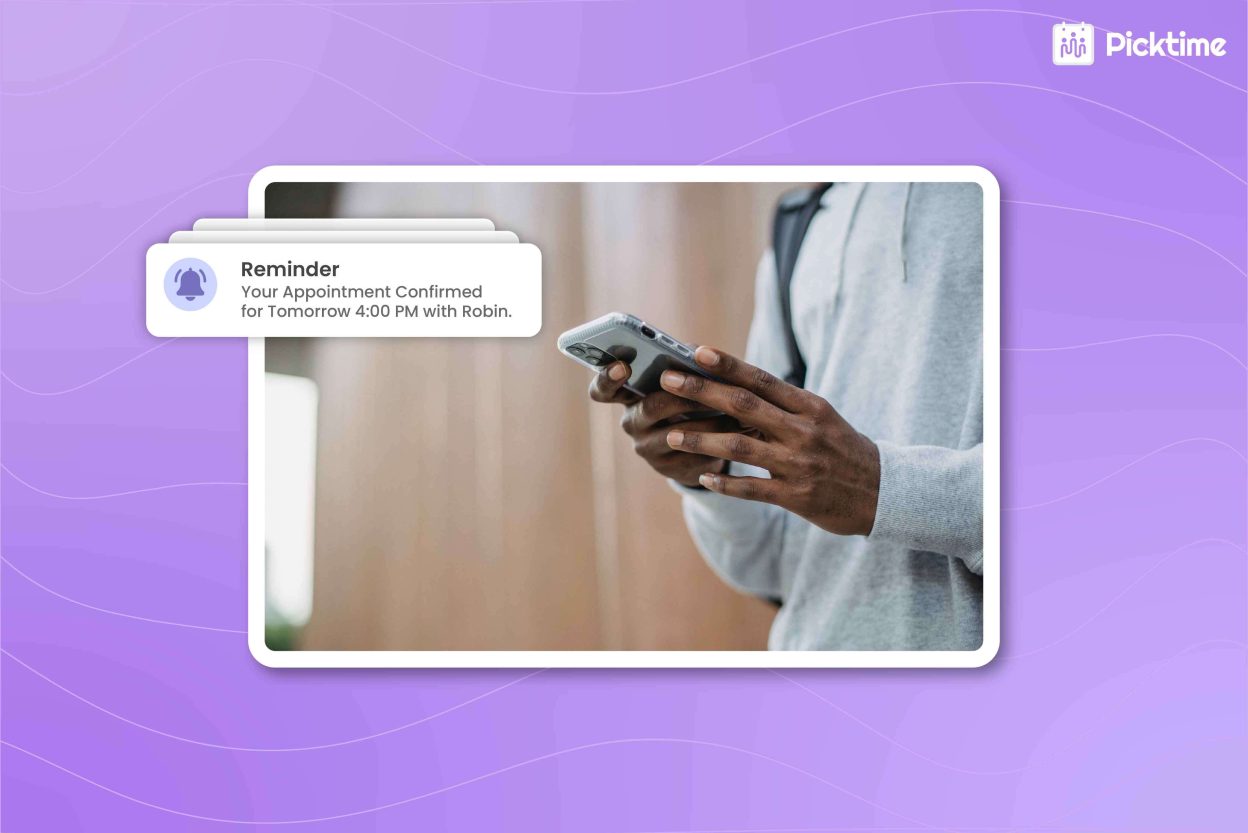
Ever had a customer who booked an appointment and then forgot about it? However, a timely appointment confirmation reminds them of their scheduled visit. It also gives them the details they need to plan ahead. Moreover, it gives your team fewer booking questions to handle manually. Without a confirmation, customers may be unsure about the time, location, or booking status, which can lead to missed appointments. In this guide, we’ll look at how booking confirmations work and how they can help reduce no-shows.
Table of Contents
What Is an Appointment Confirmation?
A booking confirmation is a message sent after a customer books a service. It confirms that the appointment has been received or approved and gives the customer the information they need. A useful confirmation should include:
- Appointment date and time
- Service or class
- Location or meeting details
- Team member, when relevant
- Cancellation or rescheduling information
- A way to contact the business if something changes
Further, the channel you use for sending confirmation messages also matters. Email works well when customers need complete booking details, while SMS can help important appointment information get noticed quickly. Twilio reports that SMS has an average 98% open rate, with 90% of messages read within three minutes of delivery. For confirmations and reminders, this makes text messaging a useful way to keep customers aware of upcoming bookings. Sending this information after booking helps customers remember their appointment and helps avoid missed appointments.
How to Confirm Bookings and Reduce No-Shows
Send a Confirmation Right Away
The first confirmation should be sent as soon as the customer books. It’s better to keep it short, clear, and easy to scan. Include the appointment details and explain whether the booking is confirmed or still awaiting approval. If your business reviews appointment requests before accepting them, make that status clear. Customers should know whether they have a confirmed appointment or a pending request.
Tip: You can also enable an ICS attachment in Picktime confirmation emails, allowing customers to add the appointment to their personal calendar and keep it on their schedule.
Follow Up With Timely Reminders
For appointments booked well in advance, a single confirmation may not be enough to keep the date in mind. With scheduling software, you can send an email or SMS reminder closer to the appointment, which helps customers remember their scheduled visit. Customers also get some time to reschedule if their plans change. Moreover, it gives your team an option to reopen a slot rather than losing it to a last-minute no-show.
Make Rescheduling and Cancellations Easy
Some customers may skip an appointment because rescheduling feels too complicated. Give them a clear way to cancel or reschedule and explain any notice requirements in your booking policy. This simple step can turn a potential no-show into an earlier cancellation, giving you a better chance to fill the available time slot.
Tip: Picktime lets you add cancellation and rescheduling links to confirmation emails so customers can manage their bookings within the notice period you set.
Manage Booking Confirmations With Picktime
Picktime’s appointment scheduling software helps businesses manage booking confirmations and reminders in one place. You can send email and SMS notifications to keep customers updated about their appointments. The Picktime appointment booking app also offers booking approval, which is useful when businesses want to review appointment requests before accepting them. When approval is required, customers can see their request as pending confirmation, while the business can accept or decline it from the Picktime calendar. However, if the customer makes a payment through the online booking page, Picktime confirms the booking automatically. By combining online booking, approval controls, and appointment reminders, Picktime helps businesses keep customers informed and reduce the manual work involved in managing bookings.
Conclusion
Keeping appointments on track starts with clear booking details, timely reminders, and an easy way for customers to reschedule. When customers know their appointment is confirmed and have the information they need, there’s less room for confusion or missed bookings. A scheduling tool like Picktime brings online scheduling, booking approvals, and email and SMS notifications together. This helps businesses keep customers informed throughout the appointment process, from booking and confirmation to the scheduled visit.
If you want to make appointment confirmations easier, try Picktime and keep every booking on track.
FAQs
1. Why are appointment confirmations important?
Appointment confirmations let customers know their booking was received or approved and give them the key details they need. Picktime helps businesses send confirmation notifications so customers know their appointment status and can refer back to the booking information.
2. Which works better for appointment confirmations: email or SMS?
Both can be useful, depending on what information you need to share and how quickly customers need to see it. Picktime supports both email and SMS notifications, so businesses can keep customers updated through the communication channel that works best for their appointments.
3. When should I send appointment reminders?
Send the first confirmation immediately after booking, then follow up with reminders as the appointment gets closer. Picktime supports automated email and SMS reminders to help customers remember upcoming appointments without requiring your team to contact them manually.
4. How do appointment confirmations help prevent no-shows?
Clear confirmations make sure customers know the appointment date, time, location, and booking status. Reminders then give them another prompt as the appointment approaches, while early notice gives them time to reschedule if needed. Picktime combines confirmations and reminders to help businesses keep customers informed and reduce missed appointments.
5. What if I need to approve appointments before confirming them?
Some businesses need to review booking requests before accepting them. Picktime’s booking approval feature lets businesses accept or decline requests from their calendar, while customers can see when their booking is still pending confirmation. Picktime can then send email and SMS notifications about the booking status, keeping both sides informed