Key Takeaways
- Automating client follow-ups saves time, keeps communication consistent, and reduces the need for manual work.
- Sending follow-up messages based on customer actions helps you deliver timely and relevant communication.
- Well-timed, helpful follow-ups keep customers engaged without making your messages feel pushy.
- Picktime automates appointment confirmations, reminders, booking updates, and other appointment-related communication from one scheduling platform.
For many business owners, every new inquiry feels like a potential customer. Business owners send a proposal, answer an inquiry, or finish a meeting, then wait for a response that never comes. If you wait too long, the client may lose interest. But it’s equally important to follow up. However, if you send too many messages, you risk pushing them away. In this guide, you’ll learn how to automate follow-up with a client in a way that feels helpful, keeps conversations moving, and saves time without sounding pushy.
Table of Contents
What Is Automated Client Follow-Up?
A follow-up is a message you send after a customer shows interest, books an appointment, or buys a product or service. It shows how to stay in touch with your clients. You don’t have to remember every follow-up. Automation sends timely emails, text messages, and reminders based on each customer’s activity. For example, when a customer books a consultation, they can automatically receive a confirmation and a reminder before the meeting. For broader post-appointment follow-ups, such as thank-you messages, businesses can use a CRM or email marketing tool. Thus, it helps businesses stay responsive while giving customers a better experience.
Benefits of Automated Client Follow-Ups
Following up manually takes time, especially as your customer list grows. It’s easy to forget who needs a reminder or when to reach out next. When you automate follow-up with a client, every customer receives timely communication without adding more work to your day. Let’s look at the main benefits:
- Respond faster: Customers receive confirmations and updates immediately after they take action.
- Communicate consistently: Every customer receives timely updates, even when your team is busy.
- Reduce missed appointments: Automated appointment confirmations and reminders help customers remember their scheduled appointments.
- Save time: With appointment scheduling software, your team spends less time sending repetitive emails and text messages.
- Keep relationships active: Regular follow-ups help customers remember your business without constant manual effort.
Timely follow-up improves customer response rates because businesses reach people while their interest is still high. A study by InsideSales found that responding to a lead within five minutes could make them more than eight times more likely to convert. Moreover, appointment reminder apps help send automated alerts to reduce missed appointments across many service industries.
How to Automate Follow-Up With a Client Without Sounding Pushy
Automation works best when messages feel useful rather than repetitive. These simple practices help keep your communication natural.
Send Messages Based on Customer Actions
A better approach is to send messages only after customers take specific actions, like booking a service or requesting information. For example, you can send a booking confirmation after an appointment is scheduled. You can use a CRM or email marketing tool to send a thank-you email after a completed service. Many appointment scheduling software platforms automatically send these messages after a customer books a service.
Give Customers Time to Respond
Avoid sending multiple messages within a short period. Otherwise, customers may feel overwhelmed or think you’re pressuring them to take action. Give customers enough time to respond before sending another reminder. A follow-up sent at the right time feels helpful, not pushy. Further, online appointment scheduling software lets you schedule reminders at the right time rather than sending them manually.
Share Helpful Information
Not every follow-up should ask customers to buy or book again. Despite this, you can share appointment instructions, preparation tips, helpful resources, or answers to common questions. Many appointment scheduling software platforms make it easy to send these updates automatically. As a result, it keeps your messages helpful and worth reading.
Personalize Your Messages
With appointment scheduling software, follow-up messages can automatically include the customer’s name, booking details, and service information. This makes every automated message feel more personal. A personalized message shows customers that you’re paying attention to their needs.
How Picktime Makes Client Follow-Ups Easier
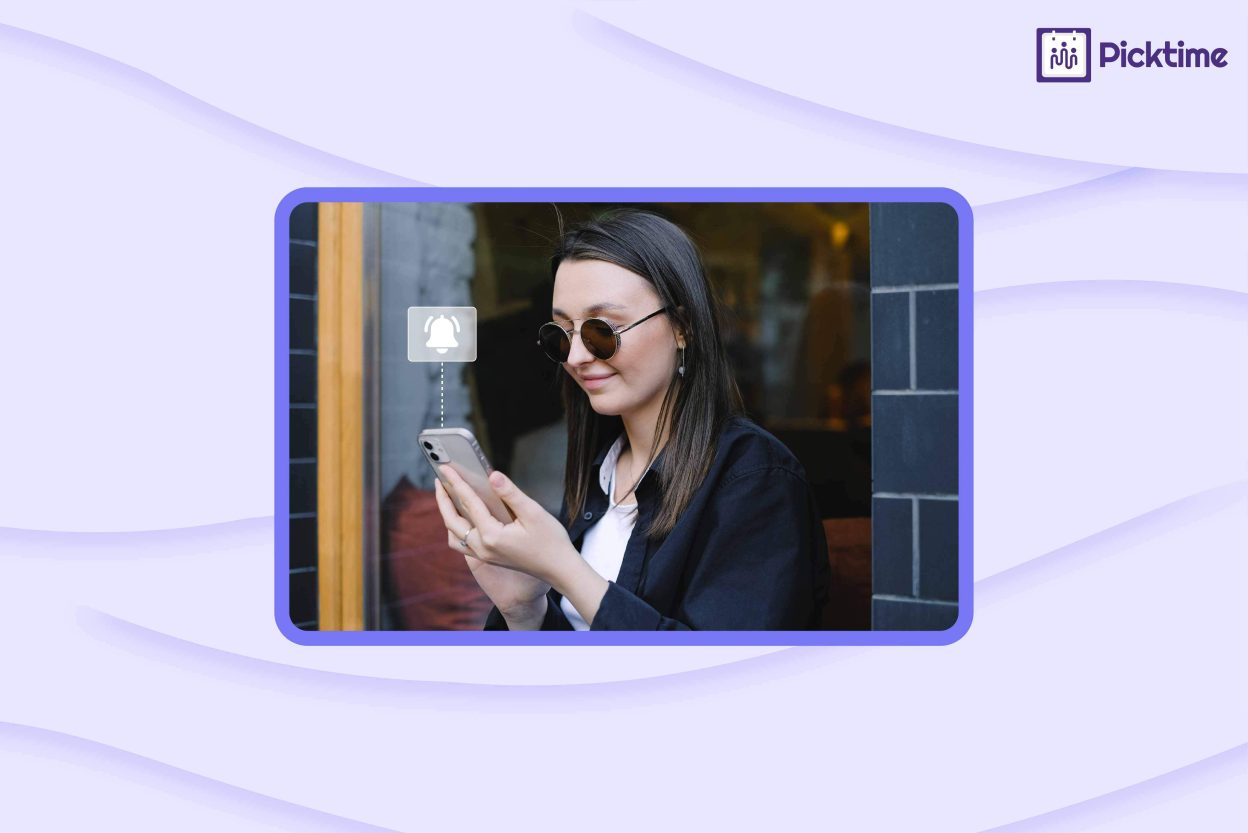
Managing appointments and follow-ups separately often creates extra work. This is where online appointment scheduling like Picktime steps in to solve this issue. Picktime helps businesses automate appointment confirmations, email and SMS reminders, booking updates, and customer notifications from one scheduling platform. Since appointments, customer details, and reminders stay connected, businesses spend less time tracking follow-ups manually. This helps customers receive updates on time throughout the booking process.
Conclusion
If you are learning to automate follow-up with a client, then remember not to send too many messages. You should send the message at the right time without delay. As a result, a thoughtful follow-up process saves time and improves customer communication. Moreover, it helps your business stay organized even when it grows.
Are you looking for an easier way to manage appointments and customer communication? Try Picktime; it combines online booking, automated reminders, and scheduling tools to help you deliver timely follow-ups without adding extra admin work.
FAQ’s
1. Why automate follow-up with a client?
Automating follow-ups saves time, keeps communication consistent, and ensures customers receive timely updates without manual effort. With Picktime, you can automatically send booking confirmations, appointment reminders, and booking-related notifications without manually contacting every client.
2. What should an automated follow-up include?
Keep your message short, relevant, and helpful. Include appointment details, reminders, next steps, preparation instructions, or a simple call to action. Picktime lets you customize these messages to match your business and customer needs.
3. Can automated follow-ups reduce missed appointments?
Yes. Automated email and SMS reminders help customers remember upcoming appointments, reducing no-shows and last-minute cancellations. Picktime automatically sends reminders before scheduled appointments to help keep your calendar on track.
4. How long should I wait before sending a follow-up?
It depends on the situation. For appointment reminders, a day or two before the booking often works well. For inquiries or proposals, waiting 2–5 business days before following up is generally recommended. Picktime lets you configure when appointment reminders are sent, helping you contact clients at an appropriate time before their booking
5. Can Picktime automate post-appointment follow-up emails?
Picktime primarily automates booking-related communication such as confirmations, appointment reminders, and booking updates. For broader follow-up campaigns, such as marketing or post-appointment emails, businesses can use Picktime’s integrations with email marketing tools such as Mailchimp or Constant Contact.