Key Takeaways
- Manual employee scheduling can make it difficult to track availability, time off, appointments, and last-minute changes.
- Scheduling apps for employees bring working hours, availability, and team schedules together in one place.
- Features such as calendar sync, automatic staff assignment, permissions, and notifications can make team scheduling easier.
- Picktime combines employee scheduling, appointment management, availability, and team coordination to help managers keep schedules organized.
For many small business managers, it is challenging to keep an eye on who’s working, who’s off, and who’s available for the next appointment. It becomes even more difficult when the team grows, and schedules need frequent updates. However, scheduling apps for employees bring these details together. As a result, it gives managers one centralized place to organize team availability, assign appointments, and keep everyone on the same page. This guide explores the features managers need to keep employee calendars organized, appointments on track, and teams informed.
Table of Contents
Why Managers Need Scheduling Apps For Employees
When employee schedules are managed manually, it takes a surprising amount of time. Managers often need to check working hours, compare availability, handle time-off requests, and keep up with last-minute changes. One missed update can leave a shift uncovered, create an overlapping appointment, or assign work to someone who is unavailable.
However, an employee scheduling app is a digital tool that brings these details into one place. It helps managers create, publish, and manage work shifts while keeping employees’ available hours and schedule changes easier to track. Moreover, managers can assign bookings to the staff who are available and can provide the service. Rather than relying on spreadsheets, messages, or separate calendars, managers can use a single schedule to see who is working, when they are available, and where appointments fit. This makes day-to-day scheduling easier and gives employees a clearer view of their own schedules.
10 Essential Features Managers Should Look For
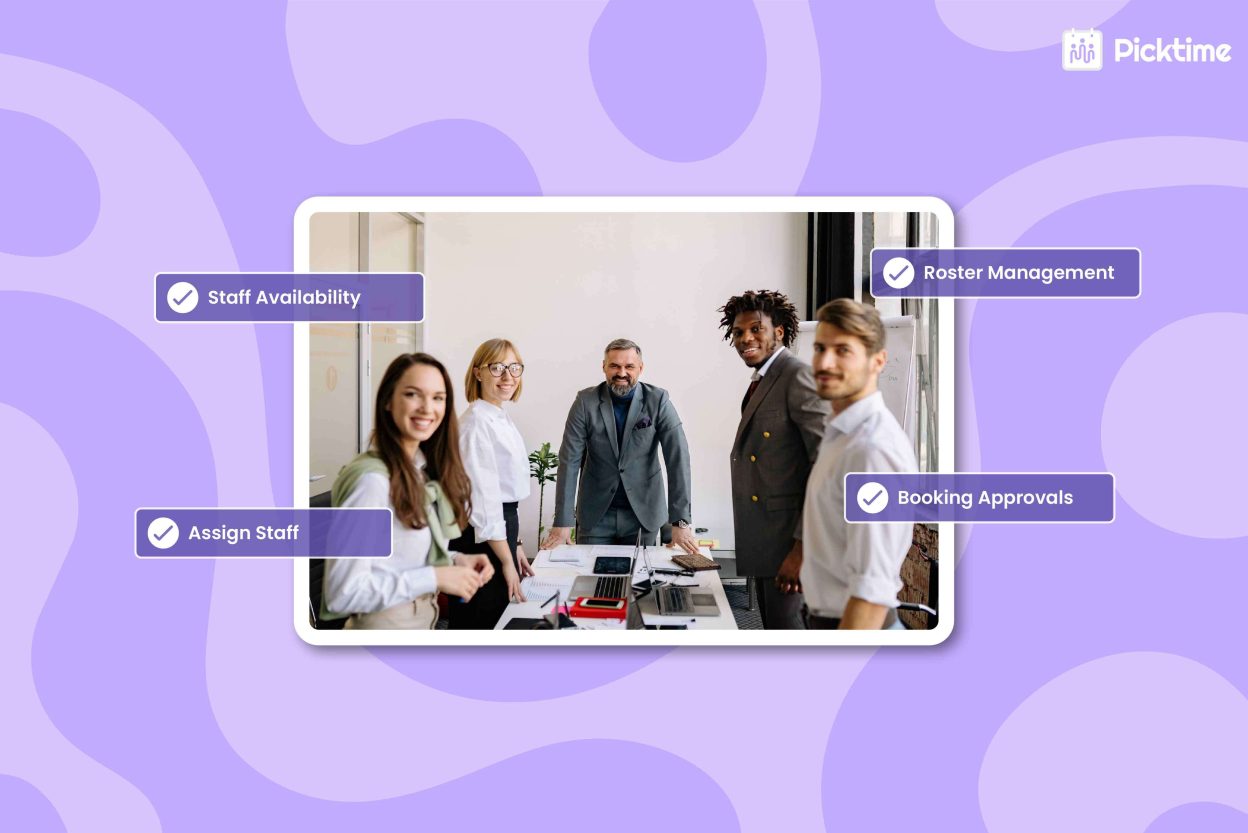
1. Staff Availability and Working Hours: You should look for tools that let you set each employee’s working hours, breaks, days off, and availability.
2. Buffer Time: Business managers should look for scheduling tools that let them add time between appointments so employees have enough time to prepare or finish the previously assigned service.
3. Employee Permissions: Managers should be able to control what team members can view or manage. They can also create individual logins and set different permission levels to match each employee’s role.
4. Calendar Sync: When you connect your external calendars to your scheduling system, you can avoid conflicts between personal commitments and business appointments. Further, Picktime also offers two-way calendar syncing with Google Calendar, Apple Calendar, Outlook, and Microsoft 365, so schedule updates stay in sync across platforms.
5. Assign Staff Automatically: When tasks can be assigned automatically, managers spend less time choosing who should handle each booking. Fortunately, Picktime’s Round Robin feature can automatically distribute bookings among team members assigned to the relevant service. Managers can choose how bookings are distributed based on team-member priority and booking counts.
6. Roster Management: With clear team rosters, managers can see who is working, spot times when more staff are needed, and adjust staffing when plans change. Beyond that, a centralized team directory also makes it easier to keep staff information organized and up to date.
7. Manage Multiple Locations: If your business operates across multiple locations, choose a tool that lets you organize employees and schedules by location.
8. Booking Approvals: Some businesses may want to review appointment requests before confirming them. Picktime’s Pro plan includes Approve Bookings, which lets managers approve or reject booking requests before confirmation.
💡Tip: If a customer makes a payment through the Picktime online booking page, the booking is automatically confirmed and does not require approval.
9. Notifications and Mobile Access: Employees can get schedule updates directly, so managers don’t have to pass along every change. Picktime’s scheduling software also provides mobile access for managing schedules and appointments while away from a desk.
10. Scheduling Reports: Reports such as Bookings by Team Member can help managers compare appointment volume across employees and use booking data to support staffing decisions.
Picktime is one of the practical options among scheduling apps for employees. It brings employee availability, customer bookings, and team scheduling into one place. Due to this, it gives managers a clear view of who’s working and when, so they don’t have to keep track of every schedule change manually.
Conclusion
Effective employee scheduling means knowing about team available hours, equal work distribution, and keeping everyone on the same page. Once your schedules are in order, managers can spend less time sorting out calendars and more time supporting their teams. Picktime’s scheduling software brings team scheduling, availability, appointment assignments, calendar sync, and permissions in one place. Now that you know what to look for in scheduling apps for employees, you can choose tools that fit the way your team works.
If you want to manage your routine team schedule, try Picktime. It makes employee scheduling easier as your business grows.
FAQ’s
1. What is an employee scheduling app?
An employee scheduling app is a digital tool that helps managers create, publish, and manage shifts or appointment assignments in one place. It brings staff availability, working hours, time off, and schedule changes together, making it easier to see who’s working and when appointments fit. Picktime also helps managers organize employee schedules and customer bookings from one place.
2. Why do managers need a scheduling app instead of spreadsheets or shared calendars?
Spreadsheets and shared calendars can make it harder to track availability and last-minute changes. Picktime brings schedules, bookings, and employee availability together, helping managers reduce conflicts and avoid assigning appointments to unavailable staff.
3. How do permissions and roles work?
With Picktime, managers can create individual logins and set permissions based on each team member’s role. For example, staff can access their own appointments, while managers can have broader access to bookings, customers, or reports. This helps limit unwanted changes and keeps team information organized.
4. Can managers change an employee’s schedule for a specific day or week?
Yes. Picktime’s roster lets managers adjust team members’ working hours for a particular day or week. This is useful when shifts, breaks, days off, or short-term availability change without requiring managers to rebuild the entire schedule.”