Key Takeaways
- Most lost bookings aren’t a marketing problem. They’re a missed-call, missed-text, missed-DM problem that quietly drains your revenue every week.
- Manual scheduling through calls, spreadsheets, and text threads leads to double bookings, late confirmations, and frustrated pet parents.
- Automated reminders cut no-shows, keep kennels full, and save your team from chasing every client by hand.
- An all-in-one dashboard means your team isn’t juggling four different apps just to confirm a single booking.
Losing potential leads starts with small things that you may not feel are big. However, over time, lost potential leads can pile up and take away revenue you’re supposed to earn. Curious? What could be the reason for this leakage of leads? It’s neither your fault nor your team member’s. But it’s because of poor dog daycare management issues. Most doggy daycare owners are late to realize they’re losing clients until it impacts their revenue and brand reputation.
If your team members are busy managing kennel and admin tasks, it becomes easy to miss calls and DMs and focus on upcoming leads. That’s why I am writing this blog to educate how you can manage your admin tasks without missing any leads. Using dog daycare booking software to keep your schedule organized and enhance client experience can make a difference. In this blog, we’ll discuss why dog daycare is losing bookings and how dog daycare software helps.
Table of Contents
Why Your Doggy Daycare Is Losing Bookings
If you run an independent kennel or manage a busy team, you already know how messy your scheduling can get without a proper scheduling system. Most owners handle bookings the way they always have. A scattered booking process, a lengthy Excel sheet shared with all team members, can really confuse your team members. The truth is, you’re not losing clients because they don’t love your daycare. You’re losing them because the booking process is harder for them than it should be.
And the reality is simple:
- Calls go to voicemail when the kennels are loud
- Texts get missed during a packed afternoon
- Two team members end up booking the same slot
- A client gives up after the third “we’ll get back to you.”
- A new lead checks Instagram, can’t find a way to book, and moves on
- Last-minute cancellations leave empty kennels and lost revenue
One missed slot can mean a missed opportunity. And those opportunities add up faster than most owners realize.
This Is Where Doggy Daycare Booking Software Steps In
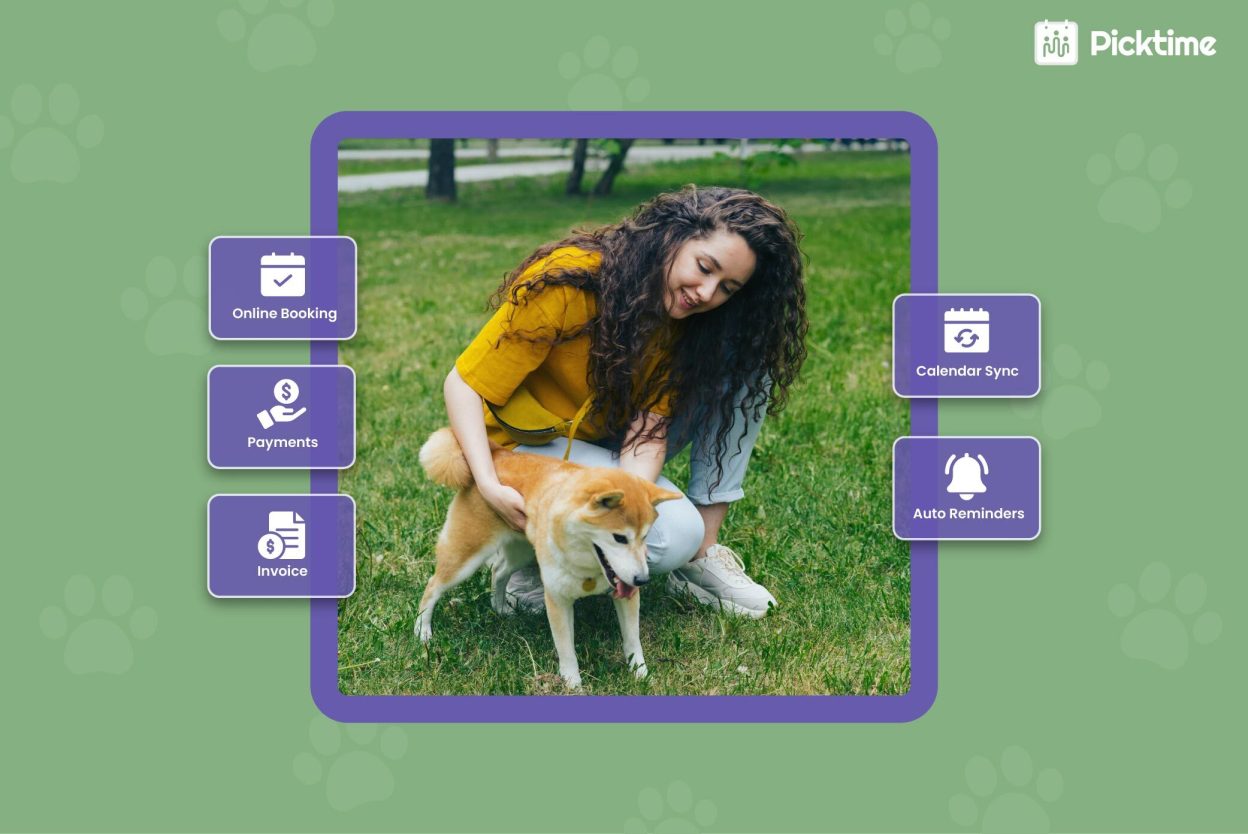
Picktime reshapes the way dog daycare centers handle bookings, payments, lead generation, and sending reminders. Rather than chasing calls and rebuilding your day around interruptions, your calendar runs in the background, your clients self-serve, and your team stays in sync with Picktime. No more manual effort and hours wasted.
Let’s take a closer look at the features doing the quiet work.
5 Time-Saving Features That Make Daycare Bookings Effortless
1. Automated Reminders
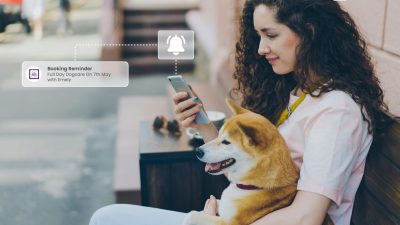
In doggy daycare, sending reminders between multiple jobs can really become time-consuming. That shouldn’t be an excuse. Late cancellations and no-shows can create a revenue leak in your business calendar. If you send timely reminders through Picktime, your clients remember their appointments more than before. A gentle nudge for busy pet owners helps them remember about their pet’s drop-off at your kennel. You can include all necessary details along with the reminders by adding customized placeholders with the help of Picktime.
Example: A daycare in Denver could send “24-hour reminder: Your pup’s daycare is scheduled for tomorrow at 8 AM. Reply to reschedule.”
2. Intuitive Interface
Handling bookings, calendars, payments, and invoices across several apps is not practical enough. Your team members might get distracted and forget to look into something really important. Picktime’s all-in-one dashboard gives you access to manage every feature and integration from one platform. The best doggy daycare software is easy to set up, mobile-friendly, and anyone can use it without any technical setup. To know further, learn how to complete your initial setup in our support article.
3. Flexible Rescheduling and Cancellations
Plans can change, pets can get sick, or owners can have plans. But there’s a plan to get out of this. Your scheduling system should provide flexibility and convenience to match your pet owners’ plans. That’s where, with Picktime, it’s super easy to reschedule your booked appointments without losing a single client. You can include a rescheduling and cancellation link in their confirmation and reminder emails, so they can reschedule or cancel, whichever seems better for them. On behalf of your clients, you can also reschedule those slots by simply drag-and drop color coded boxes on your Picktime calendar.
4. Mobile Accessibility
It’s totally impractical to expect team members to always be at a desk. They are always busy taking care of and playing with furry pals. Your dog daycare booking software should support mobile accessibility. Picktime’s mobile scheduling app gives you and your team members easy access to your schedules, just like the web app. From the mobile app, you can check daily rosters, confirm or decline bookings, and manage calendars on the go.
Example: An owner running errands could approve a same-day boarding request from the parking lot in under 30 seconds.
5. Round-Robin Scheduling
If your dog daycare has multiple handlers, trainers, or grooming teams, round-robin scheduling spreads new bookings evenly across your team. No one gets overloaded, no one sits idle, and clients always get matched with someone available. Think of it as a quiet traffic controller making sure no part of your team is doing all the work.
Example: A daycare with three handlers could rotate new boarding clients automatically so each handler builds long-term relationships with the same dogs.
Integrations That Quietly Do the Heavy Lifting
The right booking software doesn’t live in a silo. It plugs into the tools you already use, so your client information stays in one place and moves where it needs to go.
1. Sync Your Calendar in Real Time
Picktime’s two-way calendar sync helps you and your team members keep a perfect balance between work and life. You don’t have to double-entry, no missed events, no toggling between tools. You and team members can stay updated with their accurate schedules without any confusion.
2. Send Marketing Emails Without the Spreadsheet Drag
Picktime connects with marketing tools like Mailchimp and Constant Contact, so once a client books, they’re already in the right list. Send a welcome email, a vaccination reminder, or a holiday boarding promo without exporting a spreadsheet at midnight. Once your dog daycare booking software is integrated with these tools, sending and managing email campaigns becomes as simple as a few clicks.
3. Automate Workflow with Your CRM
Picktime offers advanced integration capabilities to run your day-to-day operations on autopilot. With Picktime, you can integrate with CRM tools, like HubSpot, Pipedrive, Salesforce, and Zoho. It means whenever a client books an appointment, all client details are automatically exported to your connected tool. Without lifting a finger, all your clients’ data will be transferred, and you can easily run and manage email campaigns or plan accordingly based on your business needs.
4. Conclusion: Stop Losing Bookings, Start Growing Them
Optimizing your appointment scheduling process for kennels and dog daycare centers can help retain existing customers and attract new ones easily. Managing a busy dog daycare involves handling team members, bookings, reminders, and payments. When you automate the daily operations with the help of dog daycare management software, your business runs smoothly. Picktime dog daycare software offers a complete suite of advanced features and integrations to grow your doggy daycare center. Once you start using these strategies, you’ll automatically see a change in your scheduling and never lose a booking.
👉 So, start using Picktime for free and enhance the overall booking experience.
FAQs
1. Can I send reminders without my team doing it manually?
Yes, you can. Once a client books, Picktime sends automated email and SMS reminders at the times you choose. Your team doesn’t have to chase anyone manually, and pet parents arrive on time with the right vaccination records and food instructions, so your morning drop-offs run smoother from day one.
2. What happens if a client wants to reschedule at the last minute?
Picktime’s every confirmation and reminder email can include a reschedule and cancel link, so clients can easily update their booking by themselves without calling your front desk or waiting for human confirmation.
3. Does Picktime have a mobile app?
Yes. Picktime’s mobile app gives you and your team the access as the web version, so you can approve bookings, check the day’s roster, and manage calendars from anywhere. Your team stays updated with the all-day schedules without running back to the desk every few minutes.
4. Can I connect Picktime to the tools I already use?
Yes, Picktime integrates with 30+ third-party apps like HubSpot, Salesforce, Google Calendar, Stripe, and more. Your bookings, emails, and client records stay in sync automatically, so you spend less time copy-pasting data and more time caring for the dogs.